
CSMFlow - Customer Success & Health for monday CRM
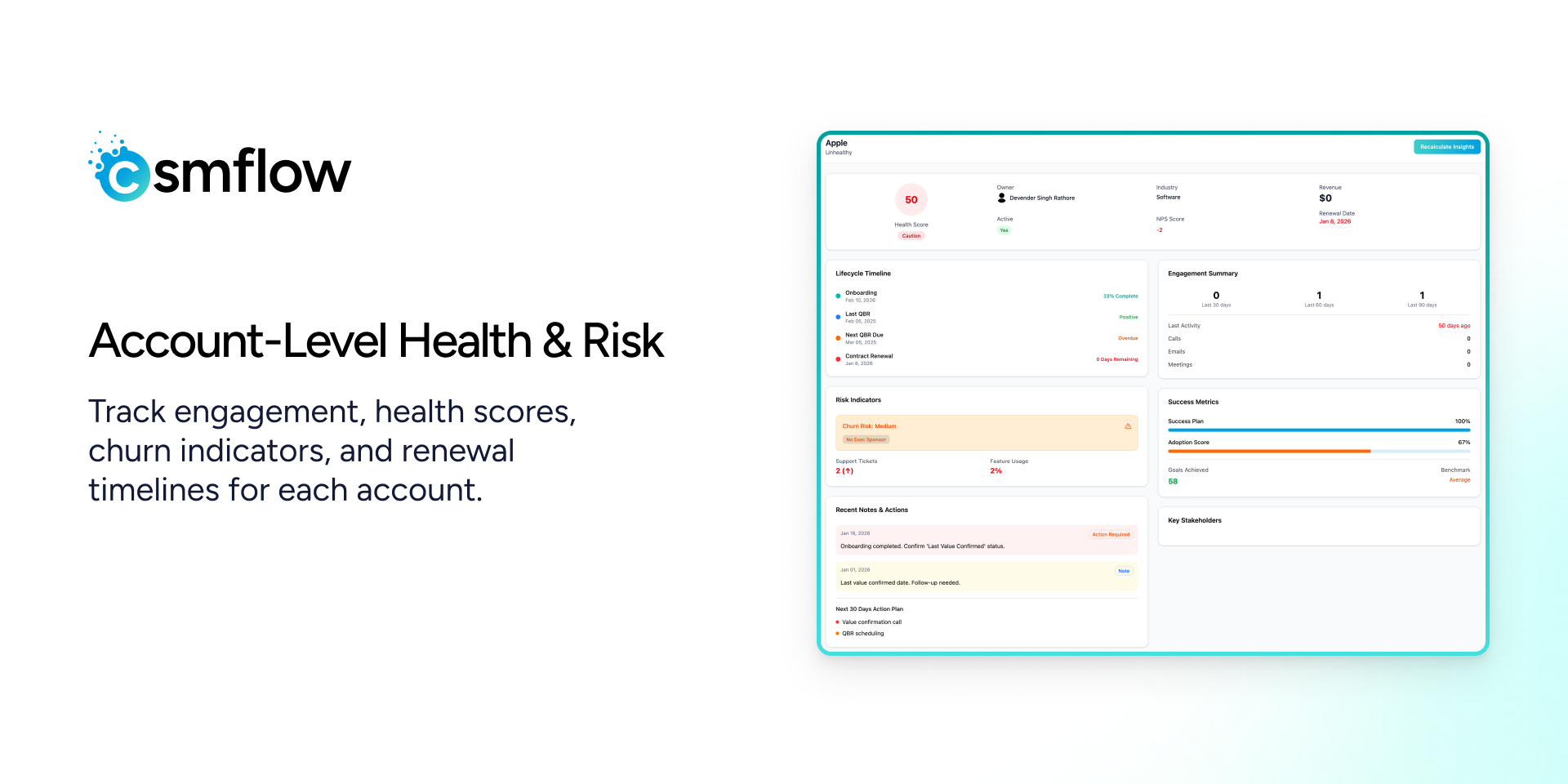
CSMFlow is a Customer Success Management app built natively for the monday.com CRM ecosystem. It helps Customer Success Managers proactively identify at-risk accounts, track onboarding progress, and drive renewals using actionable insights - all directly from their monday boards.
With CSMFlow, teams can monitor account health scores, detect churn risks, and take timely actions using playbooks, QBRs, and renewal workflows. The app provides multiple dashboards, including onboarding insights, account insights, QBR & renewal insights, and overall customer health views, giving CSM teams a clear picture of customer engagement and risk at every stage.
CSMFlow allows teams to:
- Identify high-risk and low-engagement accounts
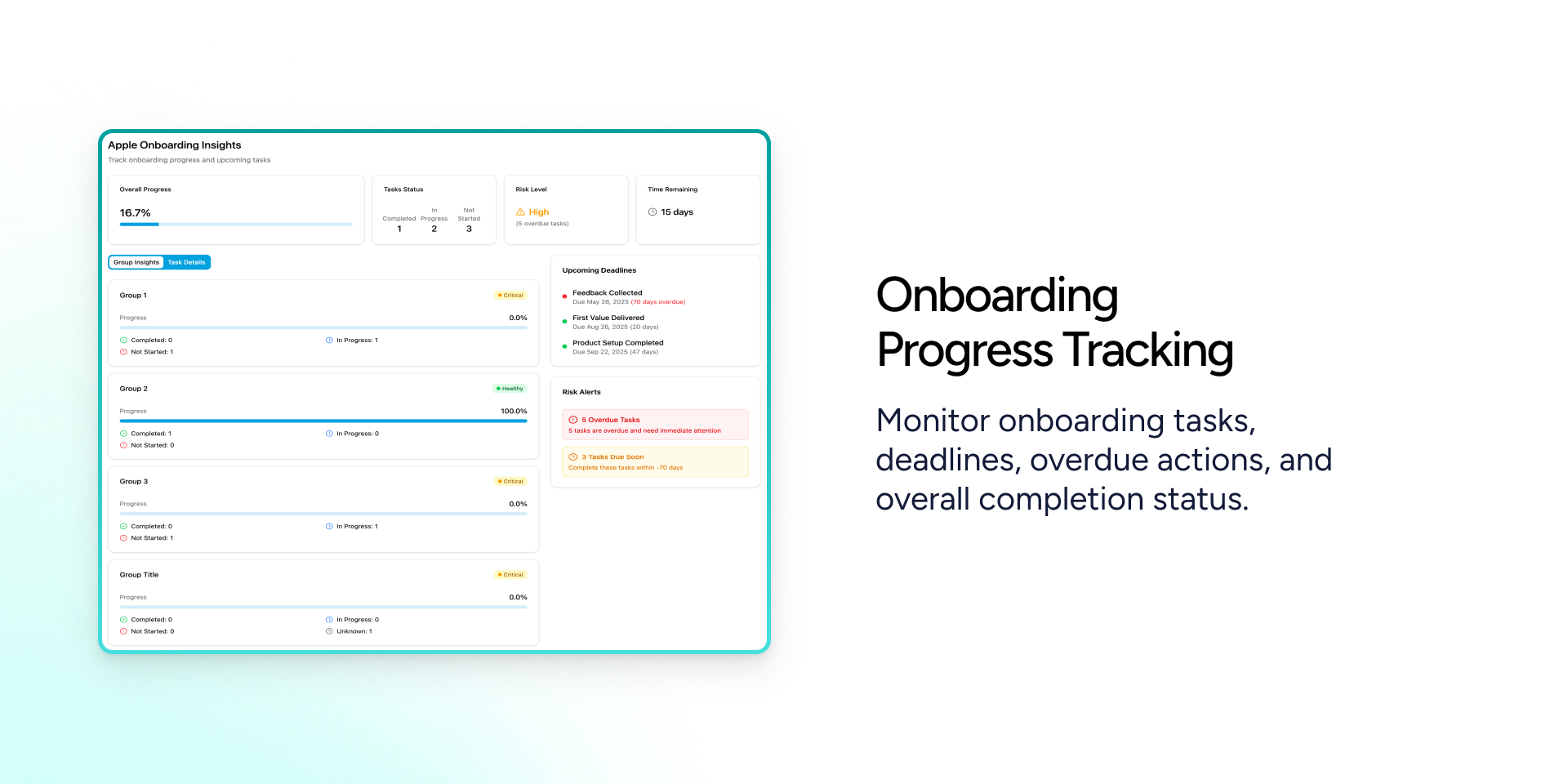
- Track onboarding progress with task-level visibility
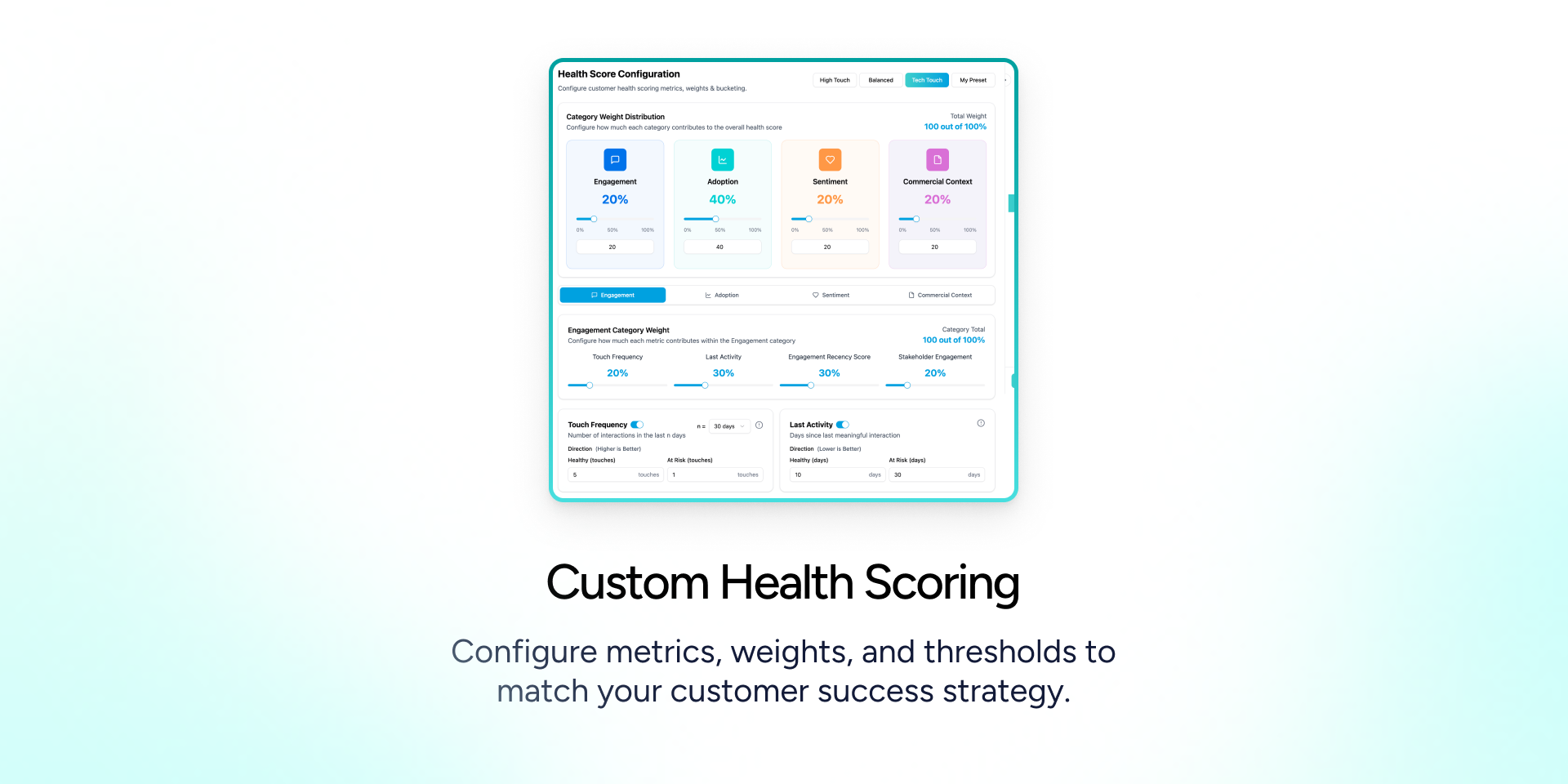
- Configure custom health score metrics and weights
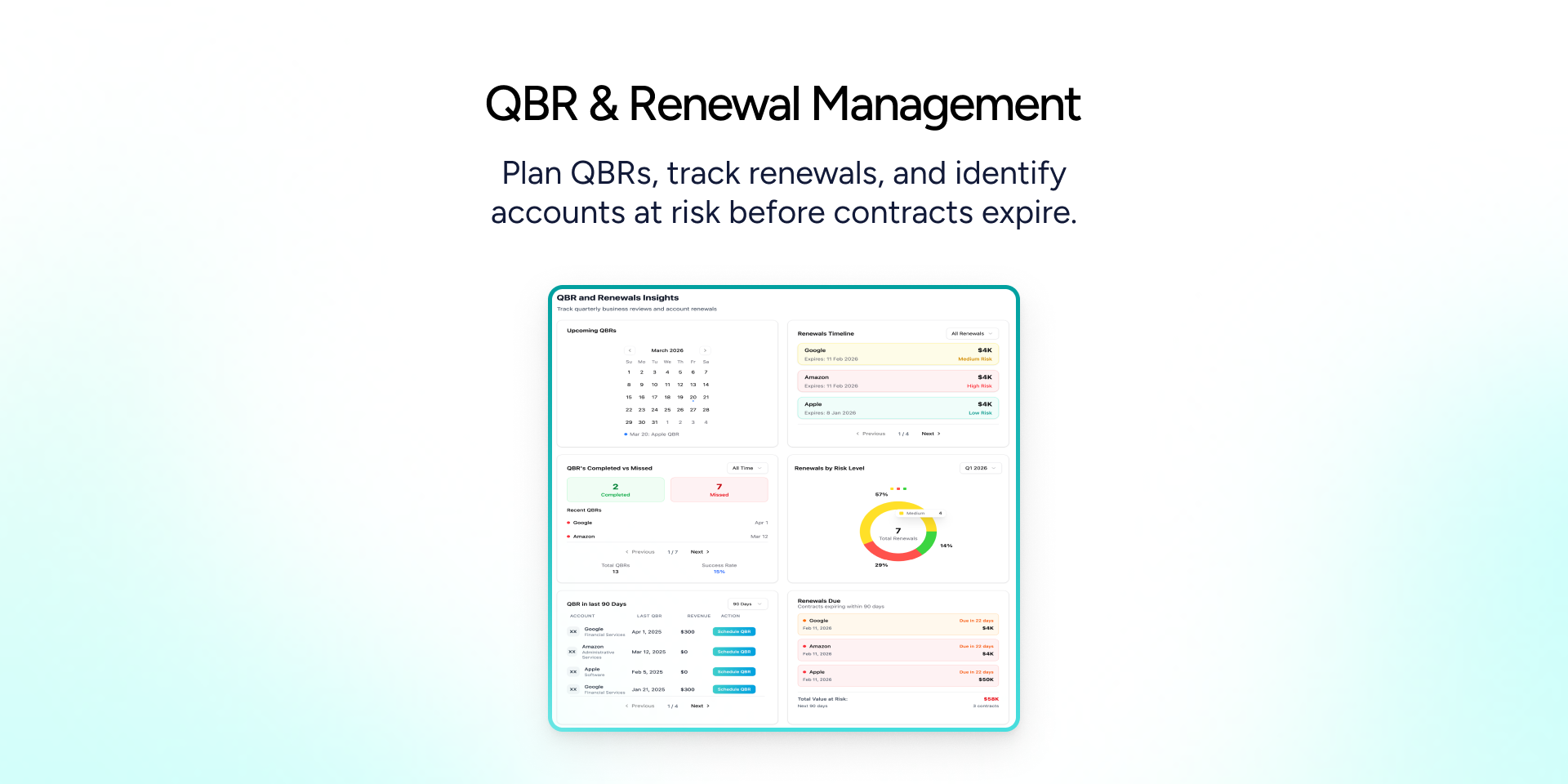
- Create and manage QBRs and renewals
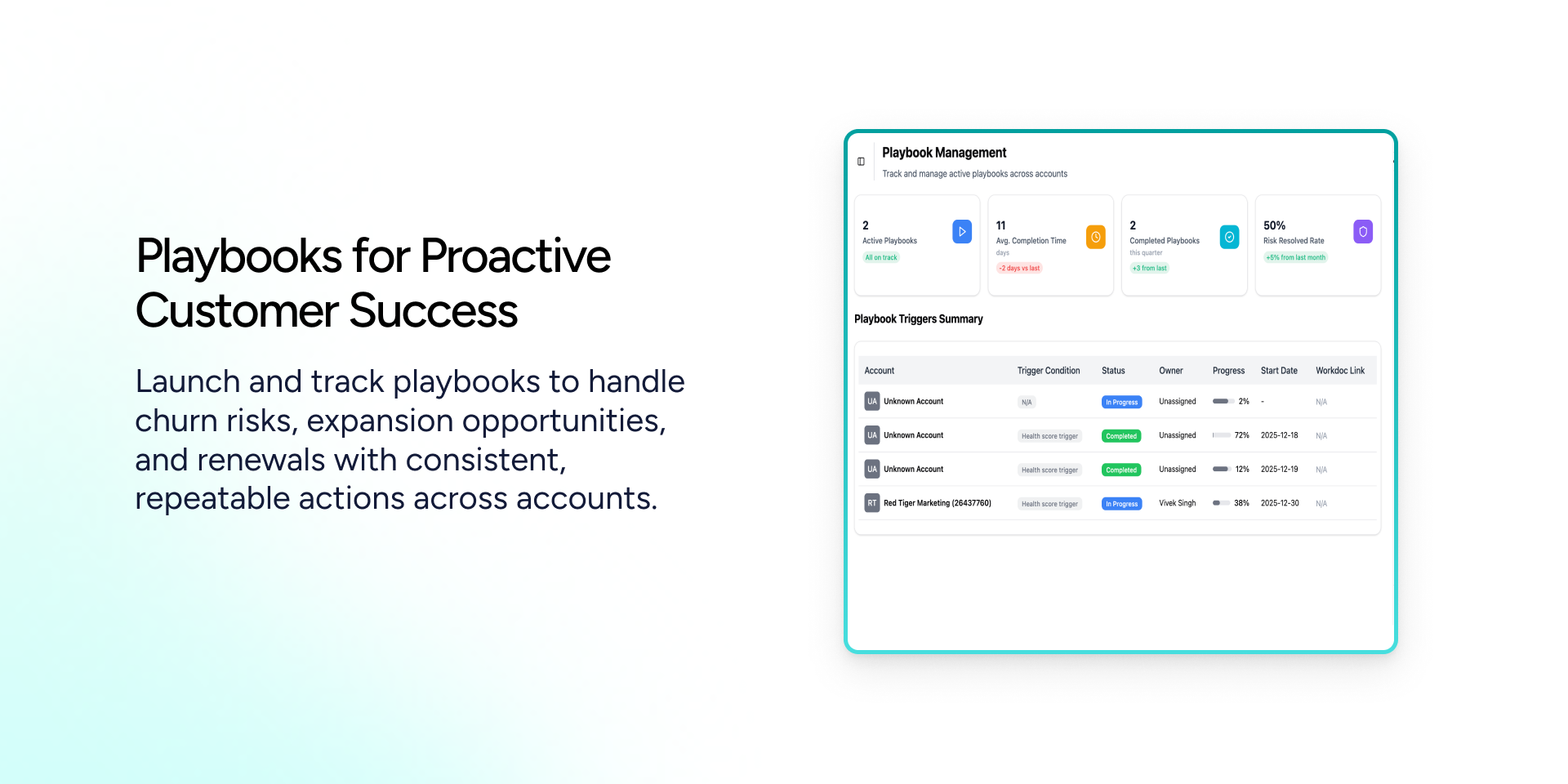
- Run playbooks to standardize customer success actions
- Trigger automations using Monday automations, app-level automation, or integrations
- Sync CRM boards into the app to avoid API rate-limit issues
The app supports Board View, Item View, Object View (Main Dashboard), and Integrations Sentence Builder Feature, making it flexible for different workflows. Sensitive customer data is securely handled with encryption and masking, ensuring enterprise-grade data protection.
CSMFlow also incorporates AI-powered insights to automatically analyze customer communications, activities, and engagement signals. Using AI, the platform generates activity summaries, sentiment analysis, and NPS predictions to help CSMs quickly understand customer health and identify potential risks earlier. These AI insights enhance dashboards and workflows, enabling faster and more informed decision-making for customer success teams.
CSMFlow empowers customer success teams to move from reactive firefighting to proactive, insight-driven account management - improving retention, renewals, and long-term customer relationships.
Security & Compliance
The app developer did not provide the security and compliance information for this app.
Reviews
No reviews yet.
Historical data
Installation history
We have data for December 28, 2024 onwards only. Collected sometime after 00:00 UTC daily.
Total number of installs
Change in total number of installs in last 1 day(s)
Compares the number of installs on each date with 1 days previously:
Change in total number of installs in last 7 day(s)
Compares the number of installs on each date with 7 days previously:
Change in total number of installs in last 30 day(s)
Compares the number of installs on each date with 30 days previously:
Change in total number of installs in last 90 day(s)
Compares the number of installs on each date with 90 days previously:
Change in total number of installs in last 180 day(s)
Compares the number of installs on each date with 180 days previously:
Ratings history
Categories history
Each of the following is a yes/no answer, so the graphs show 1 for yes, and 0 for no.