
Gantt to Slides
0 installs, since March 18, 2026. 0.0 installs/month. Updated March 12, 2026.
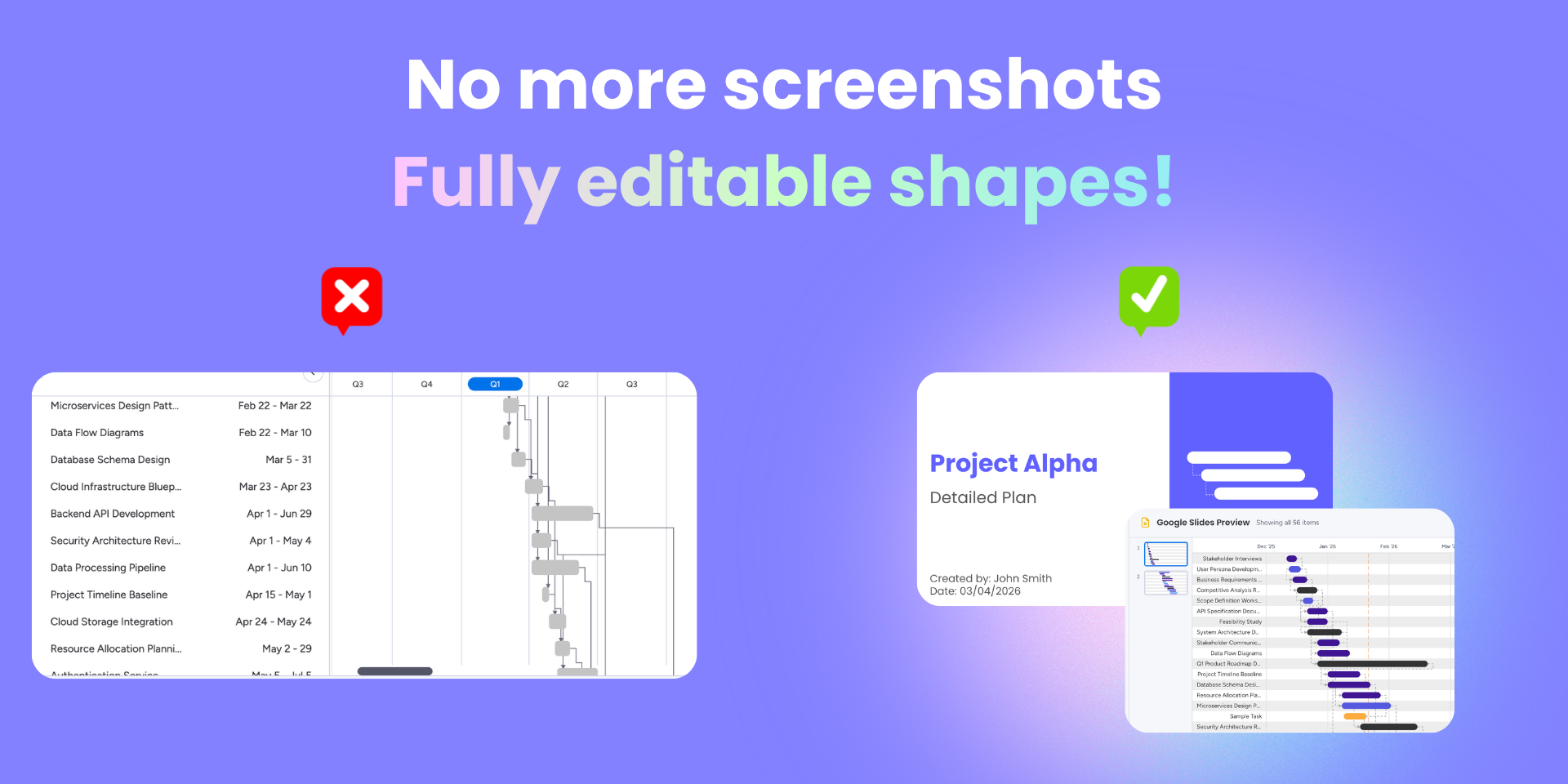


Transform your Gantt charts into Google Slides in one click!
Stop wasting hours on manual reporting and static screenshots.
Gantt to Slides is the ultimate productivity hack for people who need to present their timelines to leadership, stakeholders, or clients.
The biggest bottleneck in project communication is the tedious process of copying and pasting from monday to presentations.
Gantt to Slides solves this by instantly transforming your live project data into professional, high-quality Google Slides.
Whether you are prepping for a high-stakes board meeting or a weekly client sync, this app ensures your reports are accurate, visual, and ready to share.
Gantt to Slides offers the flexibility needed to tailor your message for different audiences.
You can choose:
- "Full Gantt" view - For deep-dive technical reviews.
- "Milestones Only" - Create high-level executive summaries that highlight critical project markers.
- Choose your items - Select just the stuff you need
Gantt to Slides creates fully editable objects within Google Slides. This means you can adjust colors, move bars, and tweak text directly within your deck to match your brand’s presentation style perfectly. Please note, changes in the slides will not be reflected in the board timeline.
Key Benefits & Use Cases:
- One-Click Creation - Instantly convert complex boards into clean, structured slide decks.
- Editable Elements - Move and resize Gantt bars and milestones directly in Google Slides for custom layouts.
- Secure Integration - Connect seamlessly with your Google account using secure OAuth protocols for data safety.
Ready to reclaim your time and elevate your project reporting? Start visualizing your progress more effectively today. For detailed setup instructions, feature updates, or support, visit our landing page
Security & Compliance
The app developer did not provide the security and compliance information for this app.
Reviews
No reviews yet.
Historical data
Installation history
We have data for December 28, 2024 onwards only. Collected sometime after 00:00 UTC daily.
Total number of installs
Change in total number of installs in last 1 day(s)
Compares the number of installs on each date with 1 days previously:
Change in total number of installs in last 7 day(s)
Compares the number of installs on each date with 7 days previously:
Change in total number of installs in last 30 day(s)
Compares the number of installs on each date with 30 days previously:
Change in total number of installs in last 90 day(s)
Compares the number of installs on each date with 90 days previously:
Change in total number of installs in last 180 day(s)
Compares the number of installs on each date with 180 days previously:
Ratings history
Categories history
Each of the following is a yes/no answer, so the graphs show 1 for yes, and 0 for no.