
Saiban Pro
2 installs, since March 16, 2026. 2 installs/month. Updated March 15, 2026.
Auto-numbering optimized for Japanese business practices
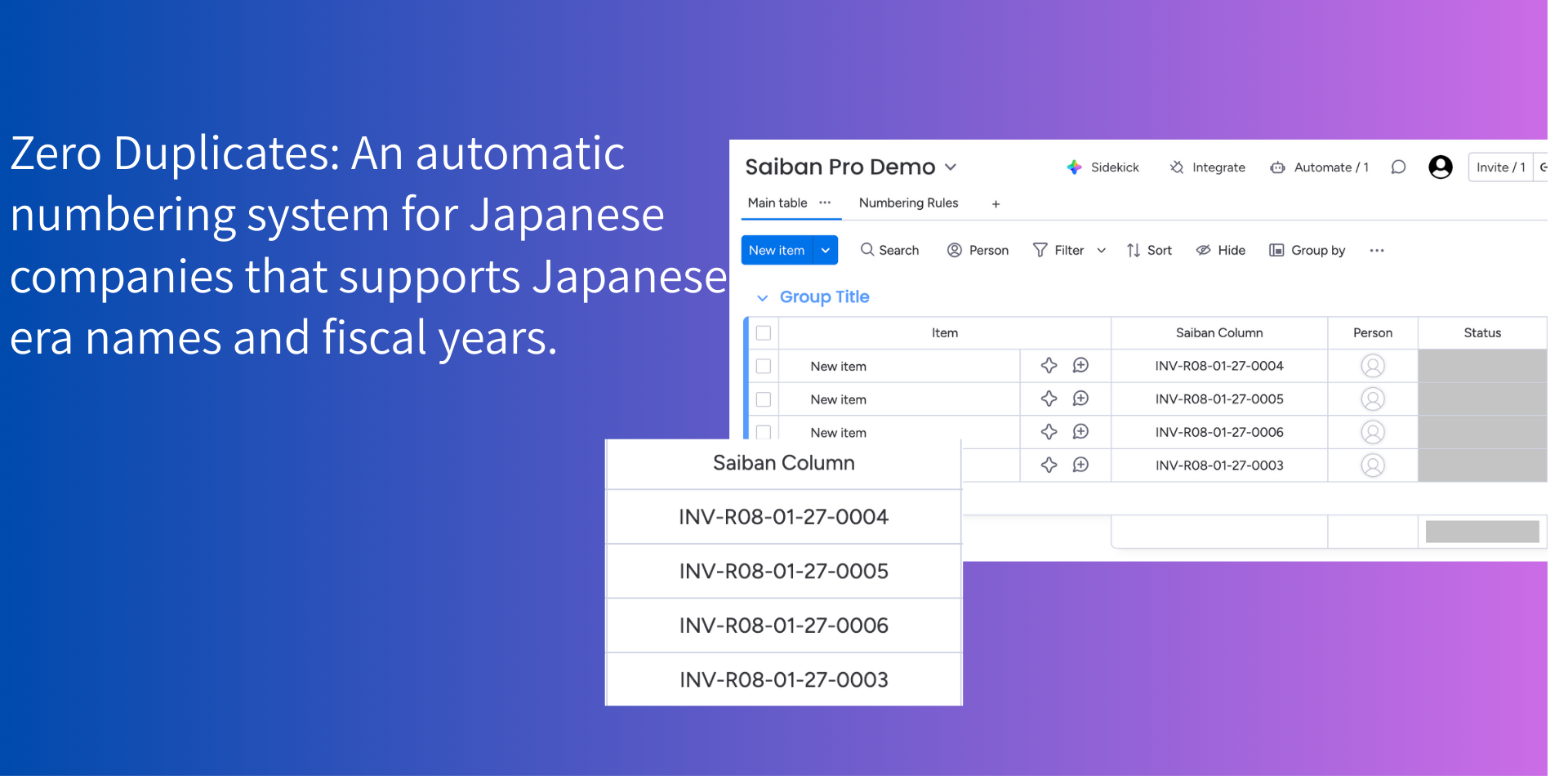
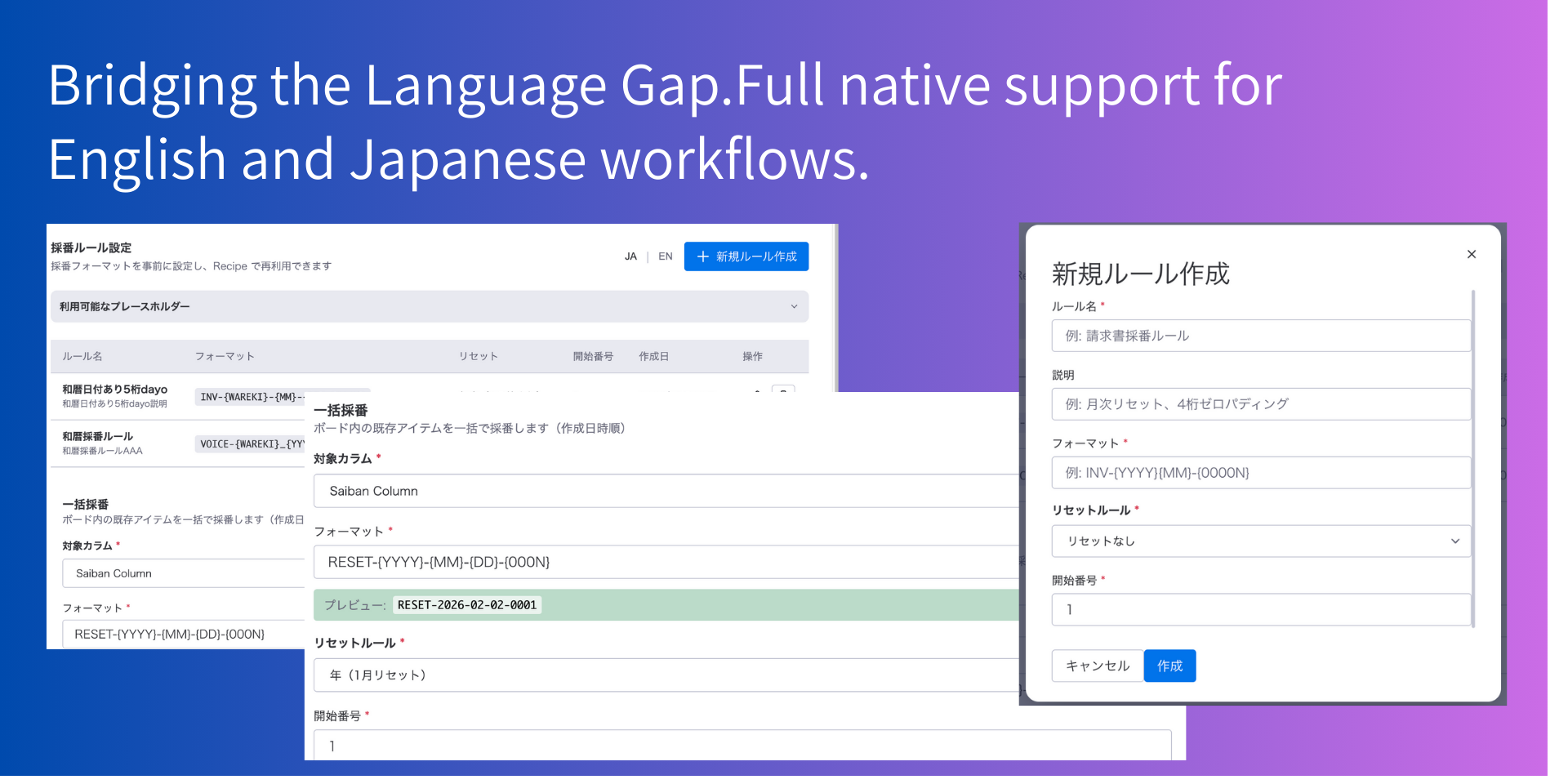
Saiban Pro is an auto-numbering solution designed specifically for Japanese business practices.
Key Features:
- Guaranteed Unique Numbers - Atomic operations ensure no duplicate numbers, even under high concurrency.
- Japanese Fiscal Year Support - Auto-reset numbering on April 1st (Japanese fiscal year start).
- Wareki (Japanese Era) Format - Generate numbers with Japanese era notation (e.g., R7 for Reiwa 7).
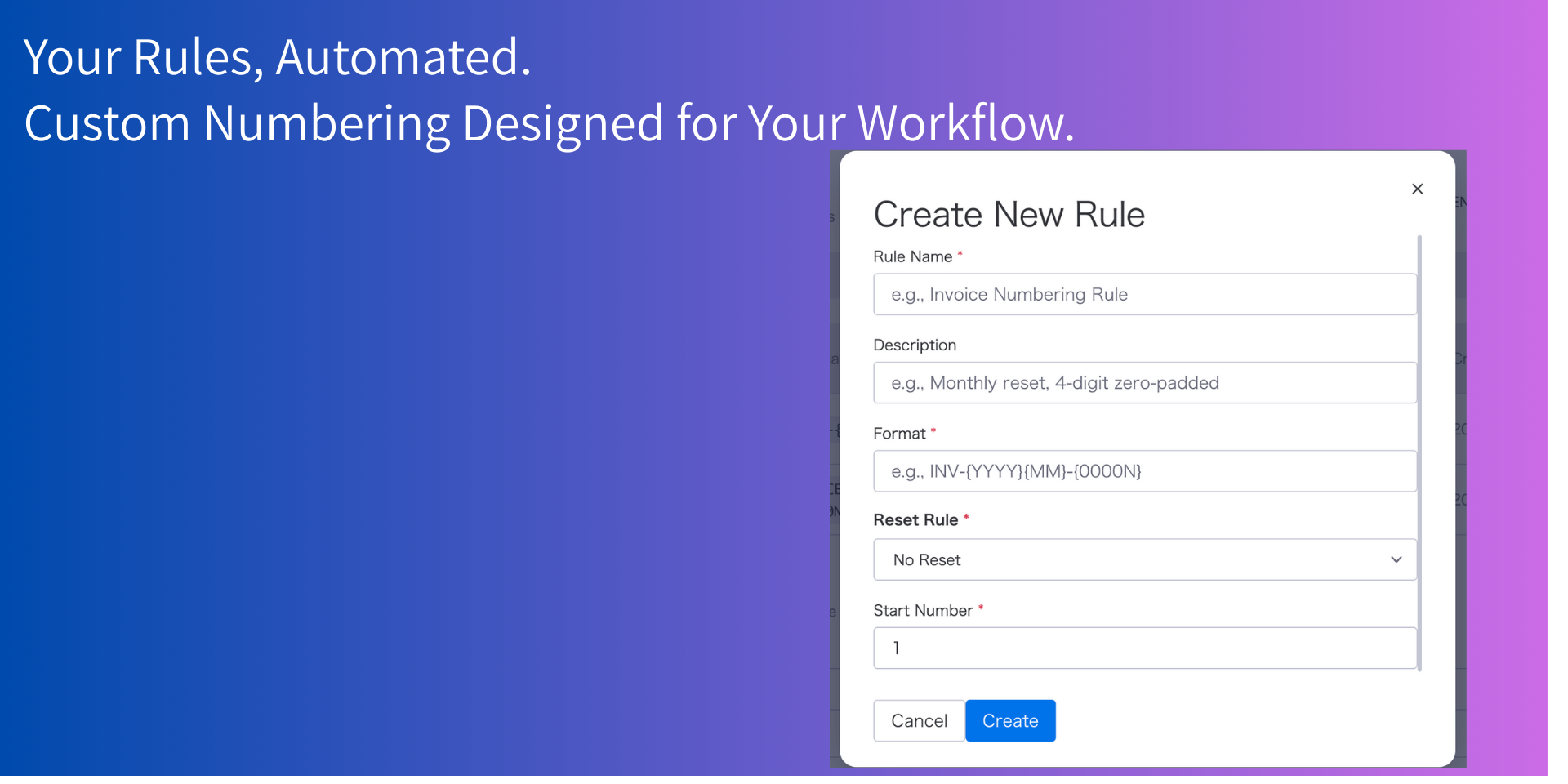
- Flexible Formats - Customize with placeholders: {N}, {0001N}, {YYYY}, {FY}, {MM}, {DD}, {WAREKI}.
- Multiple Reset Rules - Choose from: no reset, fiscal year, calendar year, or monthly reset.
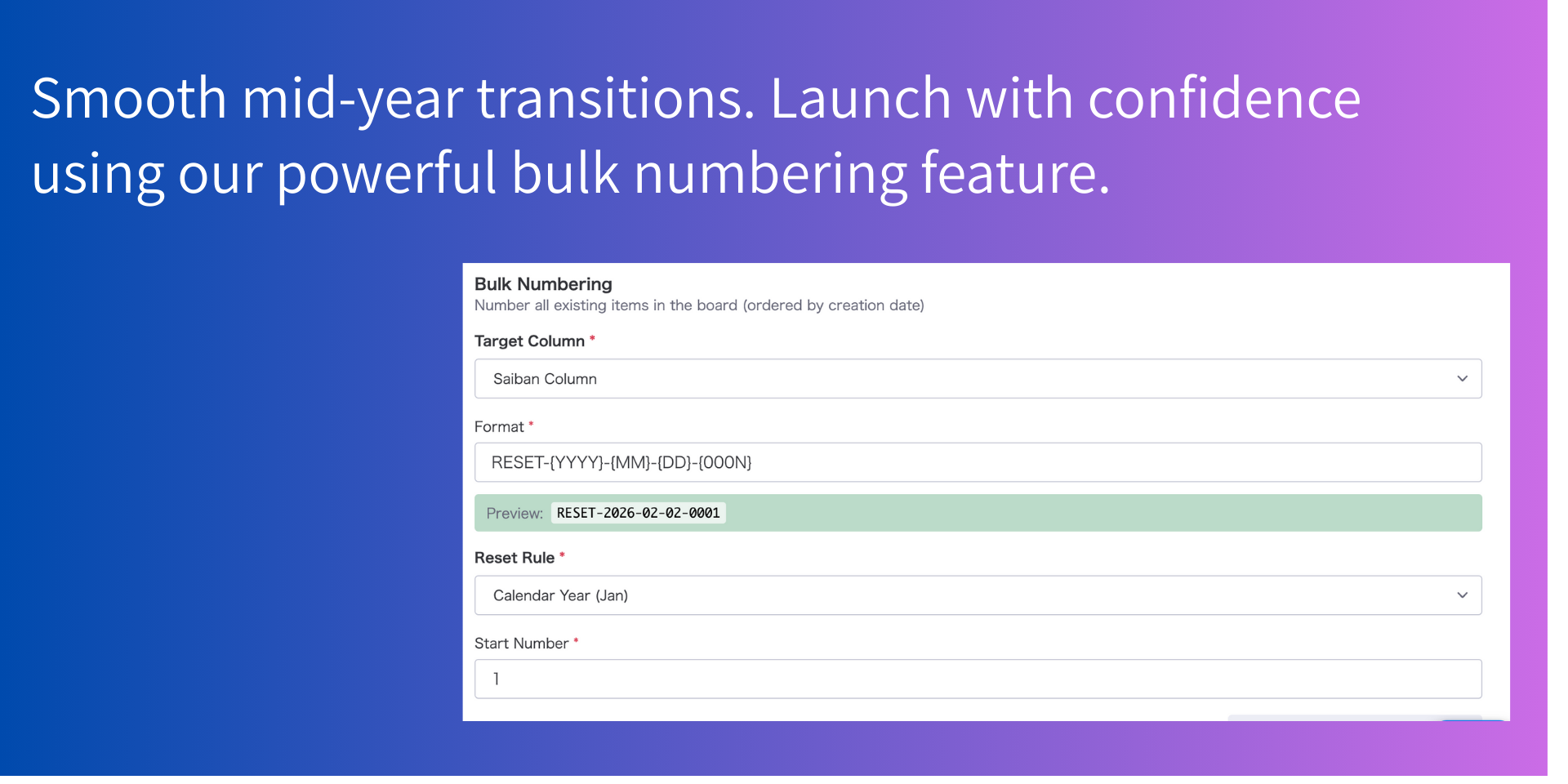
- Bulk Numbering - Re-number existing items in order with one click.
Use Cases:
- Invoice numbering
- Contract document IDs
- Internal approval request numbers
- Order management numbers
How It Works:
- Create a numbering rule with your preferred format.
- Set up an automation trigger (e.g., when item is created).
- Numbers are automatically assigned to your specified column.
Important Notes:
Workflow Scalability: > The system supports up to 200 items per simultaneous workflow trigger. For scenarios requiring more than 200 items at once, please use the Bulk Numbering feature. To do this, simply filter the target items by setting a condition where the ID column is blank, ensuring all items are numbered accurately without missing a beat.
Built on monday code for reliability and security.
Security & Compliance
The app developer did not provide the security and compliance information for this app.
Reviews
No reviews yet.
Historical data
Installation history
We have data for December 28, 2024 onwards only. Collected sometime after 00:00 UTC daily.
Total number of installs
Change in total number of installs in last 1 day(s)
Compares the number of installs on each date with 1 days previously:
Change in total number of installs in last 7 day(s)
Compares the number of installs on each date with 7 days previously:
Change in total number of installs in last 30 day(s)
Compares the number of installs on each date with 30 days previously:
Change in total number of installs in last 90 day(s)
Compares the number of installs on each date with 90 days previously:
Change in total number of installs in last 180 day(s)
Compares the number of installs on each date with 180 days previously:
Ratings history
Categories history
Each of the following is a yes/no answer, so the graphs show 1 for yes, and 0 for no.