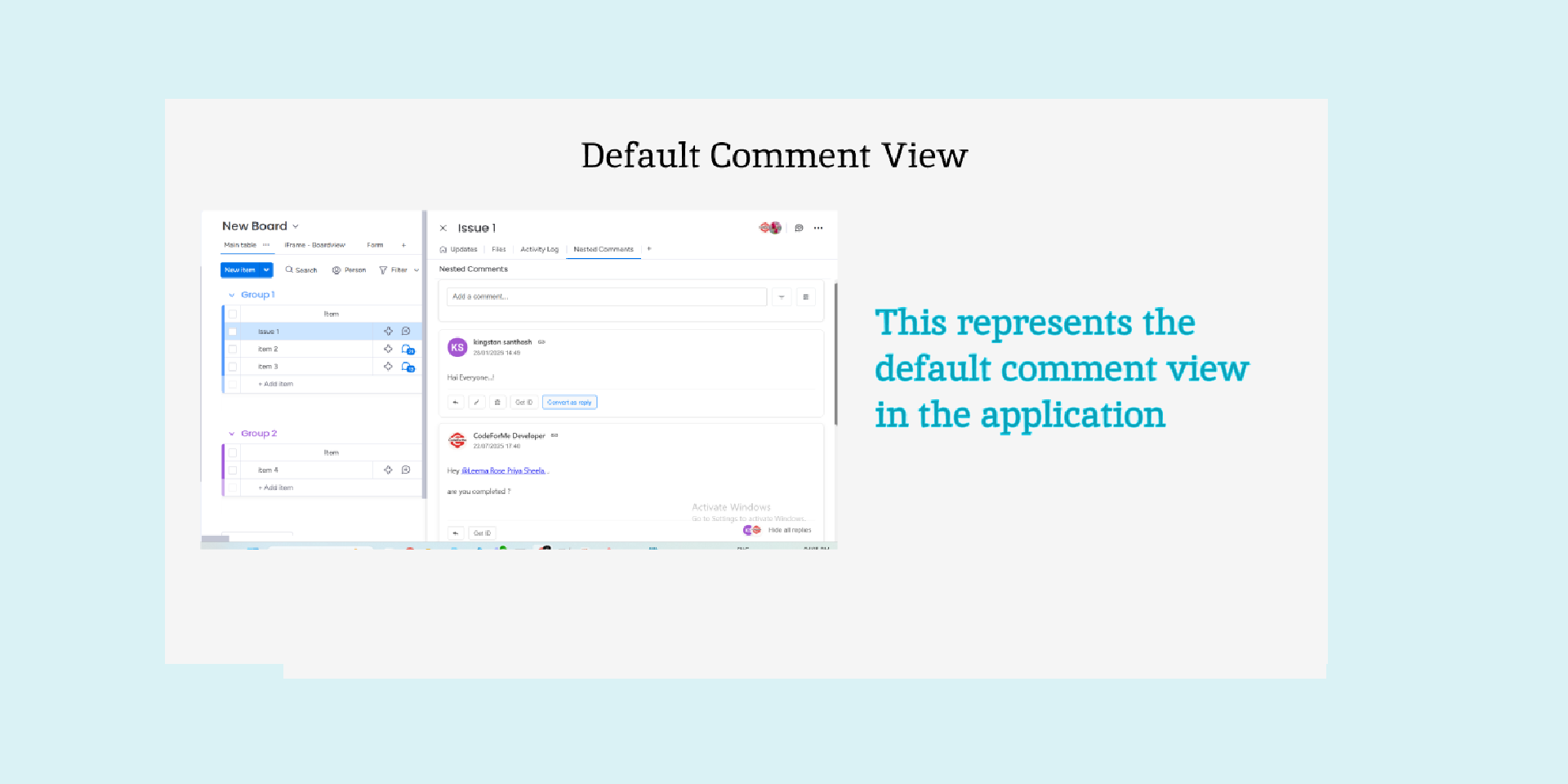
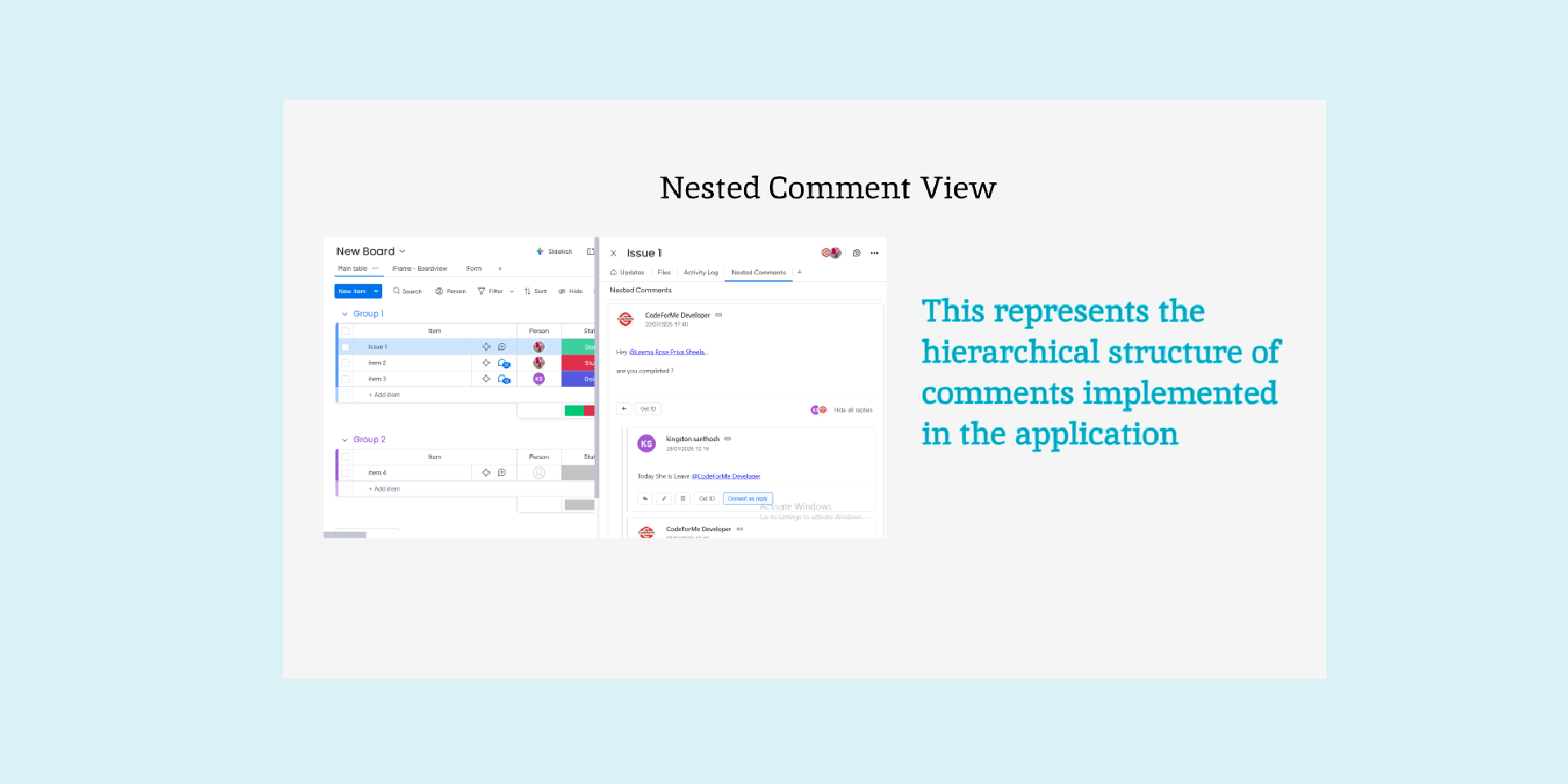
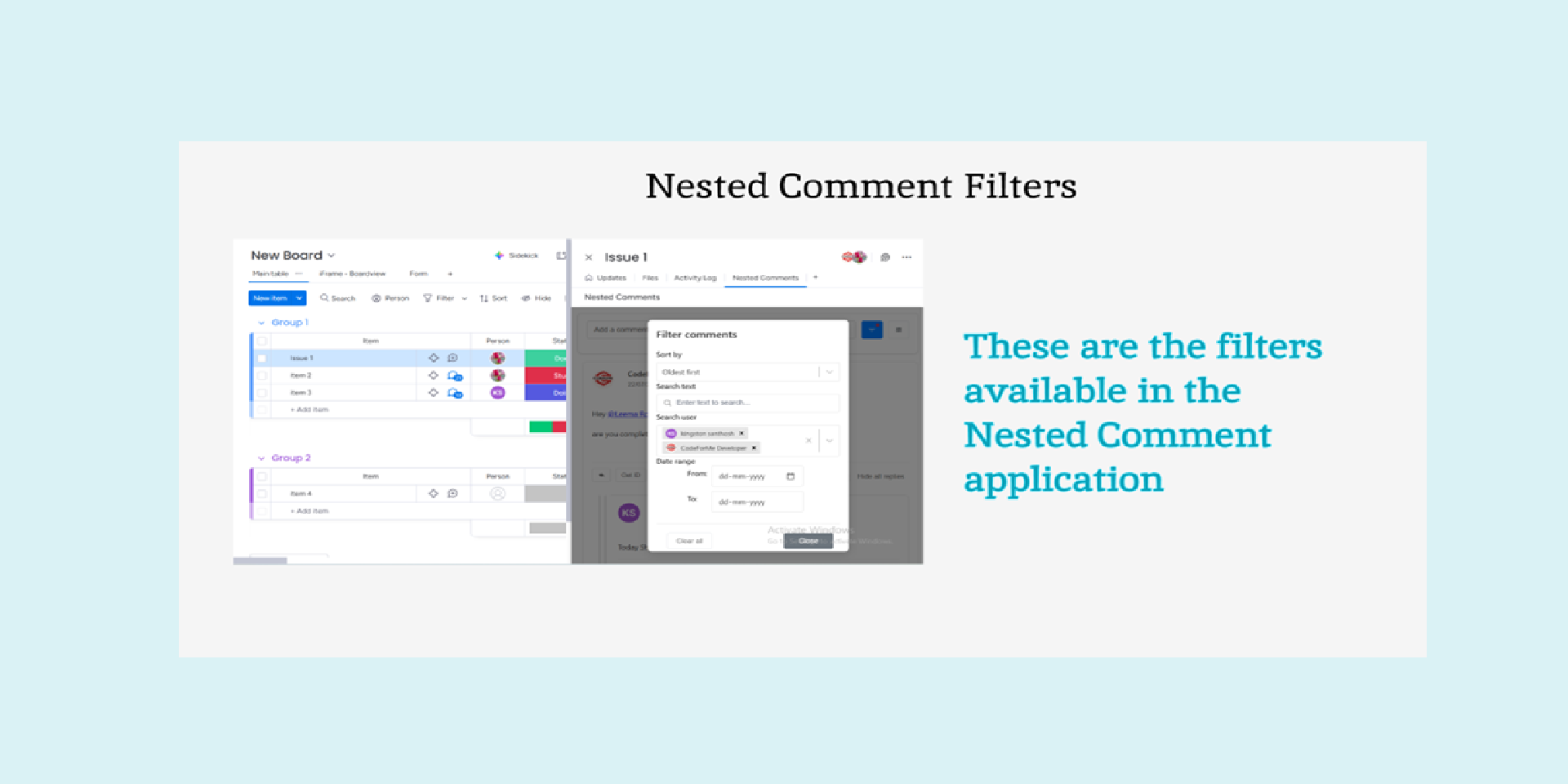
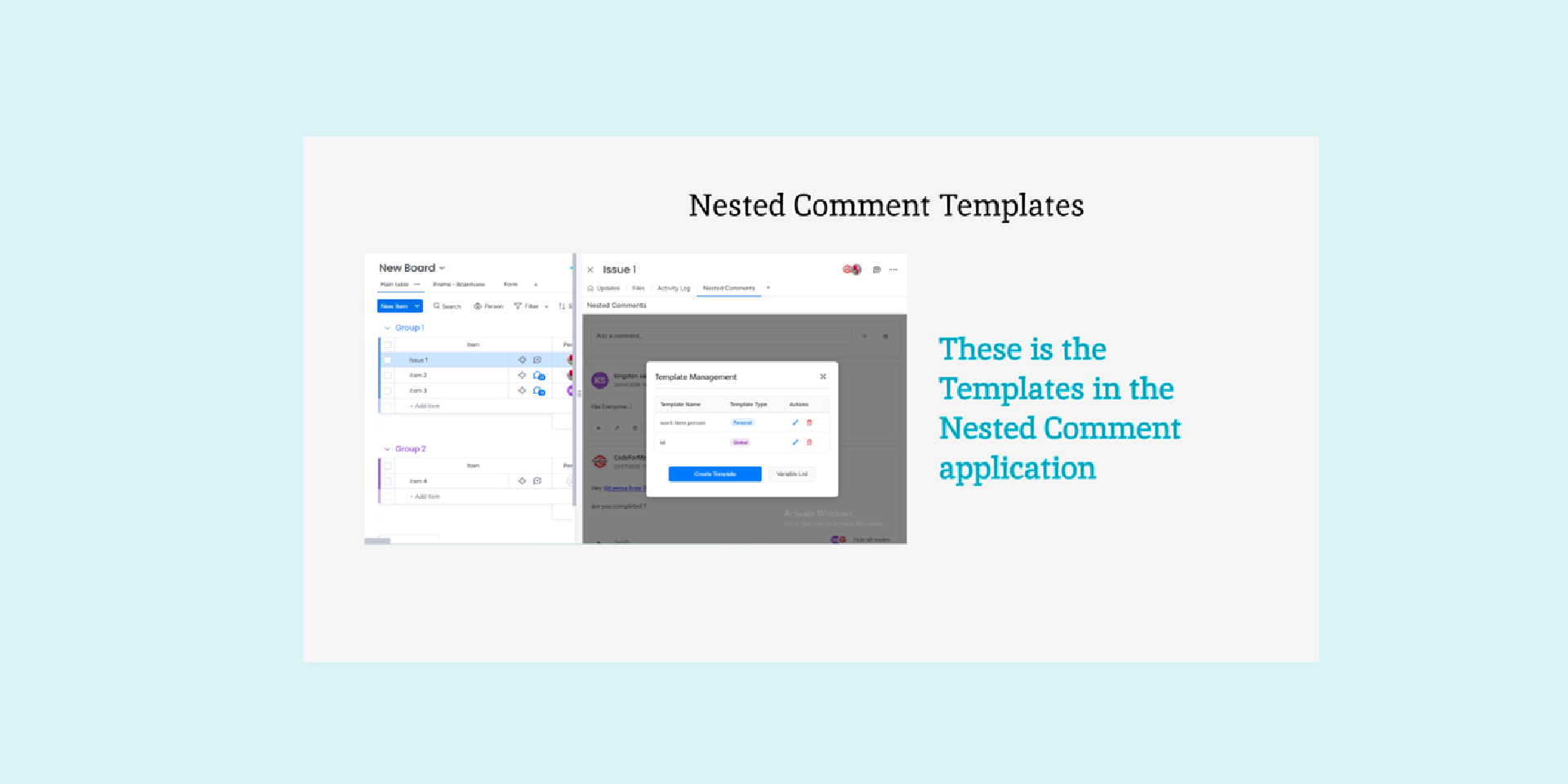
Transform your monday.com updates into organized, threaded conversations with the Nested Comments app. This powerful solution replaces flat, hard-to-follow comment threads with structured discussions, allowing users to reply directly to specific comments and maintain a clear hierarchy with visual connectors between parent and child replies. Featuring a Rich Text Editor for formatted communication and customizable personal or global templates with dynamic variables like $person, $id, $now, and $status that auto-populate real-time item data, the app helps teams save time and stay consistent. Users can easily filter conversations by user, search text, or date range, and perform actions such as reply, edit, delete, copy direct links, grab comment IDs, or convert comments into replies under another parent. The system automatically detects the current user for permission-based actions, fully respects monday.com viewer permissions, and securely stores structured comment hierarchies within monday’s storage infrastructure—making it ideal for project updates, client feedback, and any scenario where clear, searchable, and well-structured team communication is essential.
Security & Compliance
The app developer did not provide the security and compliance information for this app.
Reviews
No reviews yet.
Historical data
Installation history
We have data for December 28, 2024 onwards only. Collected sometime after 00:00 UTC daily.
Total number of installs
Change in total number of installs in last 1 day(s)
Compares the number of installs on each date with 1 days previously:
Max
Min
Current
Change in total number of installs in last 7 day(s)
Compares the number of installs on each date with 7 days previously:
Max
Min
Current
Change in total number of installs in last 30 day(s)
Compares the number of installs on each date with 30 days previously:
Max
Min
Current
Change in total number of installs in last 90 day(s)
Compares the number of installs on each date with 90 days previously:
Max
Min
Current
Change in total number of installs in last 180 day(s)
Compares the number of installs on each date with 180 days previously:
Max
Min
Current
Ratings history
Categories history
Each of the following is a yes/no answer, so the graphs show 1 for yes, and 0 for no.