
Surfe
17 installs, since February 19, 2026. 5 installs/month. Updated February 18, 2026.
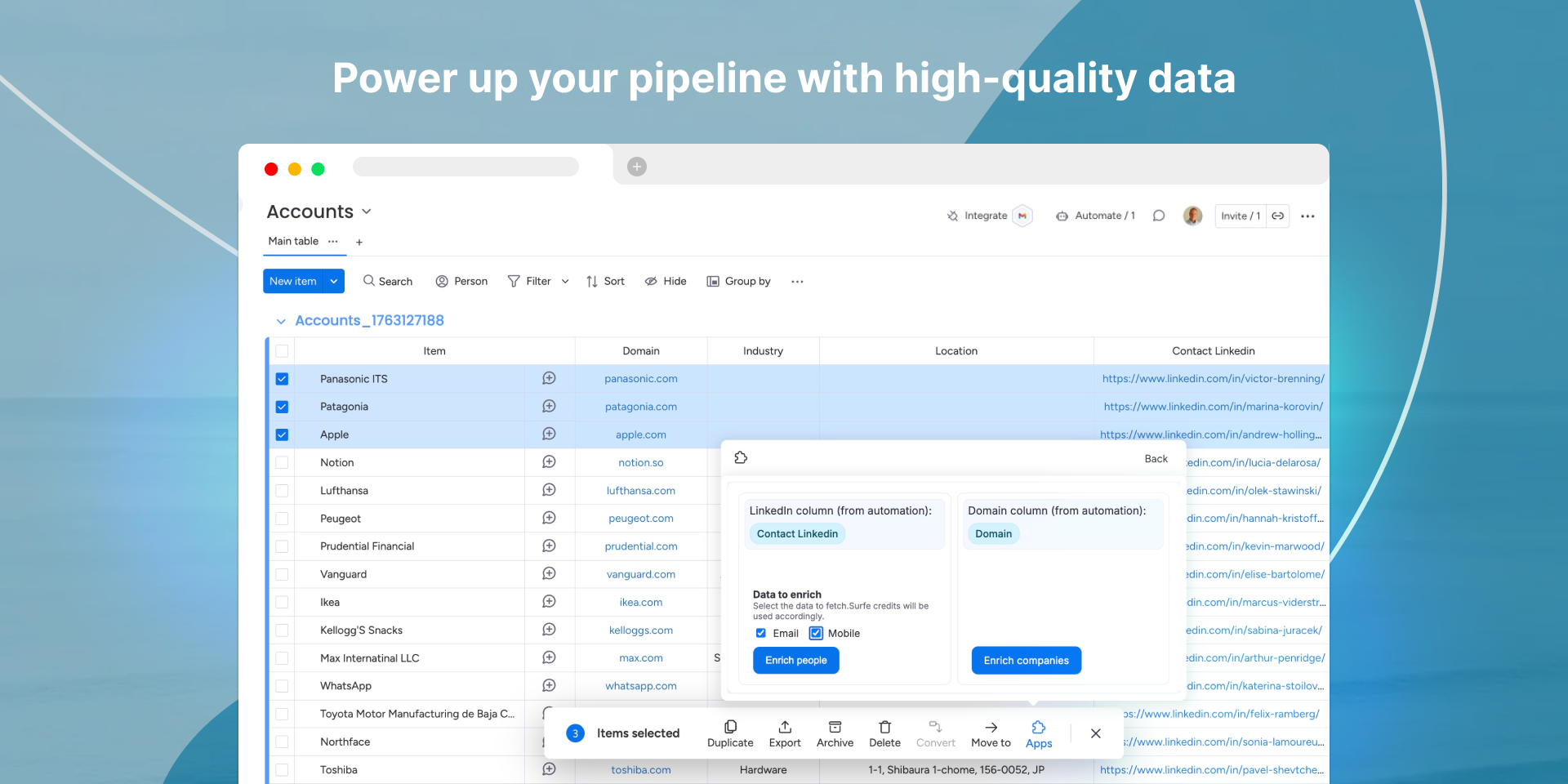
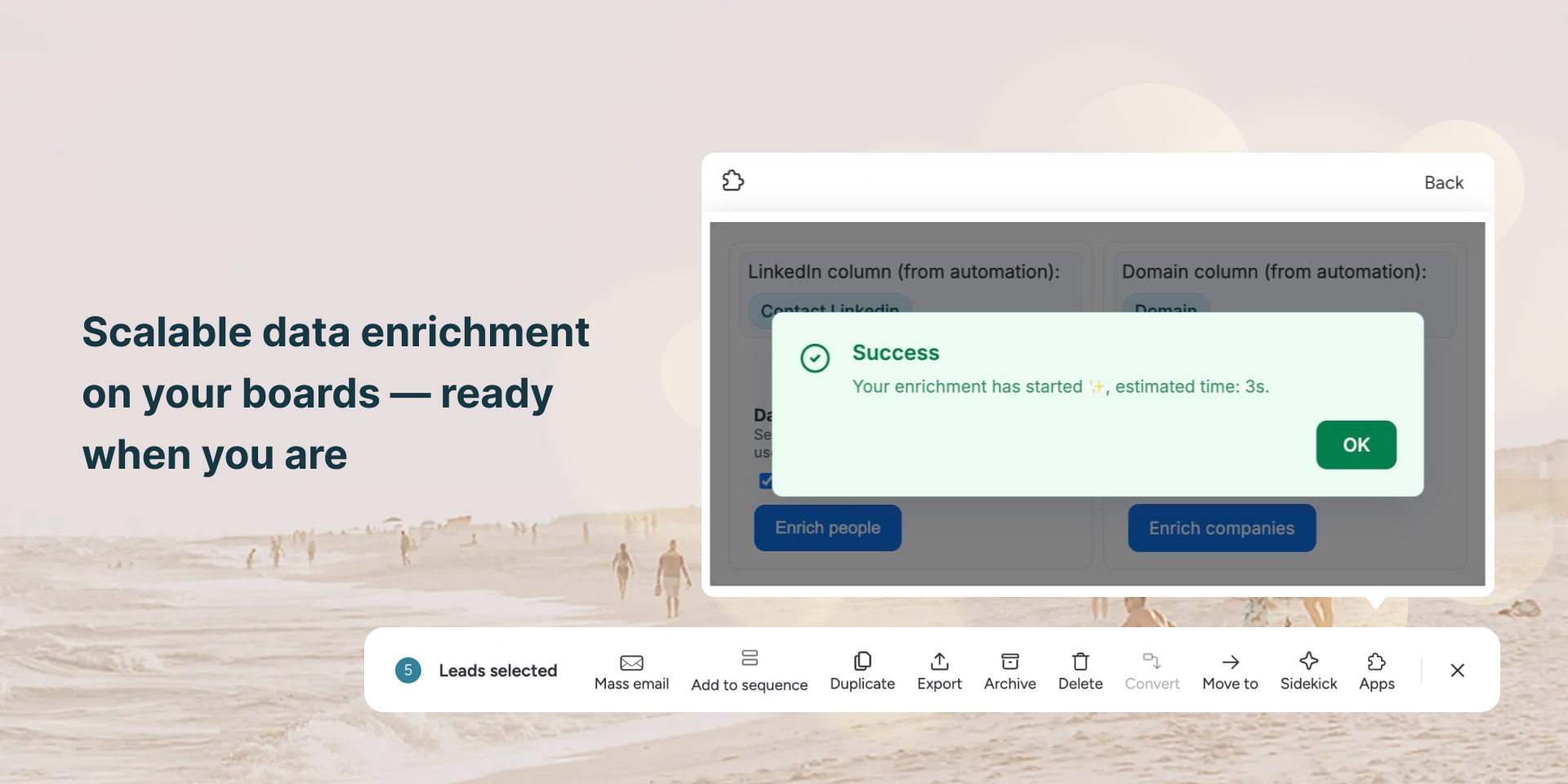
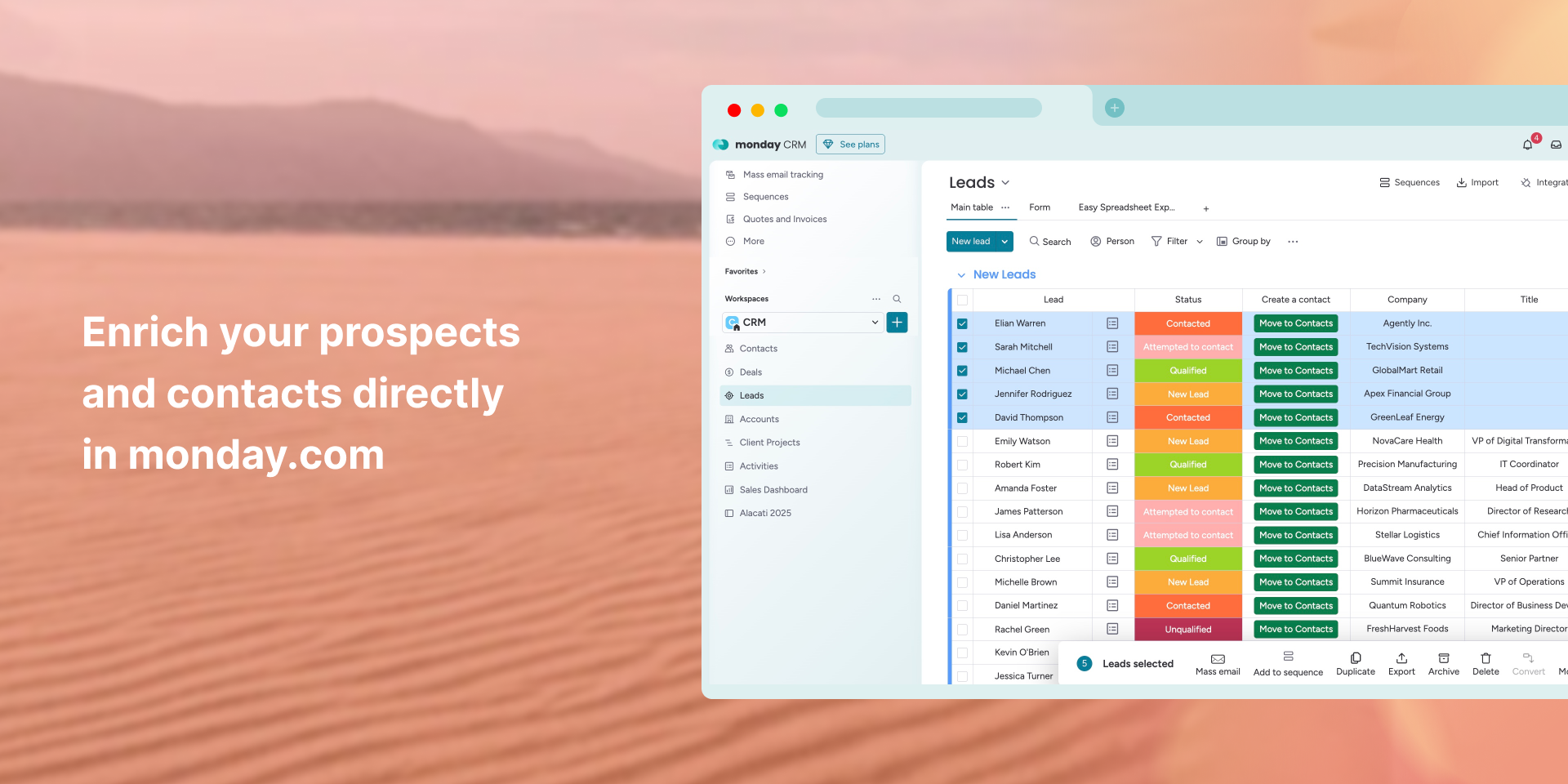
Get verified data for people and companies in monday.com
Surfe brings verified People and Company data enrichment directly into monday.com, so teams can complete lead and account information without switching tools. Update key fields like email, phone number, job title, company information, and more - right from your boards.
With Surfe for monday.com, sales teams can streamline prospecting and maintain accurate CRM records using a simple, native workflow.
Key benefits:
- Enrich contact and company records without leaving monday.com
- Improve data quality across lead, deal, and account boards
- Reduce manual research and tab-hopping during outreach
- Keep CRM fields up to date with the latest available data
Use cases:
- SDRs preparing outreach lists directly in monday CRM
- Sales teams enriching inbound leads before qualification
- Account teams filling missing fields for handover or segmentation
How it works:
- Add Surfe board automations for Person and/or Company enrichment
- Configure automations by entering your Surfe API key and mapping board columns
- Select one or multiple items and click "Enrich"
- For People enrichment, include a LinkedIn URL in the item
- For Company enrichment, include a company domain
- Enjoy accurate and verified data flowing into your board items
- Please note: you need to have a Surfe account and API key to use the app
Surfe helps teams work with complete and reliable data - right from where they already manage their pipeline.
Book a personal demo, or contact us for any questions at apps@cloudstride.io.
Security & Compliance
The app developer did not provide the security and compliance information for this app.
Reviews
No reviews yet.
Historical data
Installation history
We have data for December 28, 2024 onwards only. Collected sometime after 00:00 UTC daily.
Total number of installs
Change in total number of installs in last 1 day(s)
Compares the number of installs on each date with 1 days previously:
Change in total number of installs in last 7 day(s)
Compares the number of installs on each date with 7 days previously:
Change in total number of installs in last 30 day(s)
Compares the number of installs on each date with 30 days previously:
Change in total number of installs in last 90 day(s)
Compares the number of installs on each date with 90 days previously:
Change in total number of installs in last 180 day(s)
Compares the number of installs on each date with 180 days previously:
Ratings history
Categories history
Each of the following is a yes/no answer, so the graphs show 1 for yes, and 0 for no.