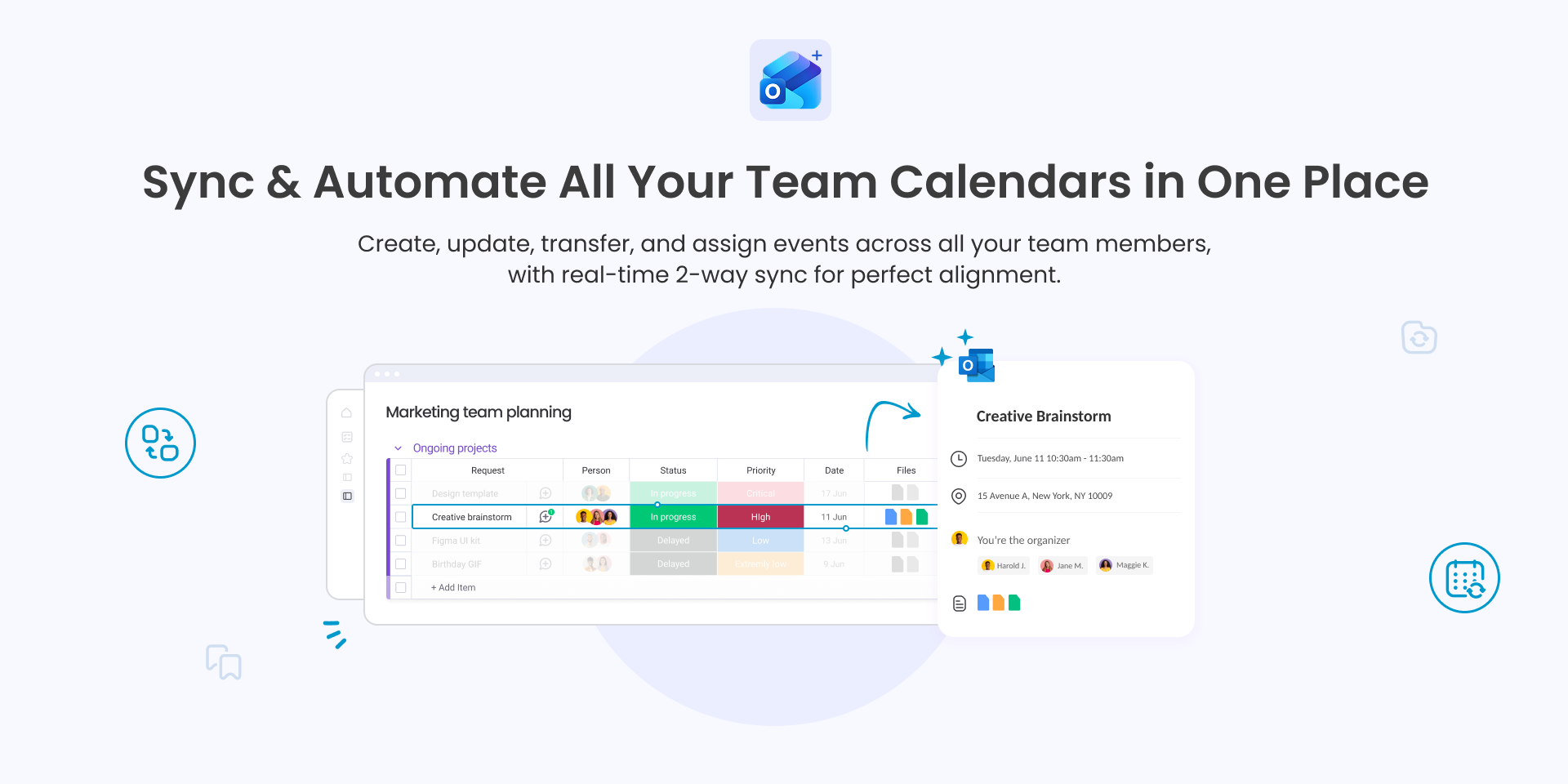
Sync & Automate All Your Team Calendars in One Place
Manage all your team calendars in one place with a single, one-time setup.
Automatically create, update, transfer, and assign events across all your team members and calendars. Keep your team perfectly in sync without manual work.
We built this dedicated solution because teams needed a smarter way to manage and assign events at scale.
It offers powerful true 2-way sync, ensuring schedules stay accurate, aligned, and always up to date:
✅ Connect and manage all your team calendars in one place
✅ Automatically turn items & subitems into Outlook events (and vice versa)
✅ Automate event creation, updates, transfers, and assignments across team calendars.
🤩 Key Features:
👑 Advanced Team Automation (The Only Tool of Its Kind)
The 1st & only solution that empower you automatically create, update, transfer, and assign events across all your team members and calendars.
🔄 True, Reliable 2-Way Sync
Experience effortless, 2-way sync. Updates in Outlook reflect in monday.com immediately, and vice versa. Ensure schedules are always accurate, aligned, and up-to-date in both systems.
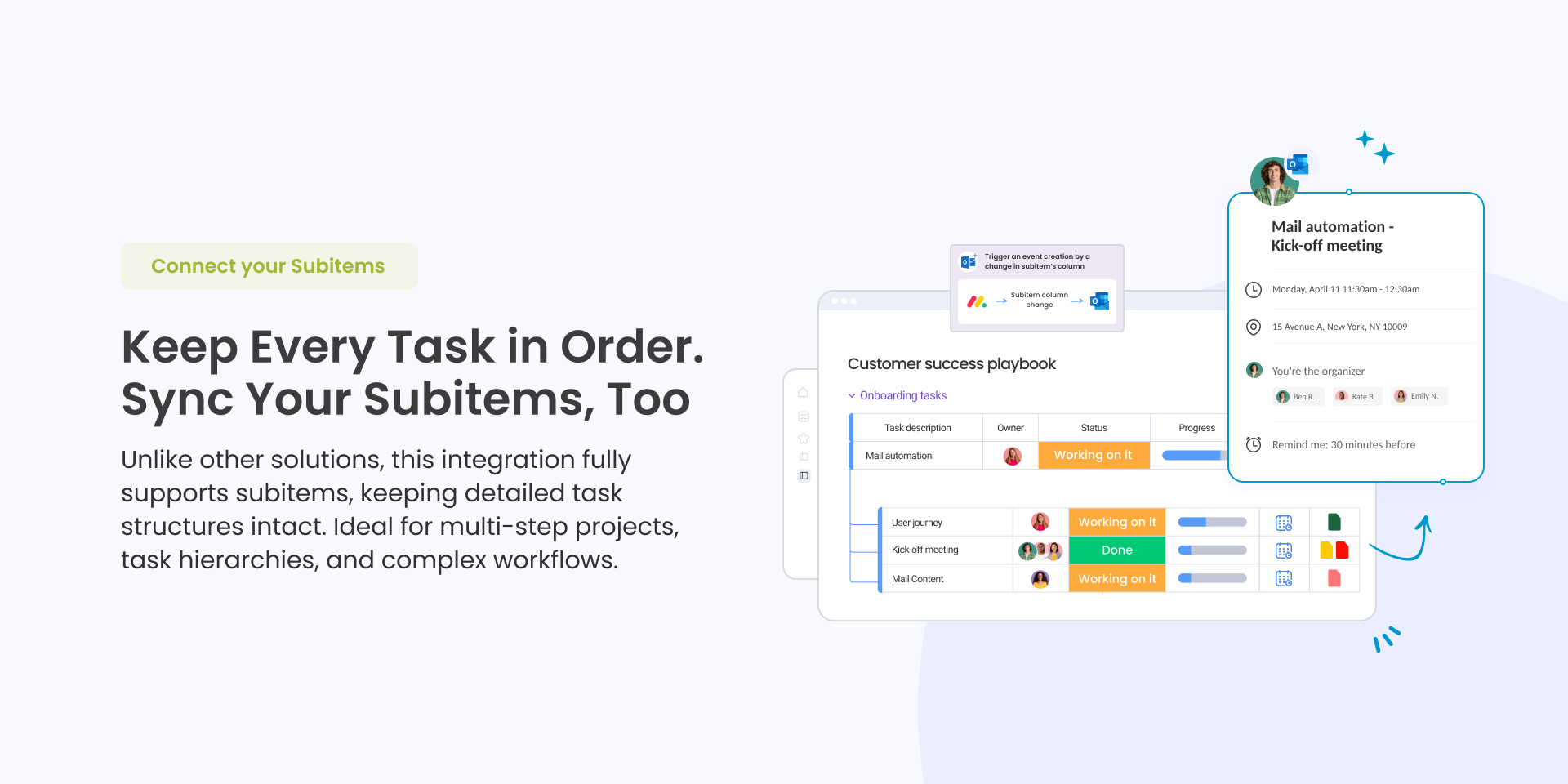
🏗️ Full Subitem Support
Unlike other solutions, this integration fully supports subitems, keeping detailed task structures intact. Perfect for teams managing multi-phase projects, dependencies, and complex workflows.
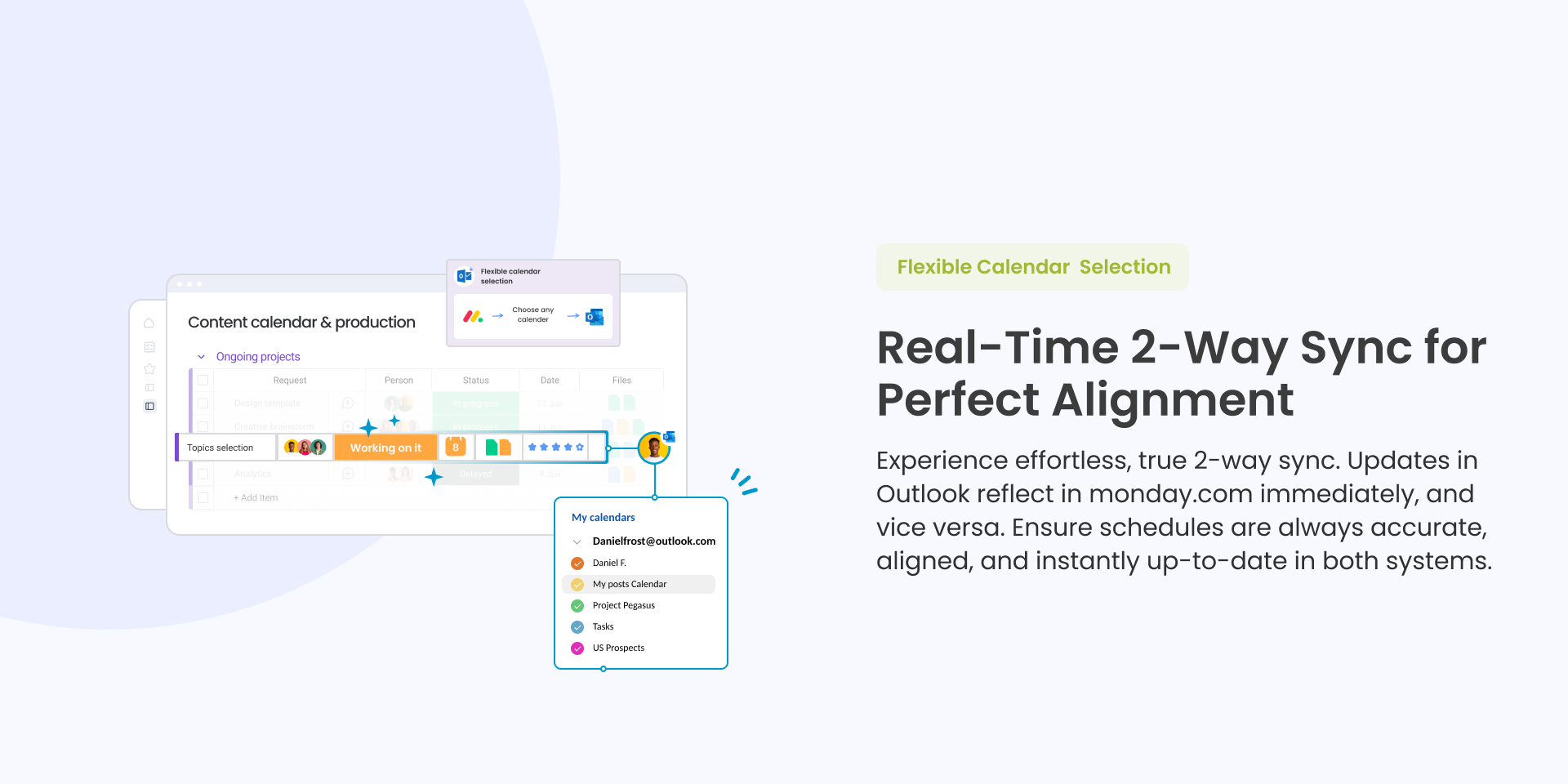
🗓 Flexible Calendar Selection
Connect to any Outlook calendar - Assign different calendars to specific boards to keep team schedules organized and accurate.
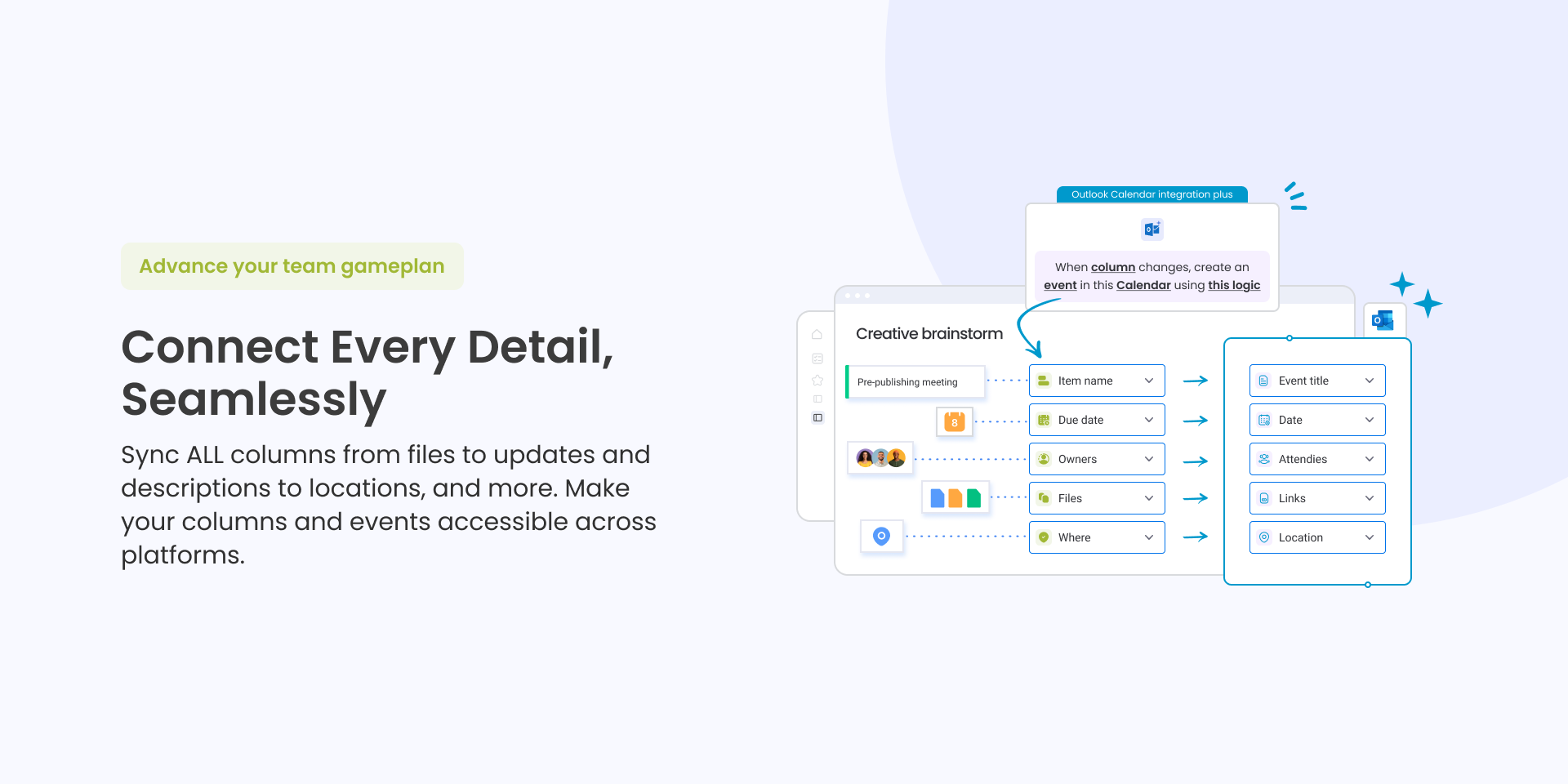
📋 Advanced Data Mapping
Map any column to your calendar events: Files, Updates, assignee, start/end times, status, duration, and custom fields.
🔒 Enterprise-Grade Security
Outlook Calendar – Team Scheduling is natively hosted on monday.com’s “monday code” solution, ensuring the highest level of security, compliance, and reliability.
✉️ We’d Love Your Feedback
Have an idea? Found a bug? Want a new feature? Drop us a note at hello@fantasymedia.io – we’re listening and ready to help.
Security & Compliance
The app developer did not provide the security and compliance information for this app.
Reviews
No reviews yet.
Historical data
Installation history
We have data for December 28, 2024 onwards only. Collected sometime after 00:00 UTC daily.
Total number of installs
Change in total number of installs in last 1 day(s)
Compares the number of installs on each date with 1 days previously:
Max
Min
Current
Change in total number of installs in last 7 day(s)
Compares the number of installs on each date with 7 days previously:
Max
Min
Current
Change in total number of installs in last 30 day(s)
Compares the number of installs on each date with 30 days previously:
Max
Min
Current
Change in total number of installs in last 90 day(s)
Compares the number of installs on each date with 90 days previously:
Max
Min
Current
Change in total number of installs in last 180 day(s)
Compares the number of installs on each date with 180 days previously:
Max
Min
Current
Ratings history
Categories history
Each of the following is a yes/no answer, so the graphs show 1 for yes, and 0 for no.