App metadata
ID: 10001030 • App ID: 10782511 • Listing updated: January 20, 2026 {
"id": 10001030,
"marketplace_developer_id": 100000141,
"app_id": 10782511,
"app_type": "app",
"security_info": {},
"gallery_assets": [
{
"url": "https://cdn.monday.com/marketplace/10001030/10001030_2026_0_20_10_44_39_a5wpzah.png",
"type": "image"
},
{
"url": "https://cdn.monday.com/marketplace/10001030/10001030_2026_0_20_10_44_43_3771bka.png",
"type": "image"
},
{
"url": "https://cdn.monday.com/marketplace/10001030/10001030_2026_0_20_10_44_46_bhchoxm.png",
"type": "image"
}
],
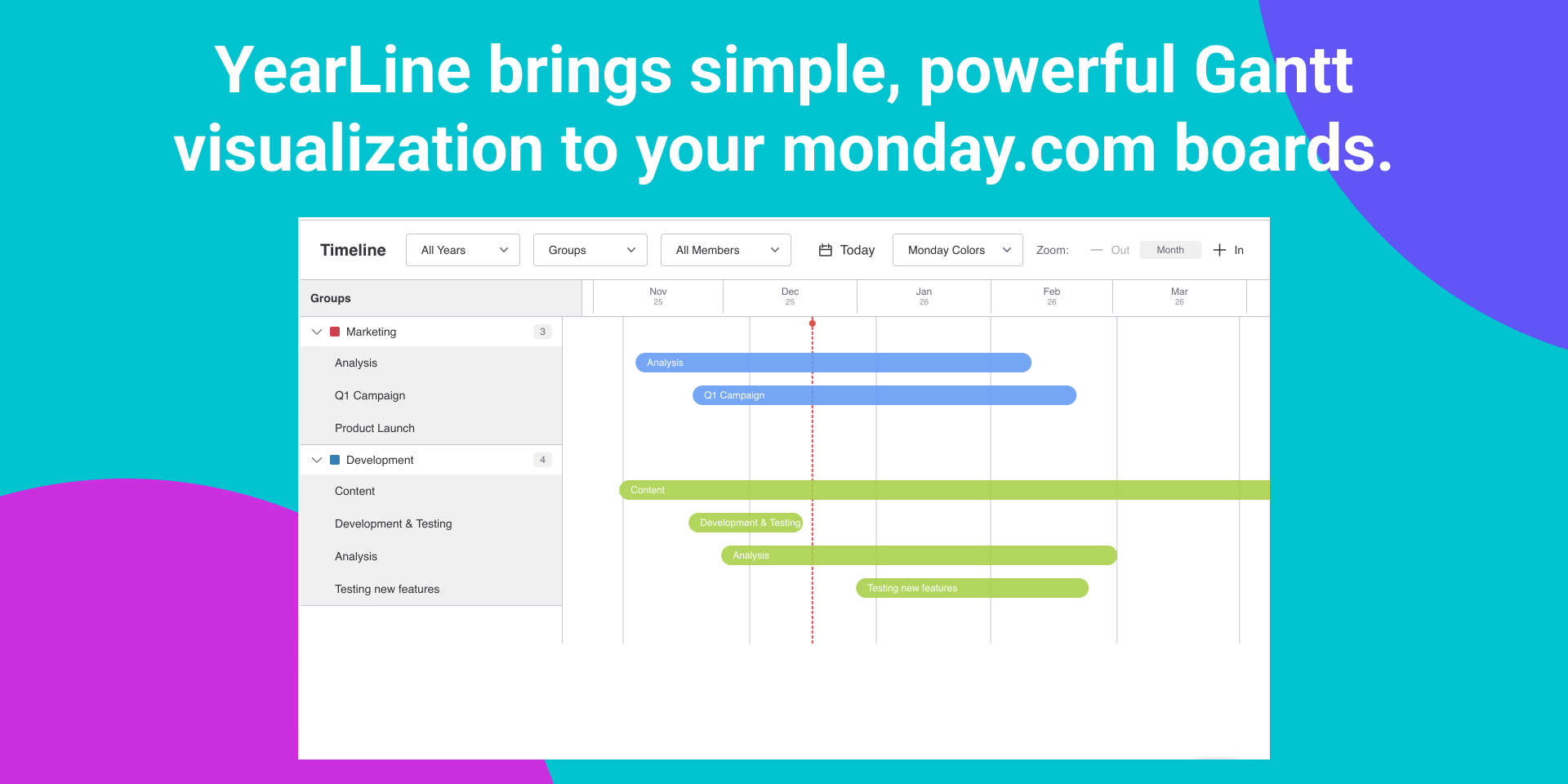
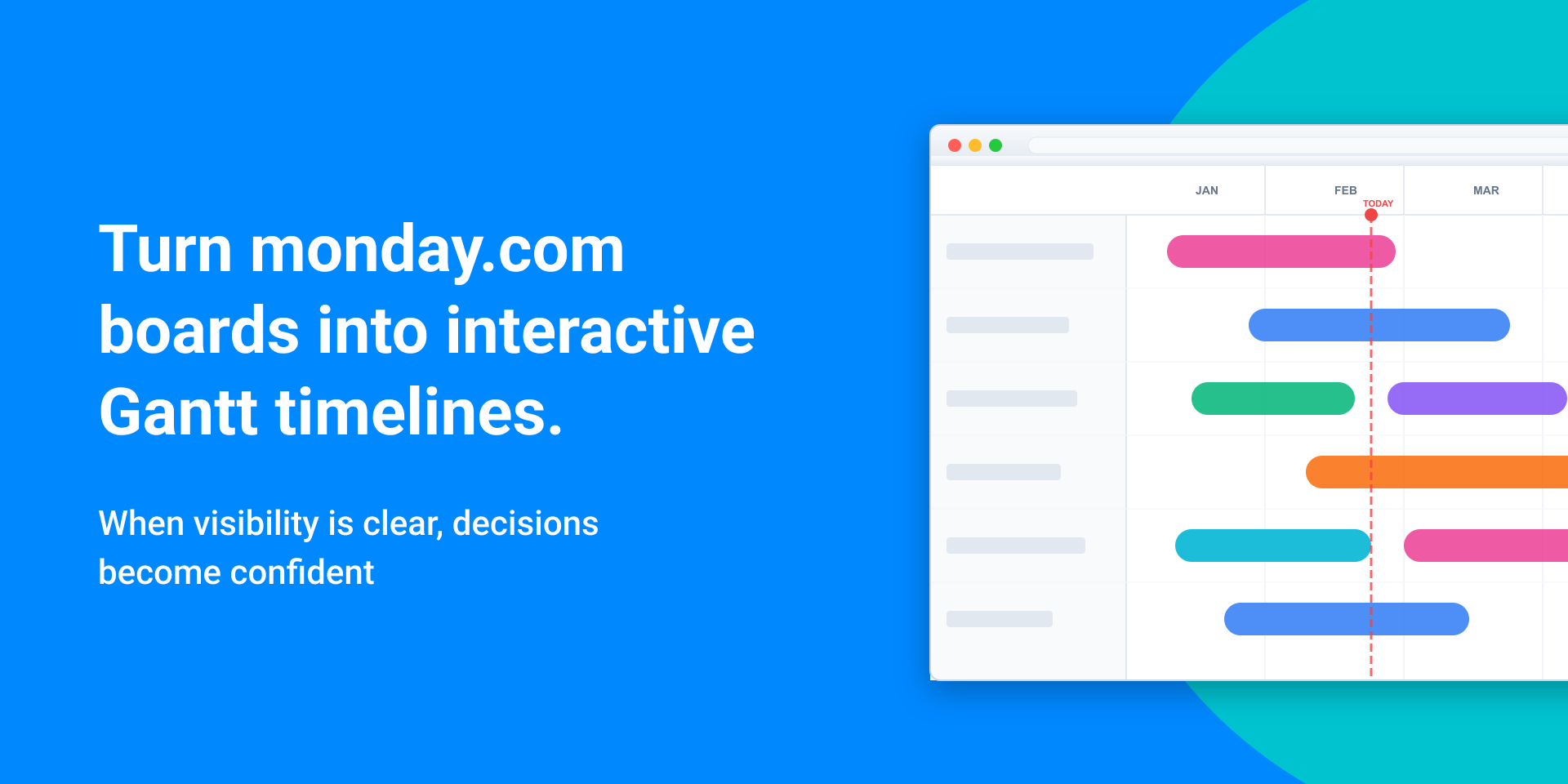
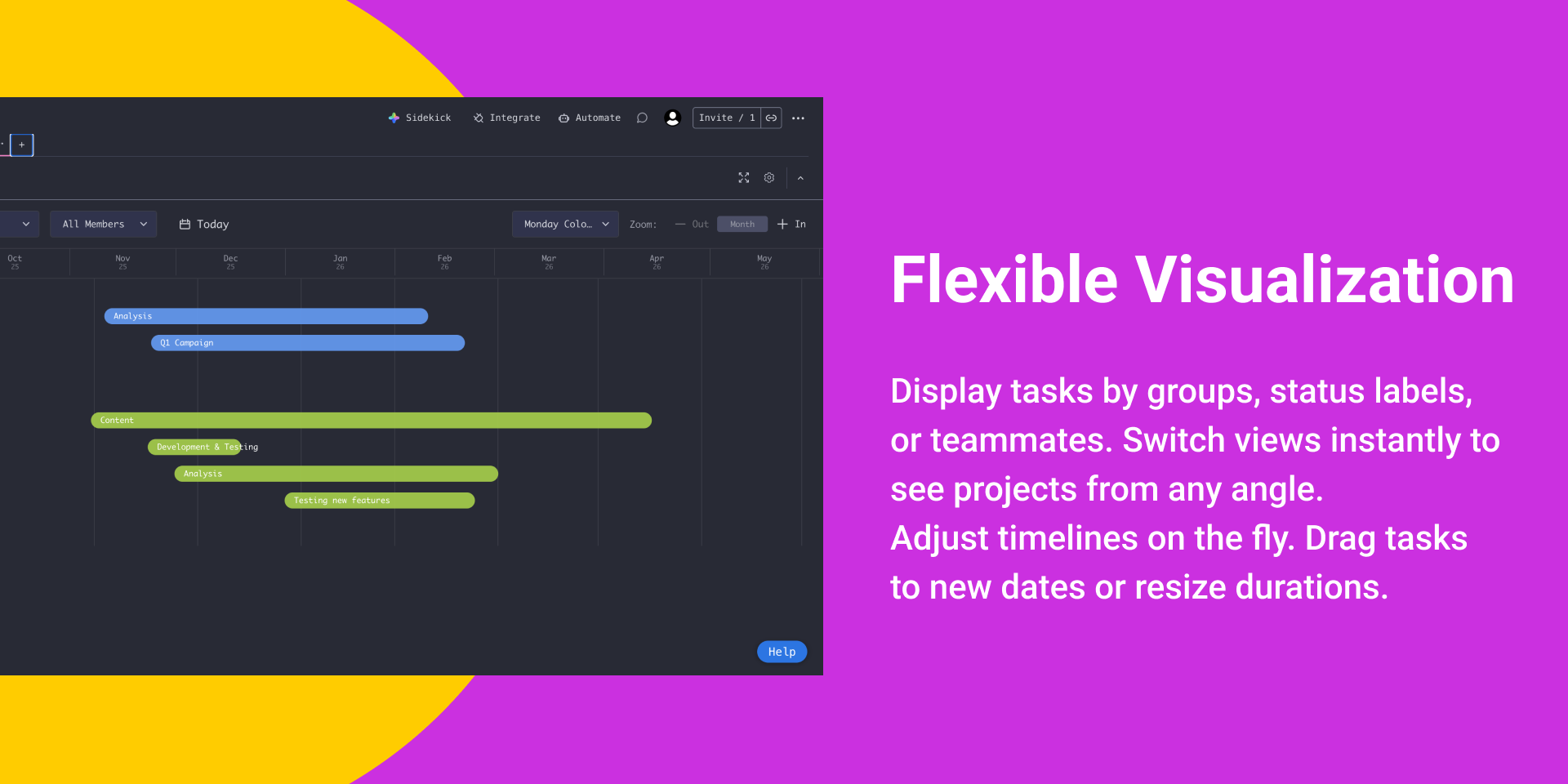
"description": "<p><strong>YearLine - Timeline Visualization for monday.com</strong></p><p>Transform your monday.com boards into clear, interactive Gantt timelines. Whether managing product launches, coordinating teams, or tracking projects, YearLine turns board data into visual command centers.</p><p><strong>Features</strong></p><p><strong>Flexible Visualization</strong></p><p>Display tasks by groups, status labels, or teammates. Switch views instantly to see projects from any angle.</p><p><strong>Drag-and-Drop Editing</strong></p><p>Adjust timelines on the fly. Drag tasks to new dates or resize durations. Changes sync directly to monday.com in real-time. No manual updates.</p><p><strong>No Setup Required</strong></p><p>Works with existing boards immediately. No migration or duplicate data. Timeline columns and date fields are auto-detected.</p><p><strong>Smart Timeline Views</strong></p><ul><li><strong>Group View</strong>: Board groups laid out chronologically</li><li><strong>Status View</strong>: Track progress by status categories</li><li><strong>People View</strong>: Understand workload distribution and team capacity</li></ul><p><strong>Perfect For</strong></p><ul><li><strong>Project managers</strong> tracking deliverables and identifying bottlenecks</li><li><strong>Marketing teams</strong> coordinating campaigns and content calendars</li><li><strong>Product teams</strong> planning sprints with visibility into dependencies</li><li><strong>Operations</strong> managing resources and cross-functional initiatives</li><li><strong>Consultants</strong> presenting professional roadmaps to clients</li><li><strong>Any team</strong> needing data-driven scheduling decisions</li></ul><p><strong>How It Works</strong></p><ol><li><strong>Install</strong> from the monday.com marketplace</li><li><strong>Open any board</strong> with timeline/date columns</li><li><strong>Launch</strong> and see data instantly visualized</li><li><strong>Edit directly</strong>—changes sync automatically</li></ol><p>Read the Complete Setup Guide →</p><p><strong>Why YearLine?</strong></p><ul><li><strong>Instant setup</strong> - Works with existing boards immediately</li><li><strong>Real-time sync</strong> - Changes flow directly to monday.com</li><li><strong>Intuitive interface</strong> - Easy as monday.com itself</li><li><strong>Flexible views</strong> - Organize exactly how you need</li></ul><p><strong>Pro Tips</strong></p><ul><li><strong>Color code</strong> for quick status identification</li><li><strong>Zoom</strong> for daily details or yearly overviews</li><li><strong>Filter by team</strong> to prevent burnout</li><li><strong>Export views</strong> before planning meetings</li></ul><p>See dependencies. Spot conflicts. Make better decisions. All within monday.com.</p><p><strong>Get Started with YearLine Today →</strong></p>",
"short_description": "Turn monday.com boards into interactive Gantt timelines.",
"thumbnail_url": "https://cdn.monday.com/marketplace/10001030/10001030_2026_0_20_10_44_6_5yk9o4a.png",
"logo_url": "https://cdn.monday.com/marketplace/10001030/10001030_2026_0_20_10_43_40_pst2p12.png",
"feedback_url": "hey@communitaslabs.io",
"privacy_policy_url": "https://communitaslabs.io/en/legal/yearline/privacy/",
"featured": false,
"name": "YearLine",
"how_to_use_url": "https://yearwheel.se/yearline/how-to",
"external_pricing_url": null,
"keywords": "gantt diagram,timeline visualization,project management",
"compliance_answers": [],
"created_at": "2026-01-20T10:41:14.496Z",
"updated_at": "2026-01-20T10:44:47.725Z",
"automation_app_id": null,
"marketplace_category_ids": [
10000001,
8,
6
],
"pinned_for_categories_ids": [],
"featured_for_categories_ids": [],
"pricing_data": "14 days trial",
"label": null,
"app_values": [
"Centralize your work on monday.com"
],
"security": false,
"display_in_template_store": false,
"acquisition_source": "No touch",
"is_connector": false,
"terms_of_service_url": "https://communitaslabs.io/en/legal/yearline/terms/",
"available_for_tiers": [],
"available_for_products": [],
"google_analytics_tag_id": null,
"is_solution": false,
"app_scope_str": "me:read,boards:read,boards:write,users:read",
"app_client_id": "efa41db6a8c6946f07b99c1f3c43b3ac",
"app_color": {
"hsl": {
"h": 127.50000000000017,
"s": 0.135786405240436,
"l": 0.9588064799999999,
"a": 1
},
"hex": "#f3f6f3",
"rgb": {
"r": 243,
"g": 246,
"b": 243,
"a": 1
},
"hsv": {
"h": 127.50000000000017,
"s": 0.011600000000000039,
"v": 0.9643999999999999,
"a": 1
},
"oldHue": 127.5,
"source": "hsv"
},
"plans": [
{
"id": "10782511-1-yl_trial",
"appPlanId": "yl_trial",
"name": "Free trial",
"versionId": 1,
"isTrial": false,
"prices": {
"type": "standard",
"monthly": 0,
"yearly": 0
},
"versionState": "live",
"appId": 10782511,
"description": "Free trials of YearLine",
"extraData": {
"bullets": [
"Display tasks by groups, status labels, or teammates",
"Drag-and-Drop Editing",
"Smart Timeline Views",
"Track progress by status categories"
],
"monthlyFee": 0,
"yearlyFee": 0
},
"isFree": true,
"isRecommended": false,
"currency": "USD"
},
{
"id": "10782511-1-yl_subscription",
"appPlanId": "yl_subscription",
"name": "Subscription",
"versionId": 1,
"isTrial": false,
"prices": {
"type": "standard",
"monthly": 5,
"yearly": 4
},
"versionState": "live",
"appId": 10782511,
"description": "Full subscription",
"extraData": {
"bullets": [
"Display tasks by groups, status labels, or teammates",
"Flexible Visualization",
"Display tasks by groups, status labels, or teammates",
"Drag-and-Drop Editing",
"Board groups laid out chronologically"
],
"monthlyFee": 5,
"yearlyFee": 4
},
"isFree": false,
"isRecommended": false,
"currency": "USD"
}
],
"app_live_version": {
"updated_at": "2026-01-19T16:31:05.646Z",
"id": 12379358
},
"pricing_model": null,
"badges_data": {
"pricing_data": "14 days trial",
"app_values": [
"Centralize your work on monday.com"
],
"security": false,
"acquisition_source": "No touch",
"display_in_template_store": false
},
"data": {
"is_connector": false,
"google_analytics_tag_id": null,
"is_solution": false,
"terms_of_service_url": "https://communitaslabs.io/en/legal/yearline/terms/",
"available_for_tiers": [],
"available_for_products": []
},
"display": null,
"installsDelta": {
"totalInstalls": 30,
"sevenDays": 1,
"thirtyDays": 14
}
}