Unleash the full potential of Dropdown Column automations.
Transform how you manage dropdown columns in monday.com with Dropdown Automator—the intelligent automation tool that eliminates manual dropdown management and streamlines your workflows.
Managing dropdown columns in monday.com can be tedious and time-consuming. Whether you're manually creating labels, copying group names to status columns, or repeatedly selecting the same dropdown values across multiple items, these repetitive tasks add up quickly. Teams waste hours each week on dropdown management that should be automated.
Dropdown Automator solves this by providing three powerful automation modes that handle all your dropdown needs automatically, saving your team valuable time and reducing errors.
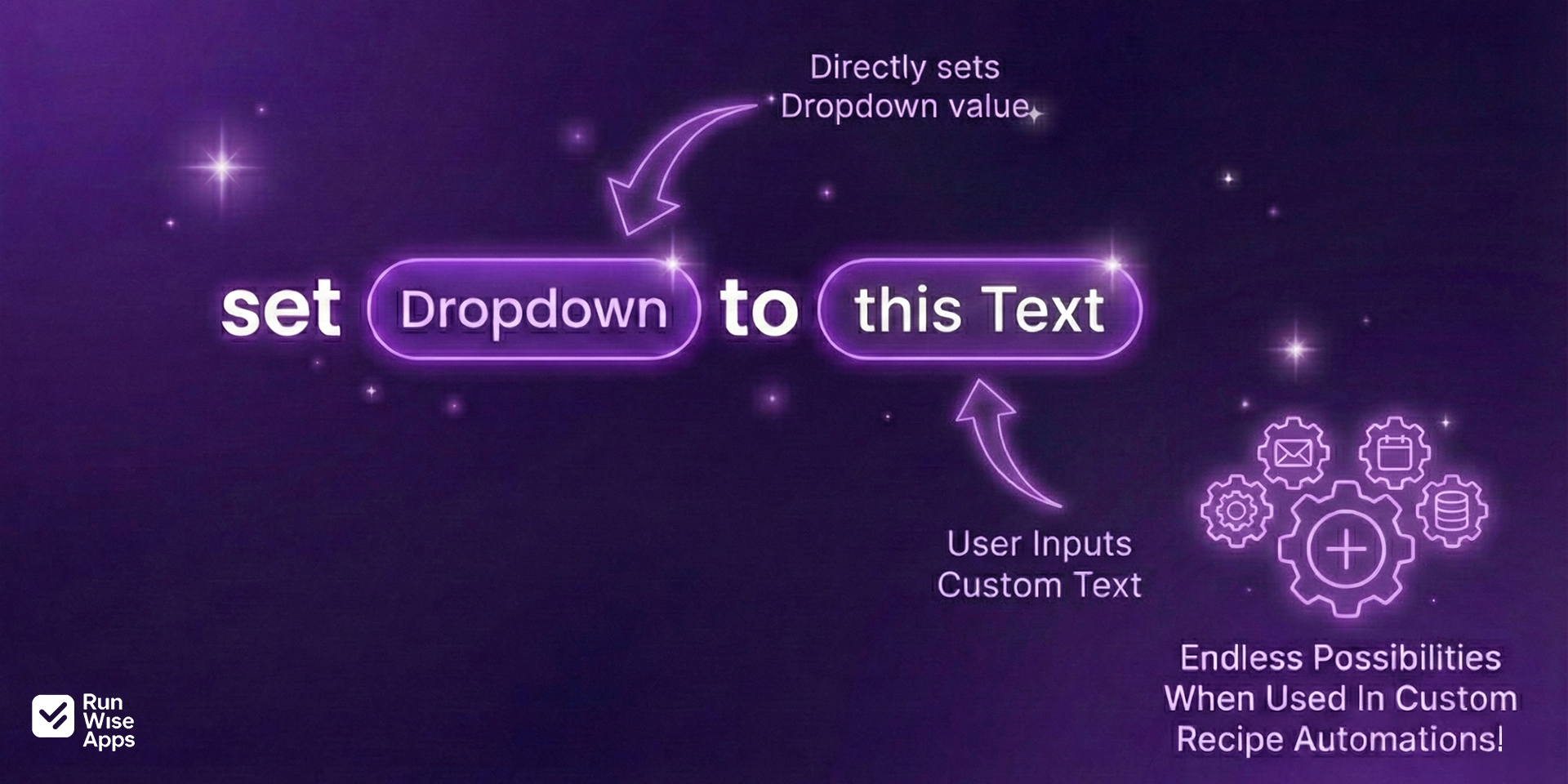
1. Text Input Mode - Dynamic Label Creation
Type any text value and automatically create dropdown labels on the fly. Perfect for scenarios where you need flexibility and don't want to pre-define every possible option.
Use cases:
- Generate custom status labels based on dynamic project requirements
- Add client names to dropdown columns without manual setup
- Create product categories as your inventory grows
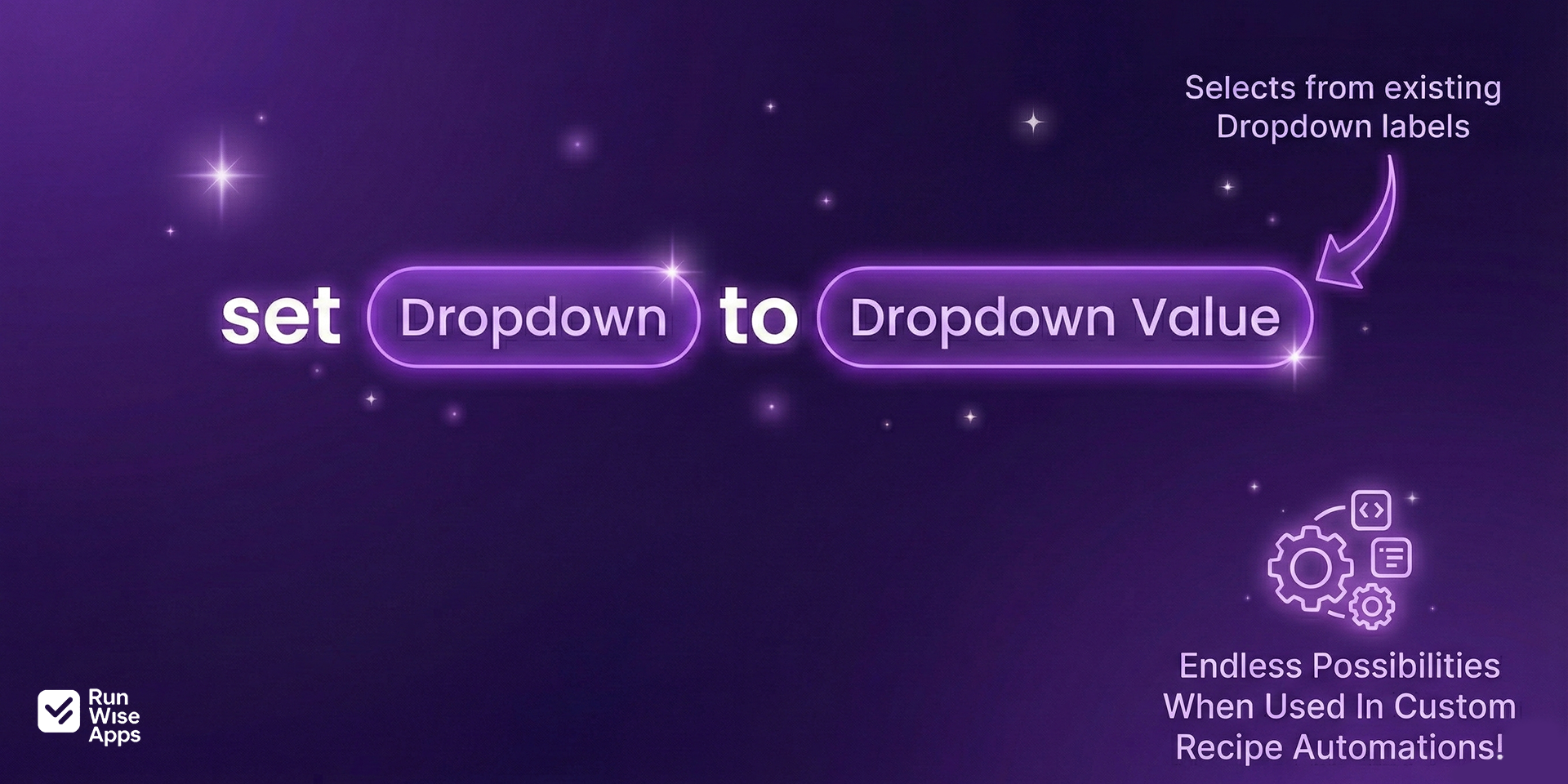
2. Dropdown Selector Mode - Predefined Choices
Select from existing dropdown options when building your automations. This mode is perfect for standardized workflows where you want consistency and reliability.
Use cases:
- Assign standard categories to items as they're created
- Update status columns based on workflow stages
- Apply tags and classifications systematically
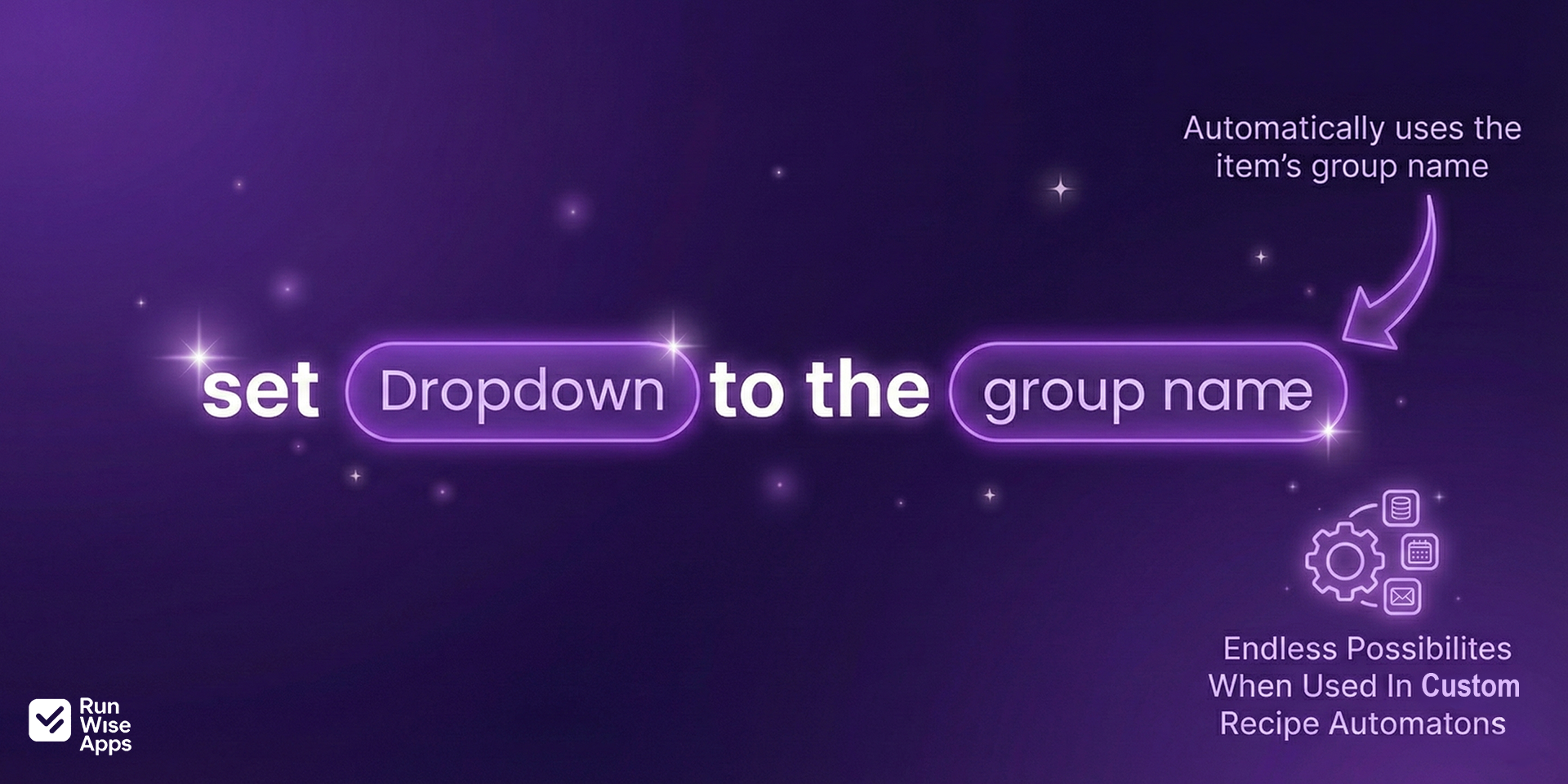
3. Group Name Sync - Automatic Organization
Automatically populate dropdown values based on the group name where an item belongs. This feature ensures perfect synchronization between your board structure and dropdown values.
Use cases:
- Automatically tag items with their department based on group name
- Keep location dropdowns aligned with regional groups
- Maintain consistent categorization across large boards
Security & Compliance
The app developer did not provide the security and compliance information for this app.
Reviews
No reviews yet.
Historical data
Installation history
We have data for December 28, 2024 onwards only. Collected sometime after 00:00 UTC daily.
Total number of installs
Change in total number of installs in last 1 day(s)
Compares the number of installs on each date with 1 days previously:
Max
Min
Current
Change in total number of installs in last 7 day(s)
Compares the number of installs on each date with 7 days previously:
Max
Min
Current
Change in total number of installs in last 30 day(s)
Compares the number of installs on each date with 30 days previously:
Max
Min
Current
Change in total number of installs in last 90 day(s)
Compares the number of installs on each date with 90 days previously:
Max
Min
Current
Change in total number of installs in last 180 day(s)
Compares the number of installs on each date with 180 days previously:
Max
Min
Current
Ratings history
Categories history
Each of the following is a yes/no answer, so the graphs show 1 for yes, and 0 for no.
{
"id": 10000986,
"marketplace_developer_id": 100000126,
"app_id": 10657812,
"app_type": "app",
"security_info": {},
"gallery_assets": [
{
"url": "https://cdn.monday.com/marketplace/10000986/10000986_2025_11_3_6_57_17_7ezd7ar.png",
"type": "image"
},
{
"url": "https://cdn.monday.com/marketplace/10000986/10000986_2025_11_3_6_57_22_ikgp0p4.png",
"type": "image"
},
{
"url": "https://cdn.monday.com/marketplace/10000986/10000986_2025_11_3_6_57_25_evi57mr.png",
"type": "image"
}
],
"description": "<p>Transform how you manage dropdown columns in <a href=\"http://monday.com/\" rel=\"noopener noreferrer\" target=\"_blank\">monday.com</a> with Dropdown Automator—the intelligent automation tool that eliminates manual dropdown management and streamlines your workflows.</p><p>Managing dropdown columns in <a href=\"http://monday.com/\" rel=\"noopener noreferrer\" target=\"_blank\">monday.com</a> can be tedious and time-consuming. Whether you're manually creating labels, copying group names to status columns, or repeatedly selecting the same dropdown values across multiple items, these repetitive tasks add up quickly. Teams waste hours each week on dropdown management that should be automated.</p><p>Dropdown Automator solves this by providing three powerful automation modes that handle all your dropdown needs automatically, saving your team valuable time and reducing errors.</p><p><strong>1. Text Input Mode - Dynamic Label Creation</strong></p><p>Type any text value and automatically create dropdown labels on the fly. Perfect for scenarios where you need flexibility and don't want to pre-define every possible option.</p><p>Use cases:</p><p>- Generate custom status labels based on dynamic project requirements</p><p>- Add client names to dropdown columns without manual setup</p><p>- Create product categories as your inventory grows</p><p><strong>2. Dropdown Selector Mode - Predefined Choices</strong></p><p>Select from existing dropdown options when building your automations. This mode is perfect for standardized workflows where you want consistency and reliability.</p><p>Use cases:</p><p>- Assign standard categories to items as they're created</p><p>- Update status columns based on workflow stages</p><p>- Apply tags and classifications systematically</p><p><strong>3. Group Name Sync - Automatic Organization</strong></p><p>Automatically populate dropdown values based on the group name where an item belongs. This feature ensures perfect synchronization between your board structure and dropdown values.</p><p>Use cases:</p><p>- Automatically tag items with their department based on group name</p><p>- Keep location dropdowns aligned with regional groups</p><p>- Maintain consistent categorization across large boards</p>",
"short_description": "Unleash the full potential of Dropdown Column automations.",
"thumbnail_url": "https://cdn.monday.com/marketplace/10000986/10000986_2025_11_3_6_55_29_l81113t.png",
"logo_url": "https://cdn.monday.com/marketplace/10000986/10000986_2025_11_3_6_55_6_zqjcyjn.png",
"feedback_url": "support@runwiseapps.com",
"privacy_policy_url": "https://www.runwiseapps.com/privacy",
"featured": false,
"name": "Dropdown Automations",
"how_to_use_url": "https://www.runwiseapps.com/",
"external_pricing_url": null,
"keywords": "Dropdown,Dropdown Column,Automations,Automation,Groups,Group,Custom Text,Run Wise Apps,Label Creation,Labeling",
"compliance_answers": [],
"created_at": "2025-12-03T06:54:28.689Z",
"updated_at": "2026-01-16T06:02:16.864Z",
"automation_app_id": null,
"marketplace_category_ids": [
8,
7,
6
],
"pinned_for_categories_ids": [],
"featured_for_categories_ids": [],
"pricing_data": "Free plan available",
"label": null,
"app_values": [
"Perfect for automations"
],
"security": false,
"display_in_template_store": false,
"acquisition_source": "No touch",
"is_connector": false,
"terms_of_service_url": "https://www.runwiseapps.com/terms",
"available_for_tiers": [],
"available_for_products": [],
"google_analytics_tag_id": "G-M71GF6SNBS",
"is_solution": false,
"app_scope_str": "boards:read,boards:write,users:read,notifications:write",
"app_client_id": "5cc9dabc5d39e25ede4986a6c679f6e7",
"app_color": {
"hsl": {
"h": 258.72,
"s": 0.628140703517588,
"l": 0.6098039215686274,
"a": 1
},
"hex": "#845dda",
"rgb": {
"r": 132,
"g": 93,
"b": 218,
"a": 1
},
"hsv": {
"h": 258.72,
"s": 0.573394495412844,
"v": 0.8549019607843137,
"a": 1
},
"oldHue": 85.80645161290322,
"source": "hex"
},
"plans": [
{
"id": "10657812-1-free",
"appPlanId": "free",
"name": "Free",
"versionId": 1,
"isTrial": false,
"prices": {
"type": "standard",
"monthly": 0,
"yearly": 0
},
"versionState": "live",
"appId": 10657812,
"description": "Up to 250 automations/month, full access to all features, with basic email support. Great for small teams or light automation needs.",
"extraData": {
"bullets": [
"Up To 250 Automations Per Month",
"All 3 Features Included",
"Basic Email Support",
"Perfect For Small Teams"
],
"monthlyFee": 0,
"yearlyFee": 0
},
"isFree": true,
"isRecommended": false,
"currency": "USD"
},
{
"id": "10657812-1-pro",
"appPlanId": "pro",
"name": "Pro",
"versionId": 1,
"isTrial": false,
"prices": {
"type": "standard",
"monthly": 5,
"yearly": 4
},
"versionState": "live",
"appId": 10657812,
"description": "Up to 2500 automations/month with all features and standard email support — ideal for growing teams needing more automation capacity.",
"extraData": {
"bullets": [
"Up To 2500 Automations Per Month",
"All 3 Features Included",
"Standard Email Support",
"Great For Growing Teams"
],
"monthlyFee": 5,
"yearlyFee": 4
},
"isFree": false,
"isRecommended": false,
"currency": "USD"
},
{
"id": "10657812-1-business",
"appPlanId": "business",
"name": "Business",
"versionId": 1,
"isTrial": false,
"prices": {
"type": "standard",
"monthly": 10,
"yearly": 8
},
"versionState": "live",
"appId": 10657812,
"description": "Up to 25000 automations/month, all features included plus priority email support — perfect for large teams with heavy workflow automation.",
"extraData": {
"bullets": [
"Up To 25000 Automations Per Month",
"All 3 Features Included",
"Priority Email Support",
"Ideal For Large Teams"
],
"monthlyFee": 10,
"yearlyFee": 8
},
"isFree": false,
"isRecommended": false,
"currency": "USD"
},
{
"id": "10657812-1-enterprise",
"appPlanId": "enterprise",
"name": "Enterprise",
"versionId": 1,
"isTrial": false,
"prices": {
"type": "standard",
"monthly": 25,
"yearly": 20
},
"versionState": "live",
"appId": 10657812,
"description": "Unlimited automations, all features, and dedicated support — built for enterprise-scale use and maximum flexibility.",
"extraData": {
"bullets": [
"Unlimited Automations Per Month",
"All 3 Features Included",
"Dedicated Support Agent",
"For Enterprise Scale"
],
"monthlyFee": 25,
"yearlyFee": 20
},
"isFree": false,
"isRecommended": false,
"currency": "USD"
}
],
"app_live_version": {
"updated_at": "2026-02-22T07:52:37.370Z",
"id": 12983800
},
"pricing_model": null,
"badges_data": {
"pricing_data": "Free plan available",
"app_values": [
"Perfect for automations"
],
"security": false,
"acquisition_source": "No touch",
"display_in_template_store": false
},
"data": {
"is_connector": false,
"google_analytics_tag_id": "G-M71GF6SNBS",
"is_solution": false,
"terms_of_service_url": "https://www.runwiseapps.com/terms",
"available_for_tiers": [],
"available_for_products": []
},
"display": null,
"installsDelta": {
"totalInstalls": 39,
"sevenDays": 0,
"thirtyDays": 5,
"ninetyDays": 28
}
}