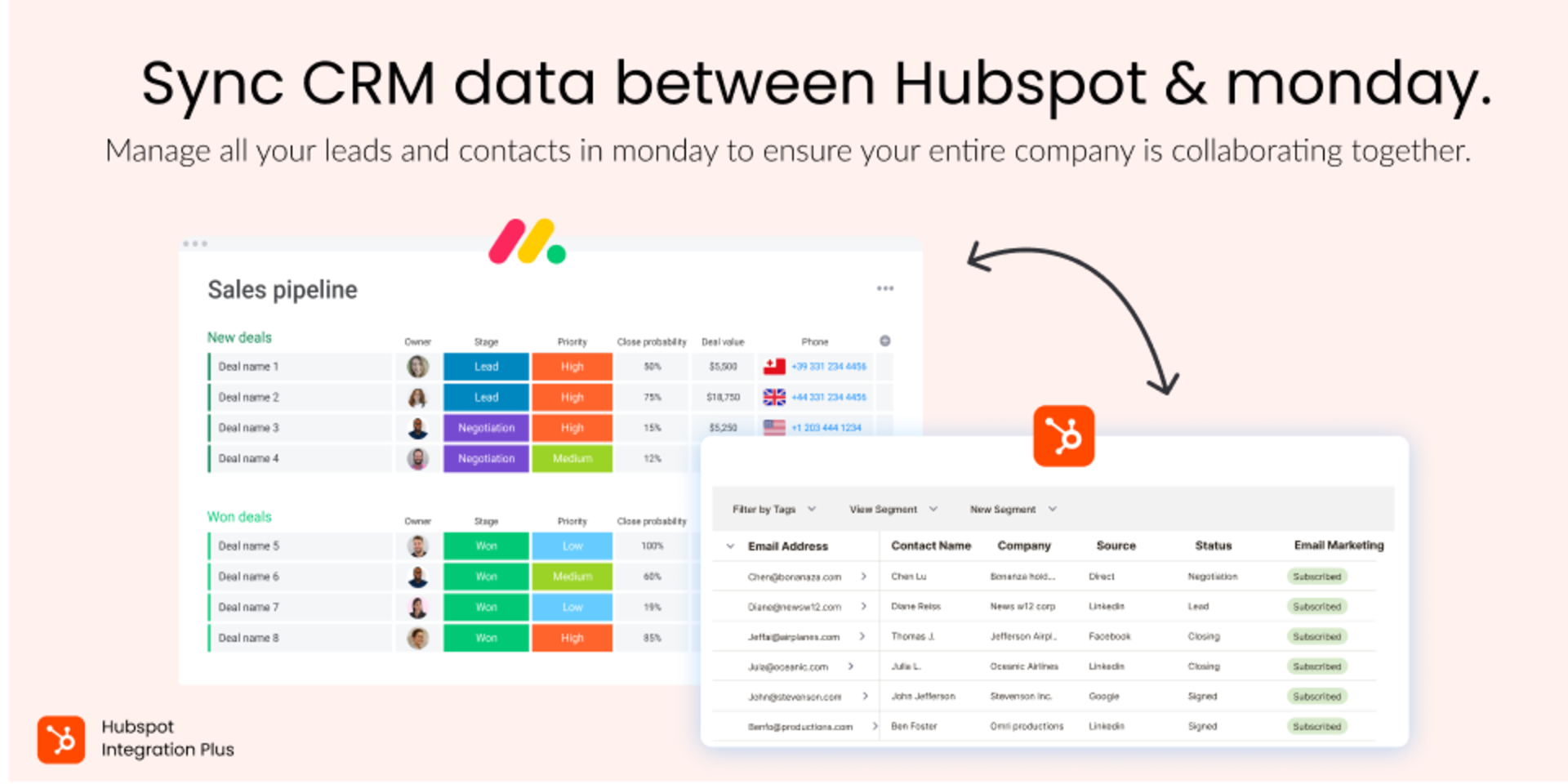
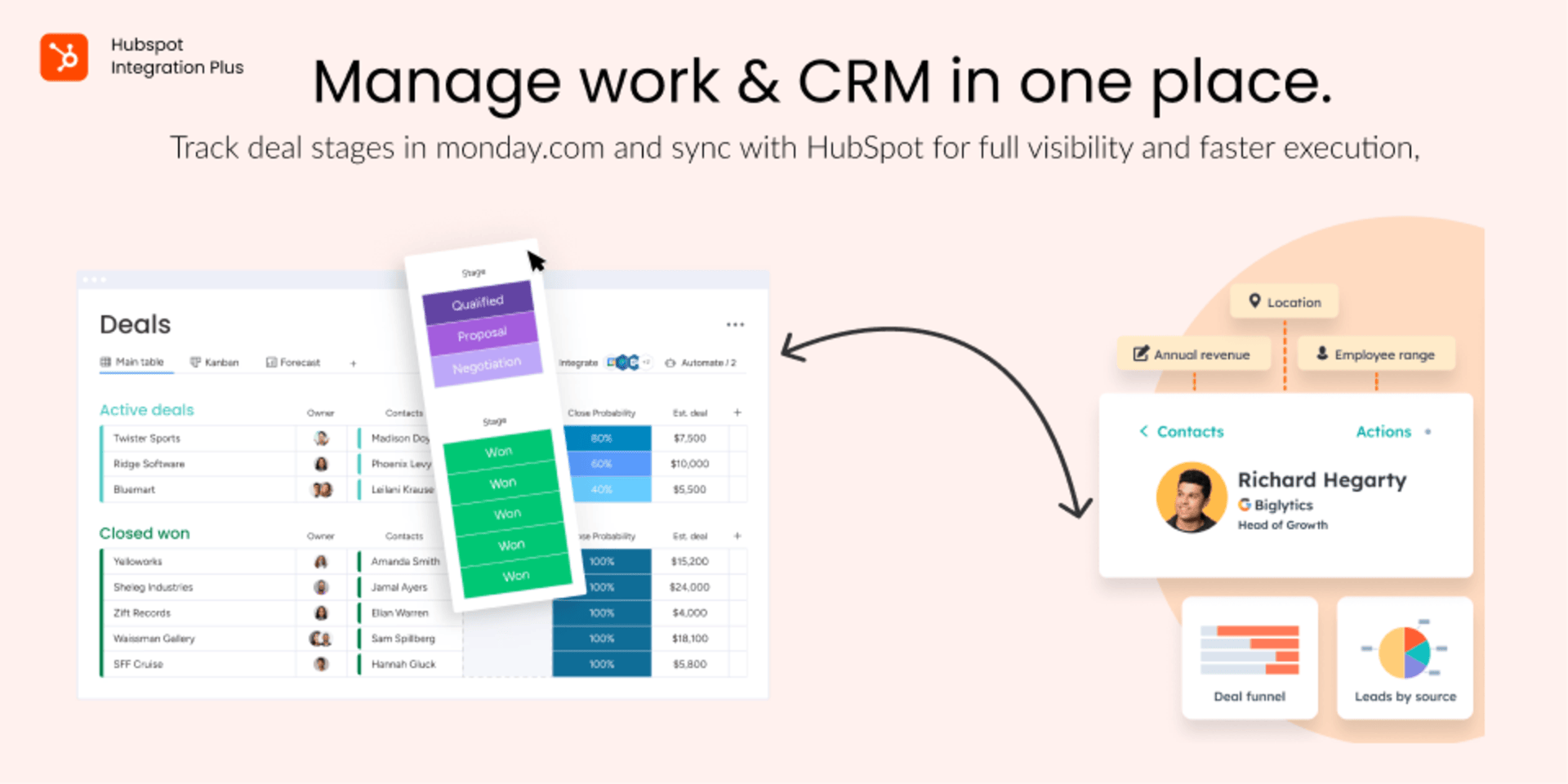
Sync HubSpot contacts, deals & tickets with monday.com
HubSpot Integration Plus solves all the gaps in the existing native solution and allows you to easily sync your data across both platforms.
Whether you're managing a sales pipeline, tracking customer issues, or collaborating across teams, this integration brings everything into one seamless workflow.
Addresses the Shortcomings of the Existing Solution
1. Supports all of HubSpot’s core entities – Contacts, Companies, Deals, Tickets
2. Set up 2-way syncs between monday.com and HubSpot.
3. Offers flexible and robust triggers to power custom automations
4. Support Hubspot custom fields to achieve full and dynamic sync
All Your CRM Data in One Place See the full customer journey at a glance.
View customer information, including Contacts, Companies, Deals, and Tickets, directly within monday.com to improve sales opportunities and give every task the full context it needs.
🔧 Key use cases:
✅ Sales-to-Delivery Handoff
When a deal is won in HubSpot, automatically create an item in monday.com with all relevant details — company info, contact, deal value, and key milestones.
✅ Support Ticket Tracking
HubSpot tickets create items in monday.com for full visibility and faster resolution. Popular among success and support teams managing customer issues.
✅ Project Cost Tracking
Sync deal values from HubSpot directly into monday.com to track project costs and revenue in one place — giving your team a clearer view of profitability.
✅ Unified Customer Context
Key CRM data is always synced to monday.com, so project, sales and operations teams have the full customer picture without switching platforms.
✅ Automated Workflows
Create automation rules, like:
When a deal moves to “Closed Won”, create a project plan in monday. When a project is marked as delayed, create a notification or task in HubSpot to alert the account manager.
🔒 Enterprise-Grade Security
HubSpot Integration Plus is natively hosted on “monday code” solution, ensuring the highest level of security, compliance, and reliability. With no external servers involved, your data remains fully protected within monday.com’s infrastructure, meeting stringent enterprise-grade security standards.
✉️ Feedback? Questions?
We’d love to hear from you. Have an idea? Want a new feature? Drop us a note at hello@fantasymedia.io.
Security & Compliance
The app developer did not provide the security and compliance information for this app.
Reviews
No reviews yet.
Historical data
Installation history
We have data for December 28, 2024 onwards only. Collected sometime after 00:00 UTC daily.
Total number of installs
Change in total number of installs in last 1 day(s)
Compares the number of installs on each date with 1 days previously:
Max
Min
Current
Change in total number of installs in last 7 day(s)
Compares the number of installs on each date with 7 days previously:
Max
Min
Current
Change in total number of installs in last 30 day(s)
Compares the number of installs on each date with 30 days previously:
Max
Min
Current
Change in total number of installs in last 90 day(s)
Compares the number of installs on each date with 90 days previously:
Max
Min
Current
Change in total number of installs in last 180 day(s)
Compares the number of installs on each date with 180 days previously:
Max
Min
Current
Ratings history
Categories history
Each of the following is a yes/no answer, so the graphs show 1 for yes, and 0 for no.