Advanced Microsoft Teams automations with smart filtering.
Why You'll Love It
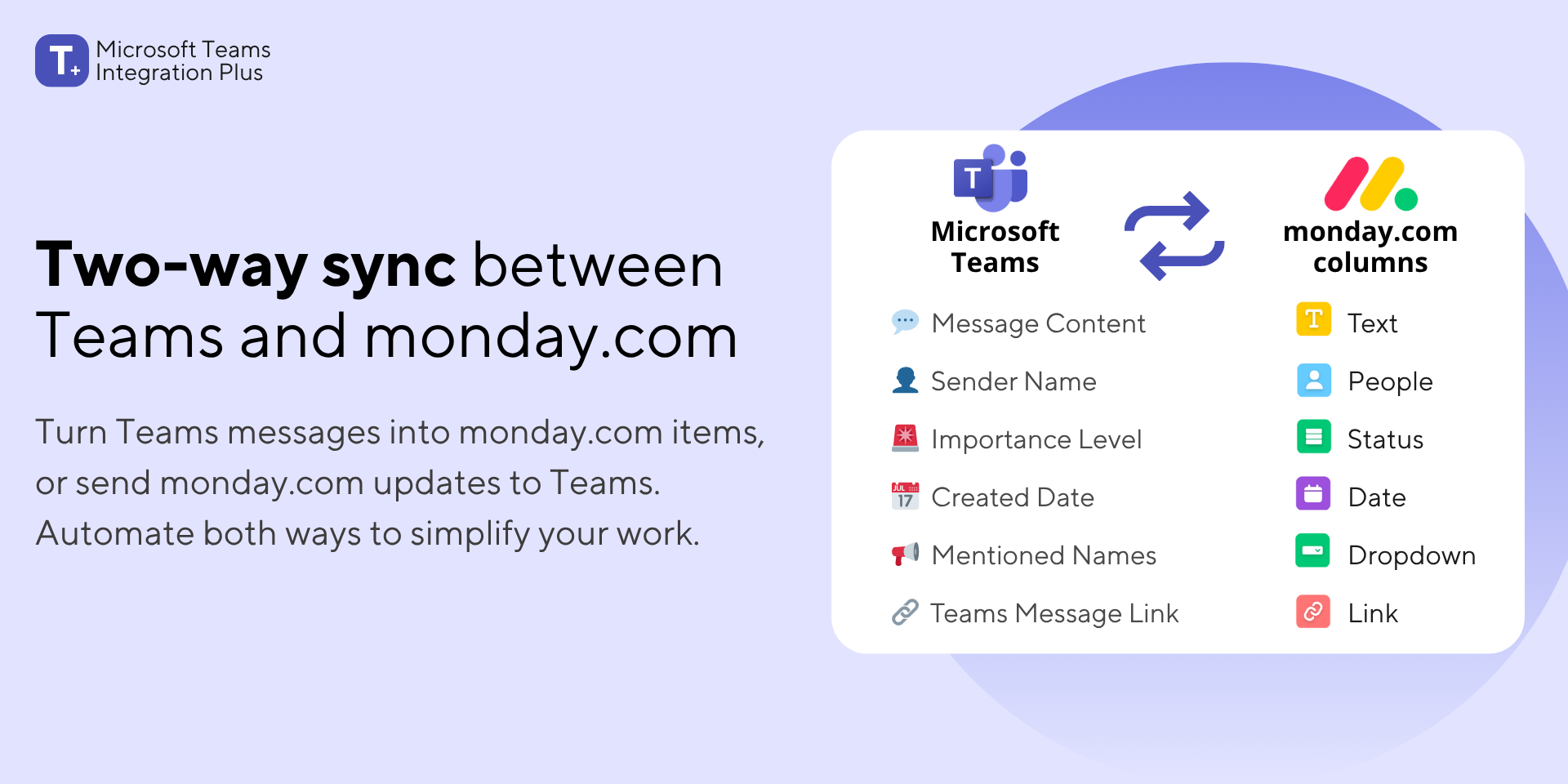
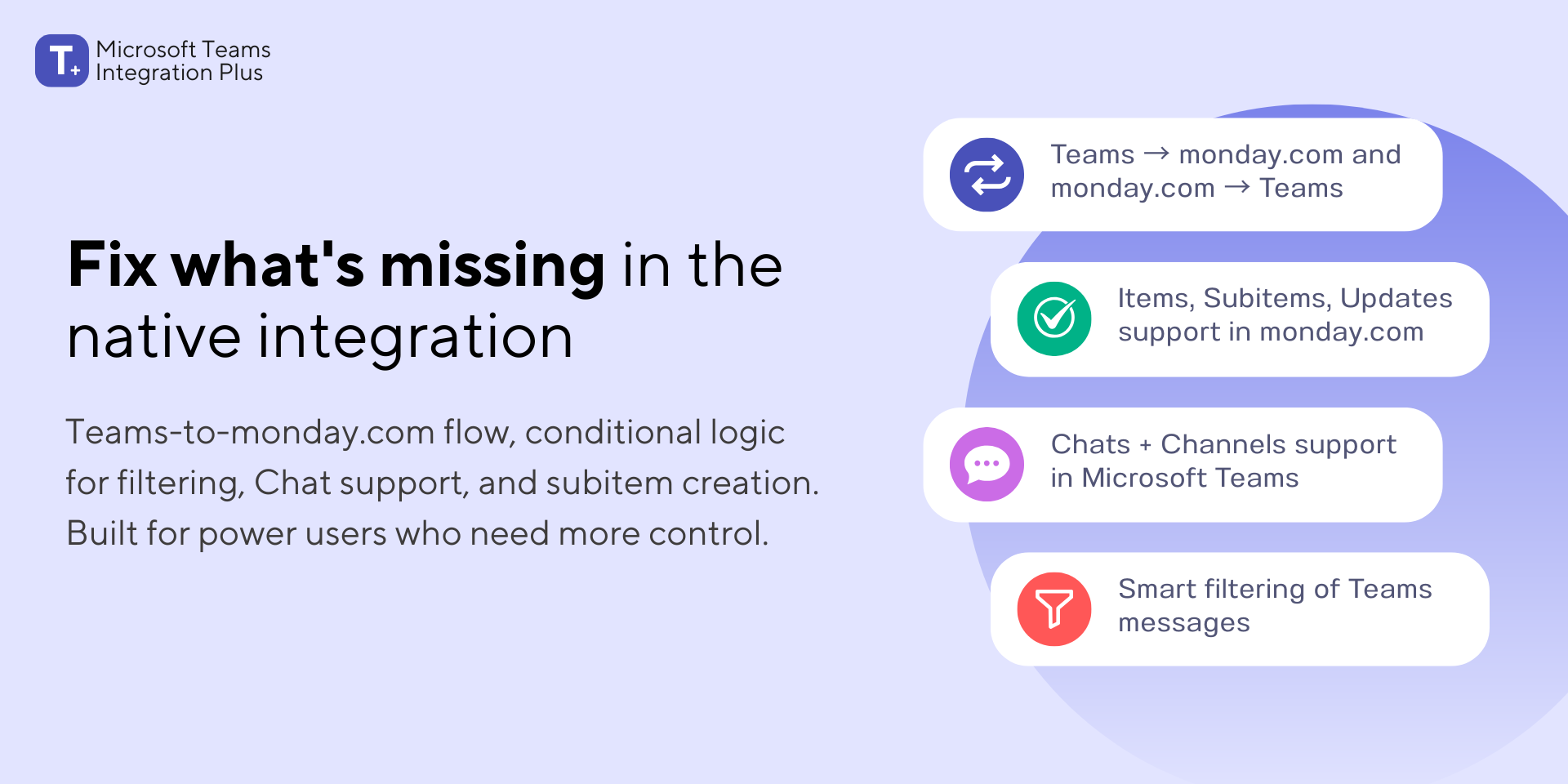
Transform your Microsoft Teams conversations into actionable monday.com workflows with intelligent filtering, Teams channels and chat support, and monday subitems support.
Perfect for teams who rely on Teams for communication but need structured task management in monday.com, without the noise.
🔄 True Bidirectional Sync
Create powerful automations that work in both directions:
Teams → monday.com:
Automatically create items or subitems from Channel or Chat messages
Post updates to existing items or subitems
monday.com → Teams:
Notify Channels or Chats when items or subitems are created
Alert teams when updates are posted, columns change, or assignments are made
Keep everyone in sync
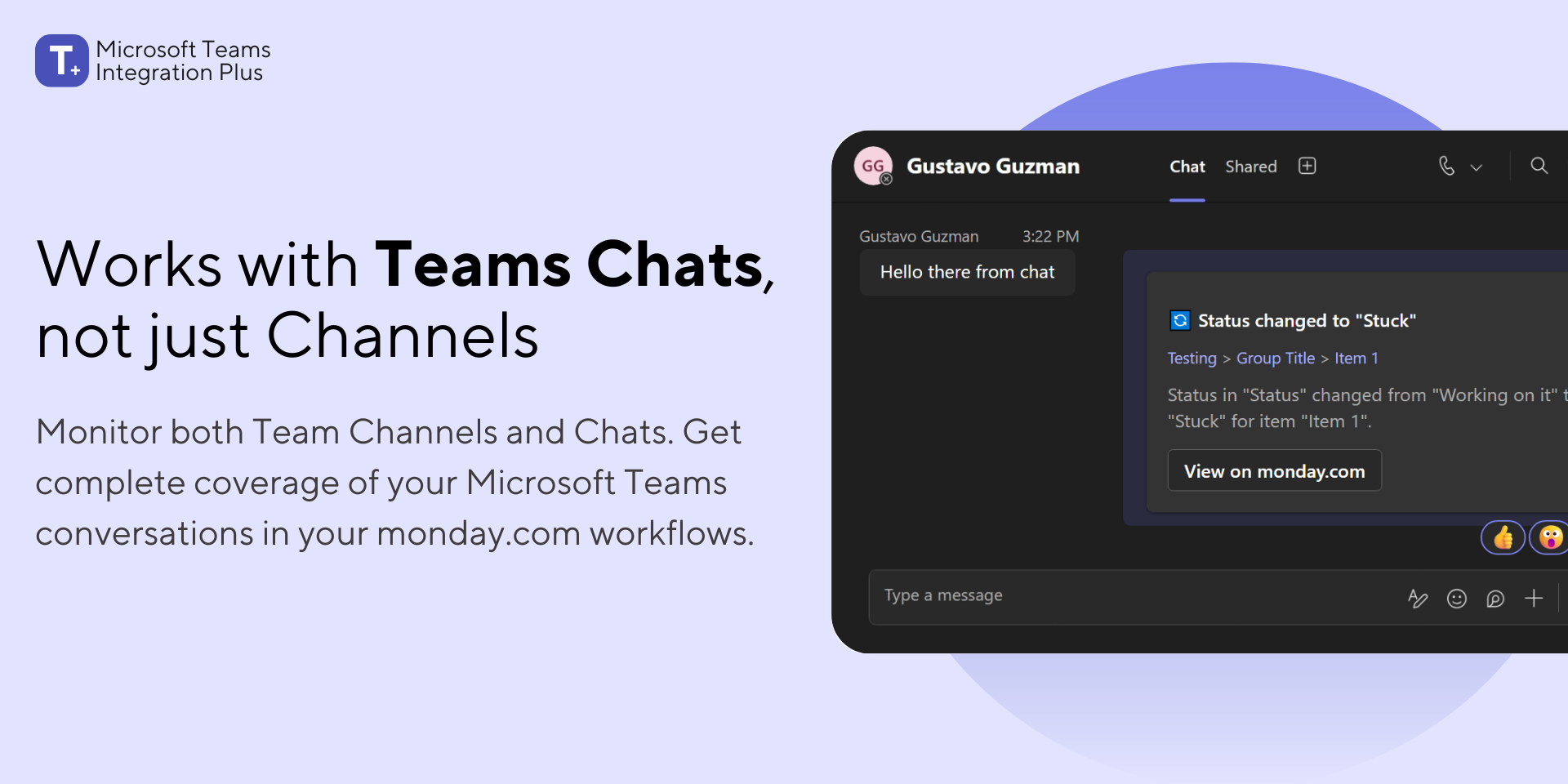
💬 Full Channels and Chats Support
Work the way your team actually communicates. Beyond Channels, we support private and group Chats, so important conversations are not missed.
🎯 Smart Conditional Logic (The Game-Changer)
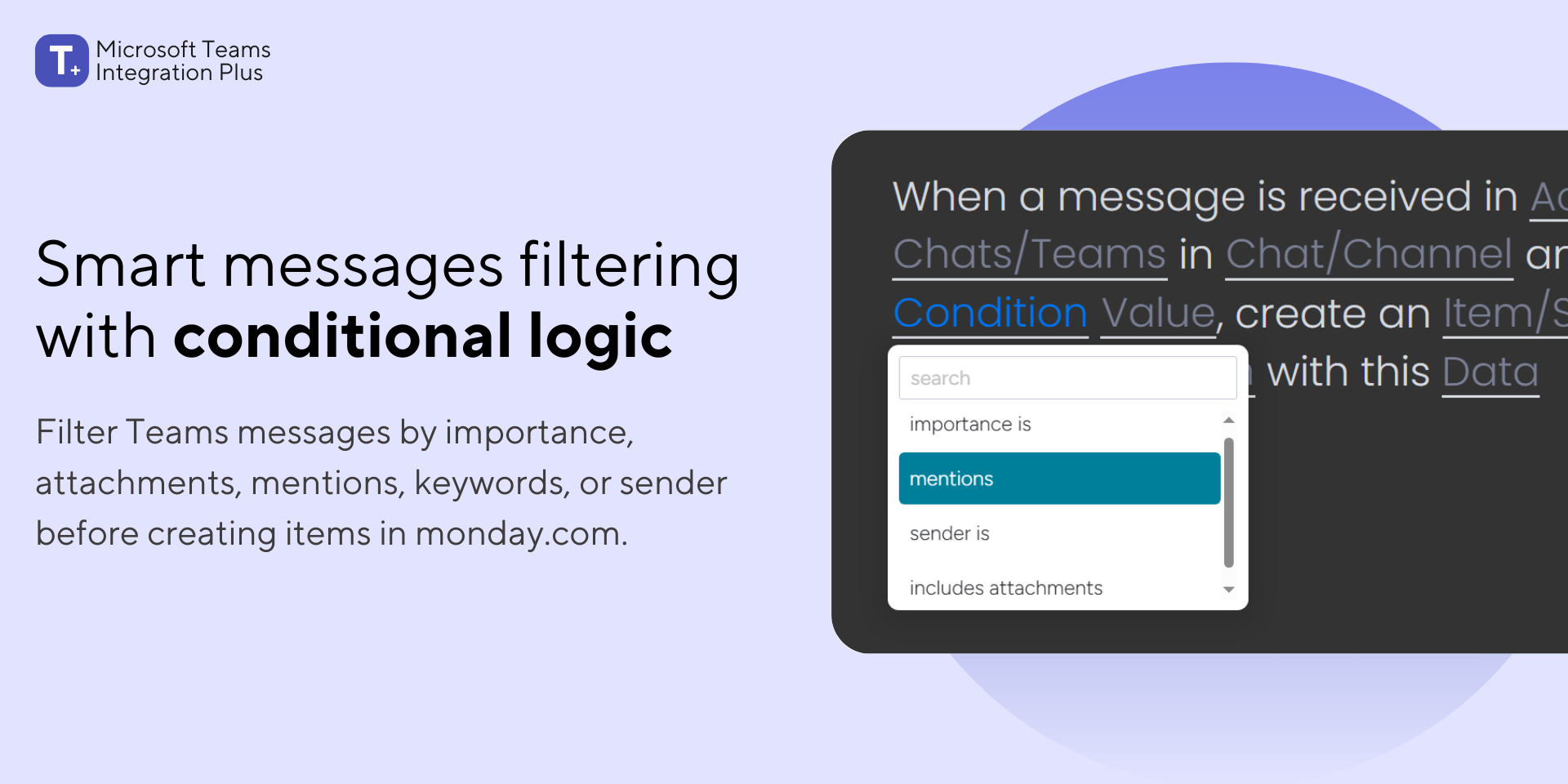
Stop Teams messages from flooding your boards. Only sync what truly matters with advanced filtering:
By Importance: Create items only from high-priority messages
By Attachments: Trigger workflows only when files are shared
By Mentions: Auto-create items when specific people are @mentioned
By Keywords: Filter messages containing "urgent," "bug," "feedback," or any custom phrase
📋 Pure Automation Recipes
Built entirely with monday.com's sentence-based automations. No complex setup, just simple, powerful recipes that work exactly like the automations you already know.
Who It's For
Project Teams - Capture action items from Teams discussions automatically
Support Teams - Create tickets from customer Teams chats with keyword triggers
Sales Teams - Track deal conversations and next steps as updates
Leadership - Monitor high-priority mentions and decisions
Remote Teams - Ensure nothing gets lost between chat and task management
Enterprise-Grade Security
Built on monday.com's trusted infrastructure with secure Microsoft Teams authentication.
Ready to Transform Your Workflow?
📅 Book a free demo to see how Microsoft Teams Integration Plus can eliminate manual work and keep your team aligned.
Or install now and try it risk-free. See the impact in minutes!
Security & Compliance
Security
Does the developer periodically perform penetration testing?
No
Our application runs entirely within monday.com's infrastructure, which undergoes penetration testing as part of their SOC 2 and ISO 27001 compliance programs. We do not conduct separate penetration testing.
Does the developer have a dedicated security and privacy point of contact for such issues or questions?
Yes
Yes. All security and privacy inquiries can be sent to security@interactidigital.com
Does the app restrict redirects and forwards only to approved destinations, or show a warning when redirecting to potentially untrusted content?
Yes
Yes, the app restricts redirects exclusively to approved destinations: graph.microsoft.com and login.microsoftonline.com during OAuth flows. We enforce this using monday.com's Network Allowlist feature, which limits all outbound traffic to pre-approved endpoints only.
Does the app protect against mass parameter assignment attacks?
Yes
The app only accepts requests from monday.com and Microsoft Graph API. All endpoints validate request origins, sanitize incoming data, and reject unexpected fields to prevent mass-assignment attacks.
Does the app perform encoding and sanitization on all user supplied parameters to protect against Cross-Site Scripting?
Yes
All user input is processed through monday.com's secure UI components. The app also performs additional server-side sanitization before processing.
Does the developer protect all state-changing actions against Cross-Site Request Forgery (CSRF)?
Yes
All state-changing actions require a valid JWT token issued by monday.com with a 5-minute expiration. We verify this token before processing any request, providing CSRF protection.
Does the developer have mechanisms to notify monday.com in case of a security breach?
Yes
We will notify monday.com's security team within 24 hours of any confirmed security breach.
Does this developer have a process for installing application-level updates and security patches for the service (such as software packages and databases)?
Yes
Yes. monday.com automatically manages runtime and OS patches. We review dependency security advisories every two weeks and redeploy applications with updated versions as needed.
Compliance
Is the app certified with the information security standard ISO/IEC 27001:2022?
No
The app is hosted on monday code, which is compliant with ISO/IEC 27001:2022.
Is the app compliant with the Health Insurance Portability and Accountability Act (HIPAA)?
No
The app is hosted on monday code, which is compliant with HIPAA requirements.
Is the app certified with System and Organization Controls (SOC 2 or SOC 3)?
No
The app is hosted on monday code, which maintains SOC 2 and SOC 3 certifications.
Is the app compliant with the General Data Protection Regulation (GDPR)?
Yes
We are compliant with GDPR.
Data
Does the app send any data outside of monday.com? If yes, indicate whether the data is customer-submitted (e.g., board names, item names, doc content) or non-customer-submitted (e.g., account ID, board ID, user ID).
Yes
The app only sends data outside of monday.com to user-specified Microsoft Teams channels/chats as a core functionality. Data sent includes both: Customer-submitted data: board names, group names, item names, subitem names, update text, column titles, and column values Non-customer-submitted data: monday account slug, board IDs, group IDs, item IDs, subitem IDs, and update IDs The data is transmitted directly to Microsoft Teams and is not stored or sent to any other third-party services.
Where does the app store logs data?
monday
Logs data is kept in monday code’s managed logging service.
Where does the app store the app data?
monday
The app stores account metadata (account ID, start/renewal dates, and quota) and conditional logic for sentence recipes in monday's key-value storage.
Does the developer ensure application logs do not contain secrets or personally-identifiable information (PII)?
Yes
We do not log tokens, secrets, or any personally identifiable information (PII) in our application logs.
Is customer data segregated from the data of other customers (for example logically or physically)?
Yes
Yes, customer data is logically segregated. We use monday.com's storage for account metadata and automation logic. It automatically segregates data by account ID and app, ensuring each customer's data is completely isolated and inaccessible to other customers.
Privacy
Does the developer enforce multi-factor authentication on employees access to systems which may process customer data?
Yes
Yes. Multi-factor authentication is enforced for all access to internal systems that may process customer data. Google Workspace MFA and email 2FA are used.
Does the developer protect access to customer data based on the principle of least privilege?
Yes
We do not store any monday.com board/item, or Microsoft Teams messages data. Access to the limited subscription metadata we maintain is granted exclusively to authorized personnel on a need-to-know basis, following the principle of least privilege.
Reviews
No reviews yet.
Historical data
Installation history
We have data for December 28, 2024 onwards only. Collected sometime after 00:00 UTC daily.
Total number of installs
Change in total number of installs in last 1 day(s)
Compares the number of installs on each date with 1 days previously:
Max
Min
Current
Change in total number of installs in last 7 day(s)
Compares the number of installs on each date with 7 days previously:
Max
Min
Current
Change in total number of installs in last 30 day(s)
Compares the number of installs on each date with 30 days previously:
Max
Min
Current
Change in total number of installs in last 90 day(s)
Compares the number of installs on each date with 90 days previously:
Max
Min
Current
Change in total number of installs in last 180 day(s)
Compares the number of installs on each date with 180 days previously:
Max
Min
Current
Ratings history
Categories history
Each of the following is a yes/no answer, so the graphs show 1 for yes, and 0 for no.