Automate Powerpoint, Word, and PDF document generation
Build My Docs: Automate Your Document Generation on monday.com
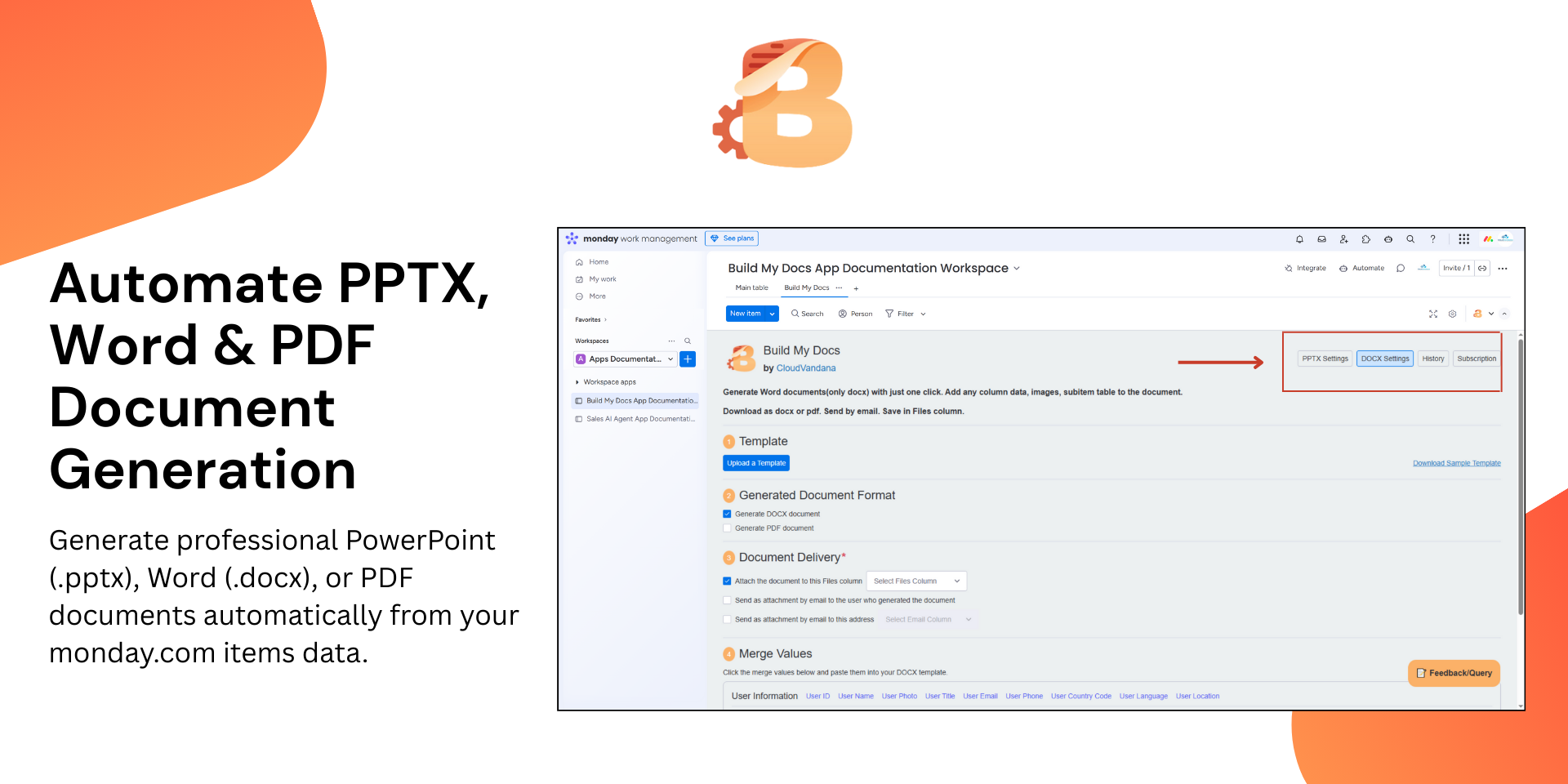
Build My Docs is the ultimate app for generating professional PowerPoint (.pptx), Word(.docx), and PDF documents directly from your monday.com boards. Say goodbye to manual data entry and hello to one-click document creation.
Why it matters: Boost productivity, save valuable time, and ensure accuracy by automating your document creation and delivery workflows.
Schedule a demo to see how Build My Docs enhances your workflows.
🔑 Key Benefits
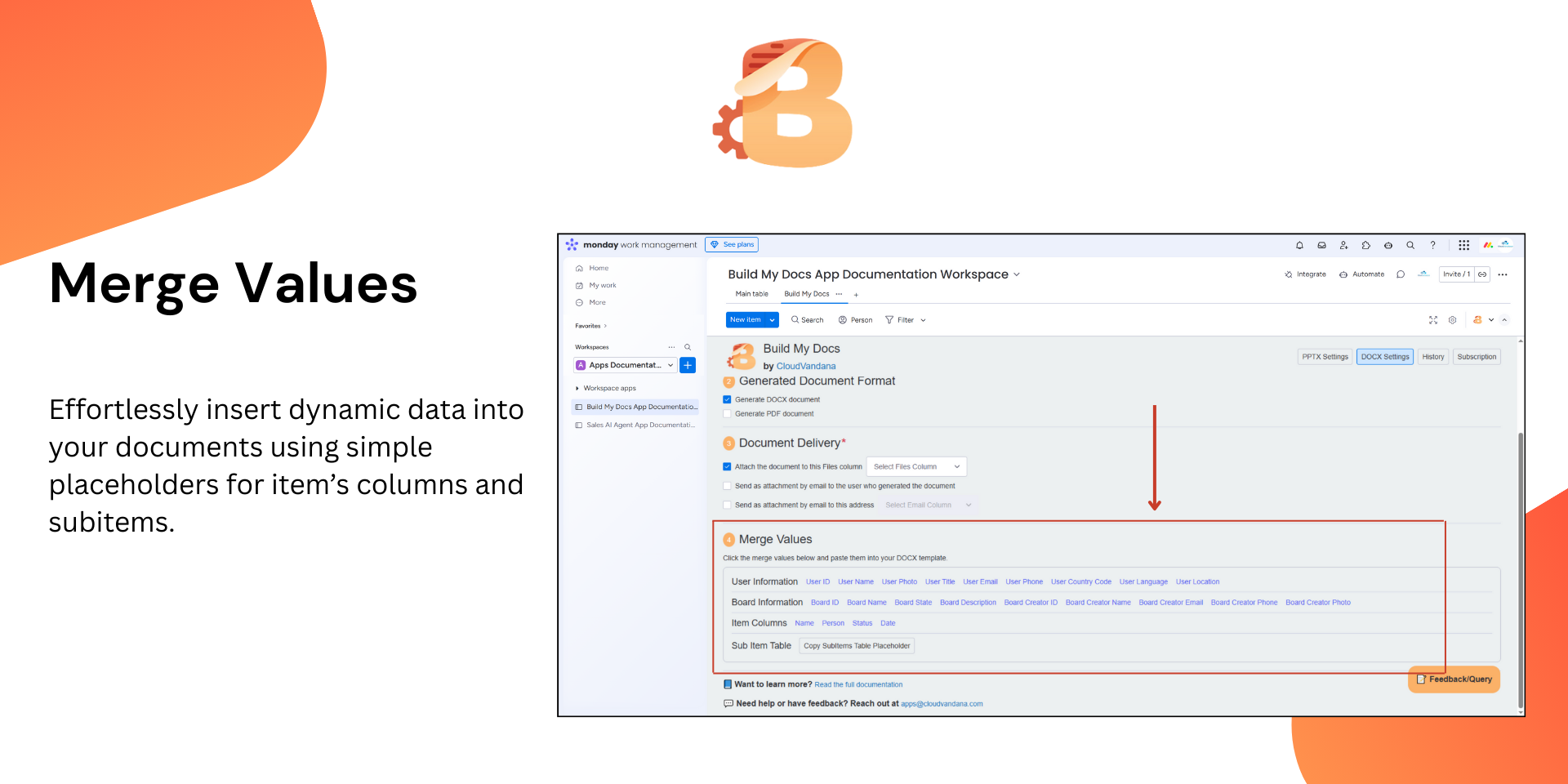
📝 Merge Values: Use simple placeholders to dynamically pull data from your monday.com items directly into your documents.
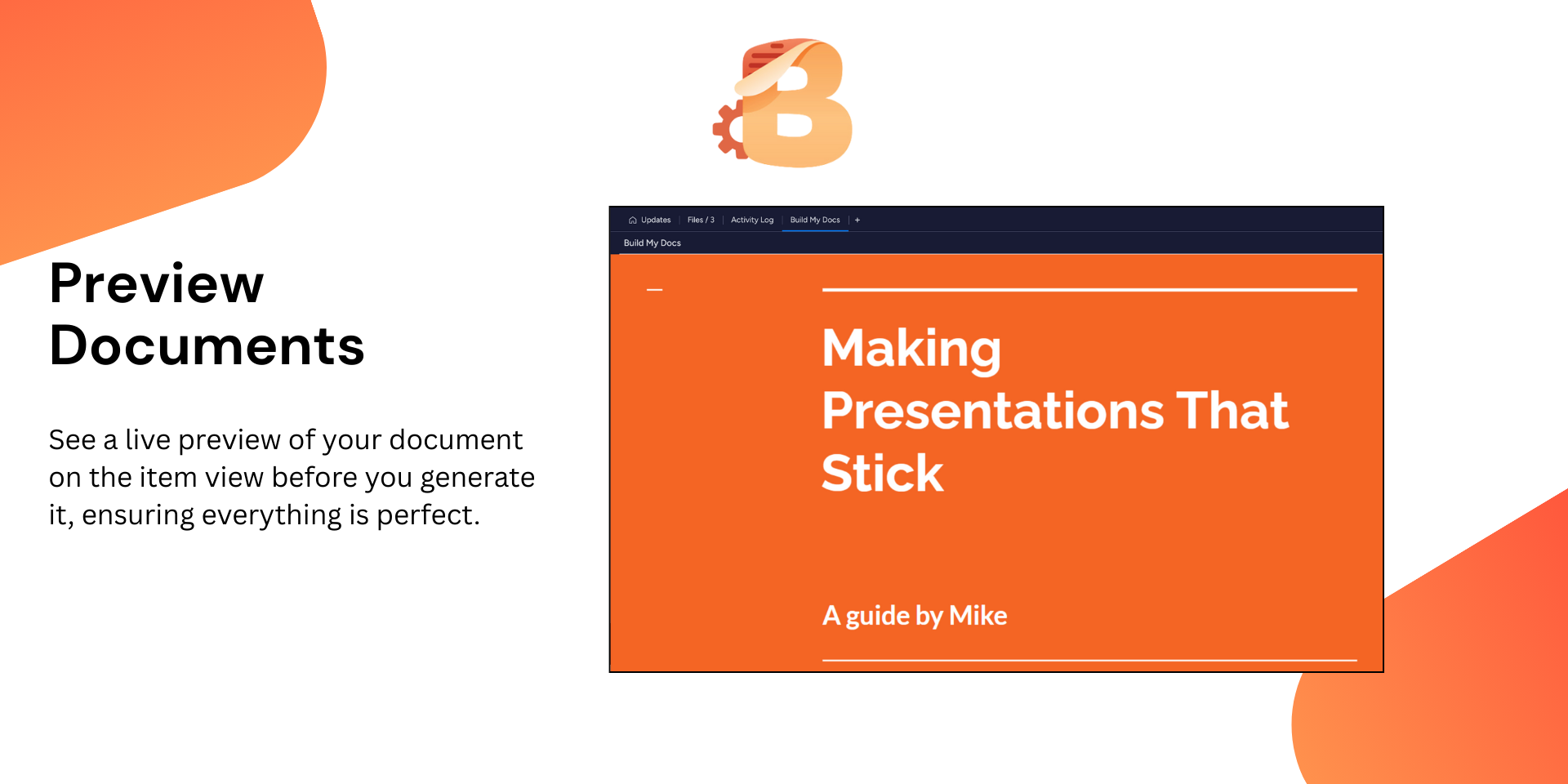
👁️ Live Preview: See a live preview of your document on the item view before creating it, ensuring everything is perfect.
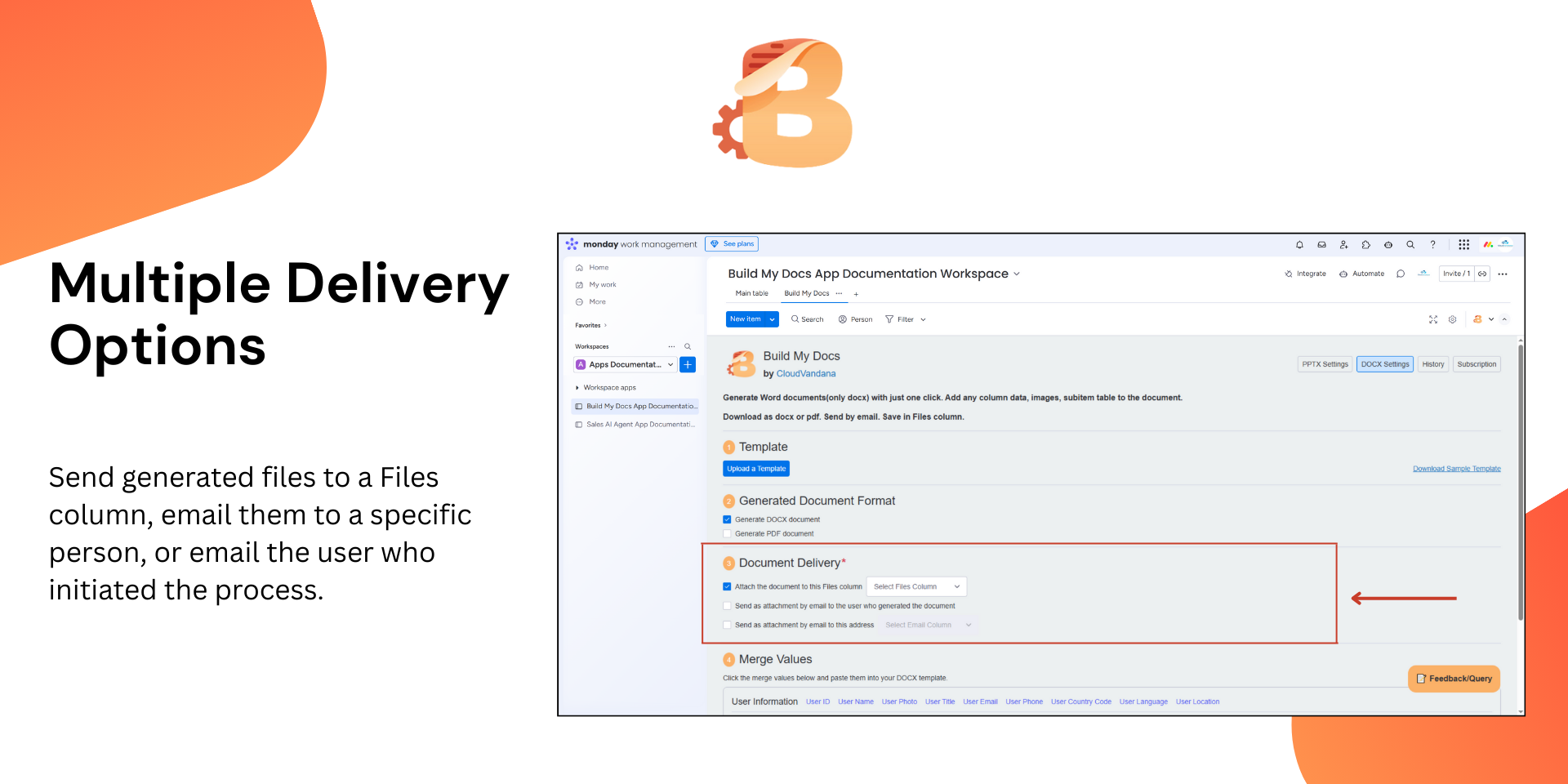
🚚 Generated Document Delivery: Save the generated file to a Files column.
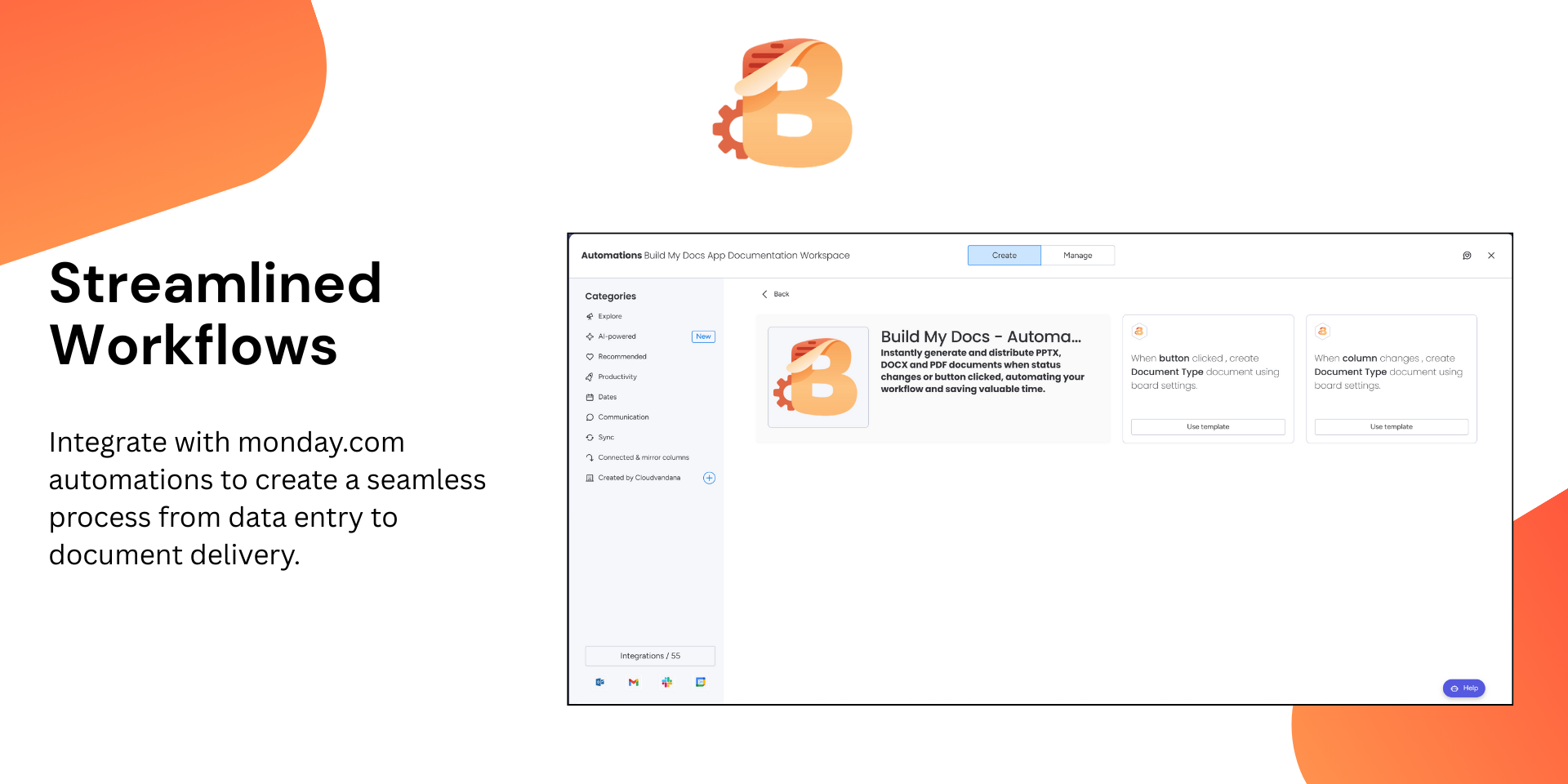
⚙️ Seamless Workflow Integration: Instantly generate and distribute documents when a status changes or a button is clicked.
✅ What You Can Do
Create professional .pptx, .docx, and .pdf documents
Automate document generation with a single click
Ensure data accuracy with dynamic placeholders
Streamline your reporting and communication processes
👥 Who It's For
Project Managers: Automatically generate reports and presentations for stakeholders.
Sales Teams: Create customized proposals and contracts with updated client data.
HR & Admin: Generate onboarding documents and employee handbooks on the fly.
Marketing: Produce campaign reports and brand-aligned presentations effortlessly.
Build My Docs takes the complexity out of document creation, empowering you to focus on your work.
Does the developer periodically perform penetration testing?
Not answered
Does the developer have a dedicated security and privacy point of contact for such issues or questions?
Not answered
Does the app restrict redirects and forwards only to approved destinations, or show a warning when redirecting to potentially untrusted content?
Not answered
Does the app protect against mass parameter assignment attacks?
Not answered
Does the app perform encoding and sanitization on all user supplied parameters to protect against Cross-Site Scripting?
Yes
Does the developer protect all state-changing actions against Cross-Site Request Forgery (CSRF)?
Not answered
Does the developer have mechanisms to notify monday.com in case of a security breach?
Not answered
Does this developer have a process for installing application-level updates and security patches for the service (such as software packages and databases)?
Not answered
Compliance
Is the app certified with the information security standard ISO/IEC 27001:2022?
Not answered
Is the app compliant with the Health Insurance Portability and Accountability Act (HIPAA)?
Not answered
Is the app certified with System and Organization Controls (SOC 2 or SOC 3)?
Not answered
Is the app compliant with the General Data Protection Regulation (GDPR)?
Not answered
Data
Does the app send any data outside of monday.com? If yes, indicate whether the data is customer-submitted (e.g., board names, item names, doc content) or non-customer-submitted (e.g., account ID, board ID, user ID).
Not answered
Where does the app store logs data?
Not answered
Where does the app store the app data?
Not answered
Does the developer ensure application logs do not contain secrets or personally-identifiable information (PII)?
Not answered
Is customer data segregated from the data of other customers (for example logically or physically)?
Not answered
Privacy
Does the developer enforce multi-factor authentication on employees access to systems which may process customer data?
Not answered
Does the developer protect access to customer data based on the principle of least privilege?
Not answered
Reviews
No reviews yet.
Historical data
Installation history
We have data for December 28, 2024 onwards only. Collected sometime after 00:00 UTC daily.
Total number of installs
Change in total number of installs in last 1 day(s)
Compares the number of installs on each date with 1 days previously:
Max
Min
Current
Change in total number of installs in last 7 day(s)
Compares the number of installs on each date with 7 days previously:
Max
Min
Current
Change in total number of installs in last 30 day(s)
Compares the number of installs on each date with 30 days previously:
Max
Min
Current
Change in total number of installs in last 90 day(s)
Compares the number of installs on each date with 90 days previously:
Max
Min
Current
Change in total number of installs in last 180 day(s)
Compares the number of installs on each date with 180 days previously:
Max
Min
Current
Ratings history
Categories history
Each of the following is a yes/no answer, so the graphs show 1 for yes, and 0 for no.