AI Slack bot to collaborate & manage monday.com tasks
AI Slack bot for monday.com to collaborate, approve, and manage tasks directly in Slack.
Bridge Bot MCP for Slack makes teamwork effortless by connecting your monday.com workspace with Slack conversations. With natural language processing and seamless MCP onboarding, your team can collaborate faster, cut down context switching, and stay aligned on projects.
🤝 Collaborate Smarter
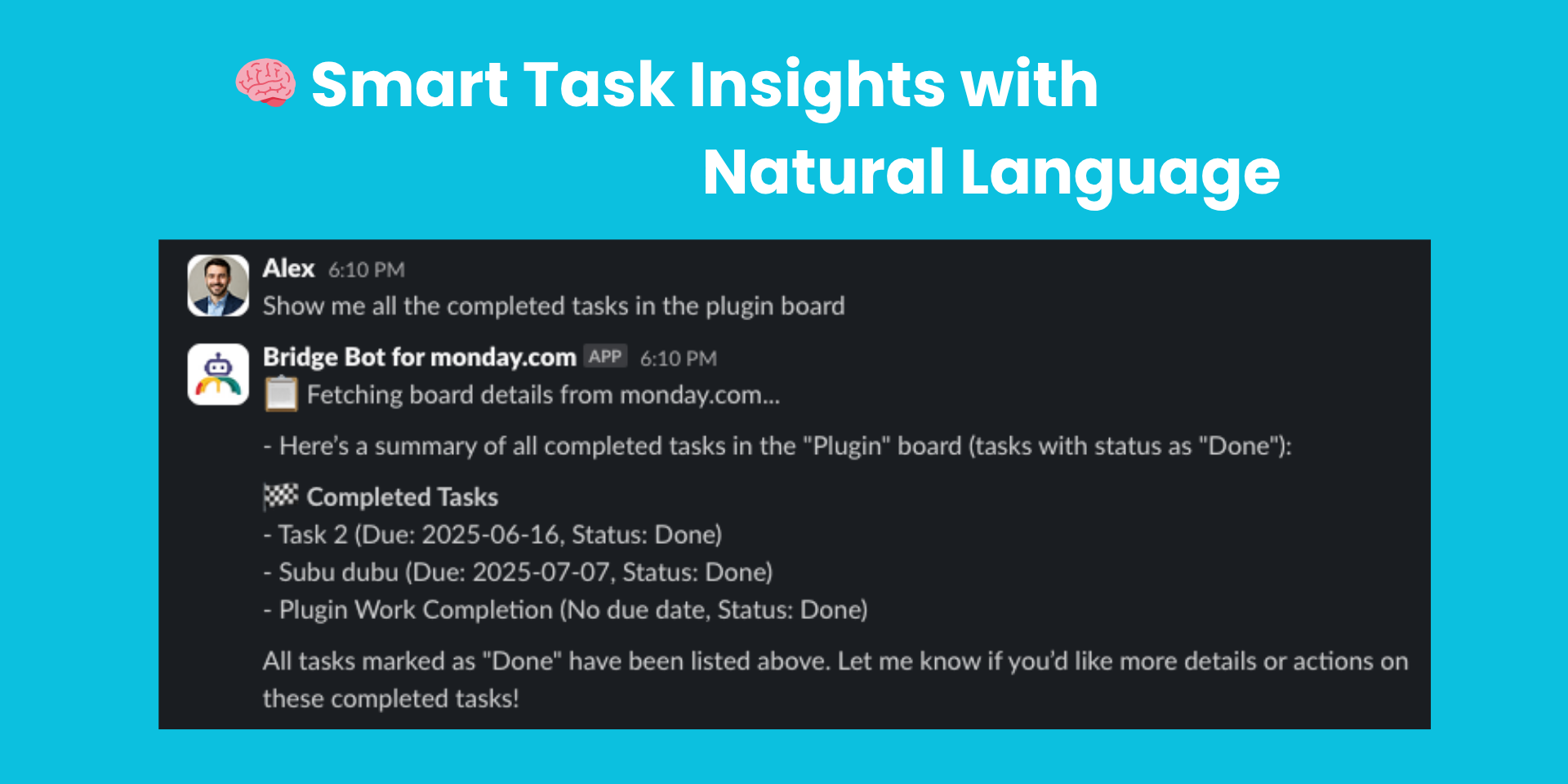
No more bouncing between tabs or struggling with complex commands. Just talk to Bridge Bot like a teammate:
“List my boards and their status”
“Create a new task ‘Design Review’ in Marketing board and assign it to @JohnDoe”
“Show me overdue items across all projects”
“Update task status to Done”
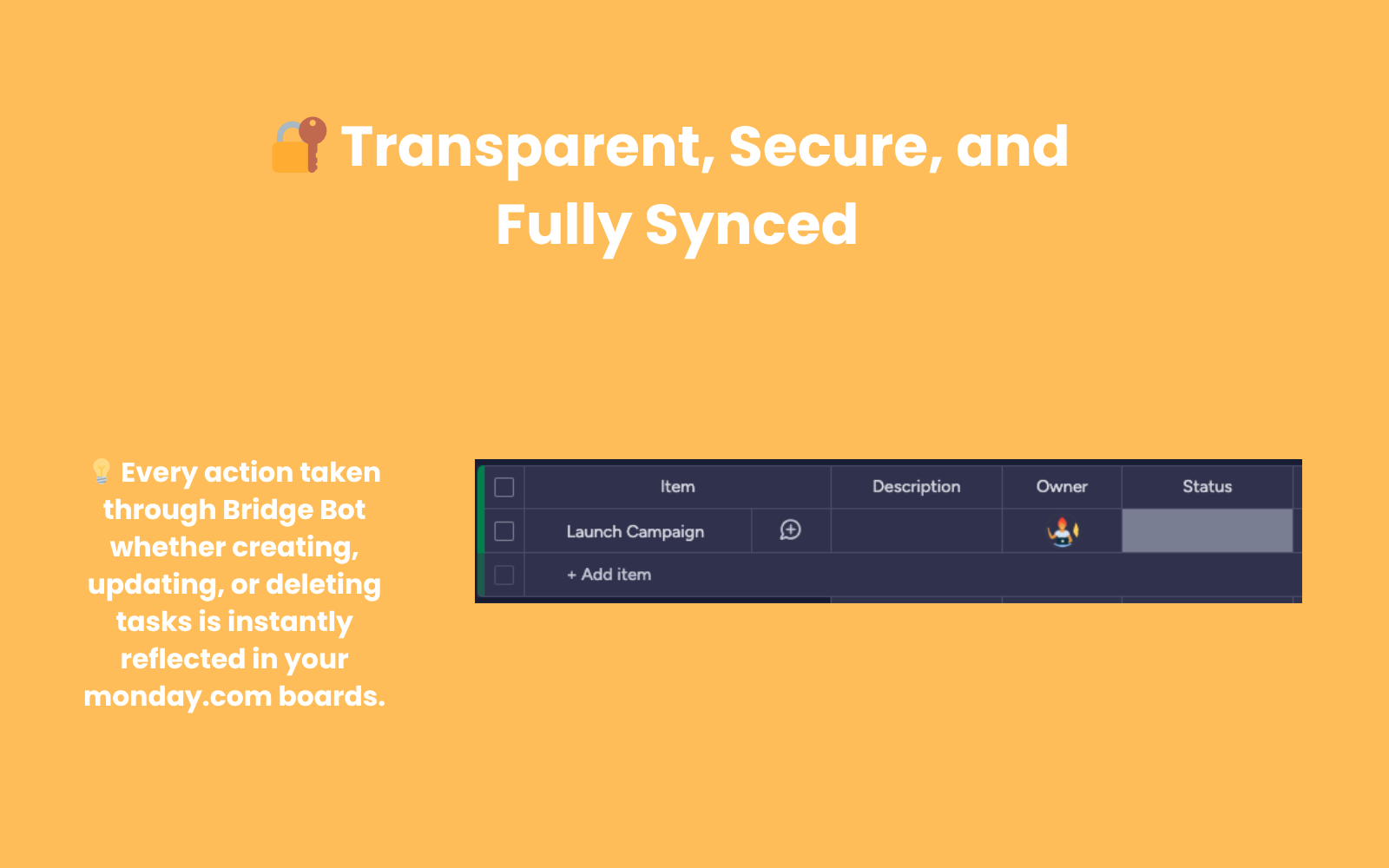
Team members can discuss tasks in Slack, approve changes, and see updates reflected instantly in monday.com — all without leaving their workflow.
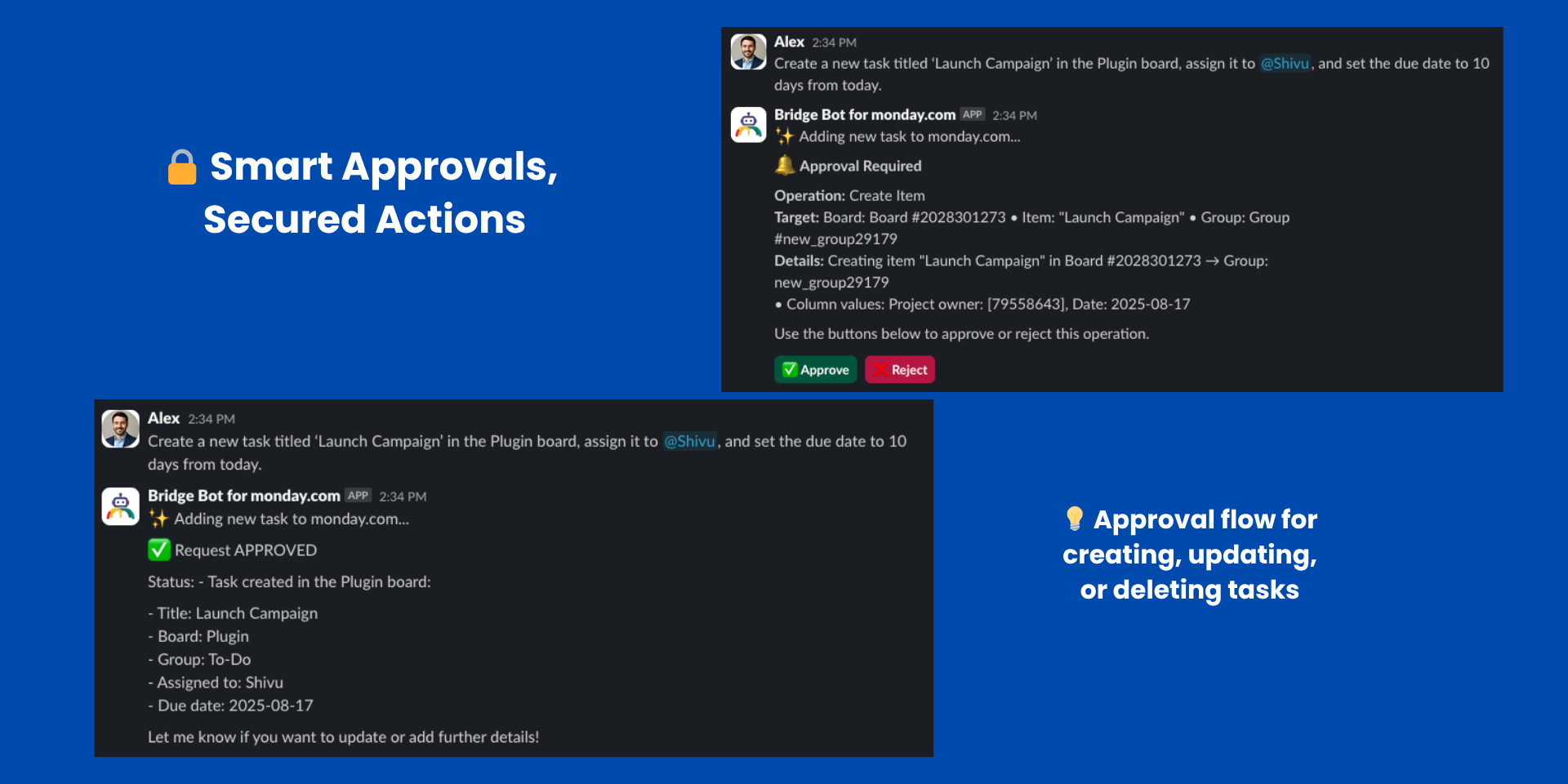
⚡ Approvals & Control
Sensitive updates are protected by built-in approval workflows:
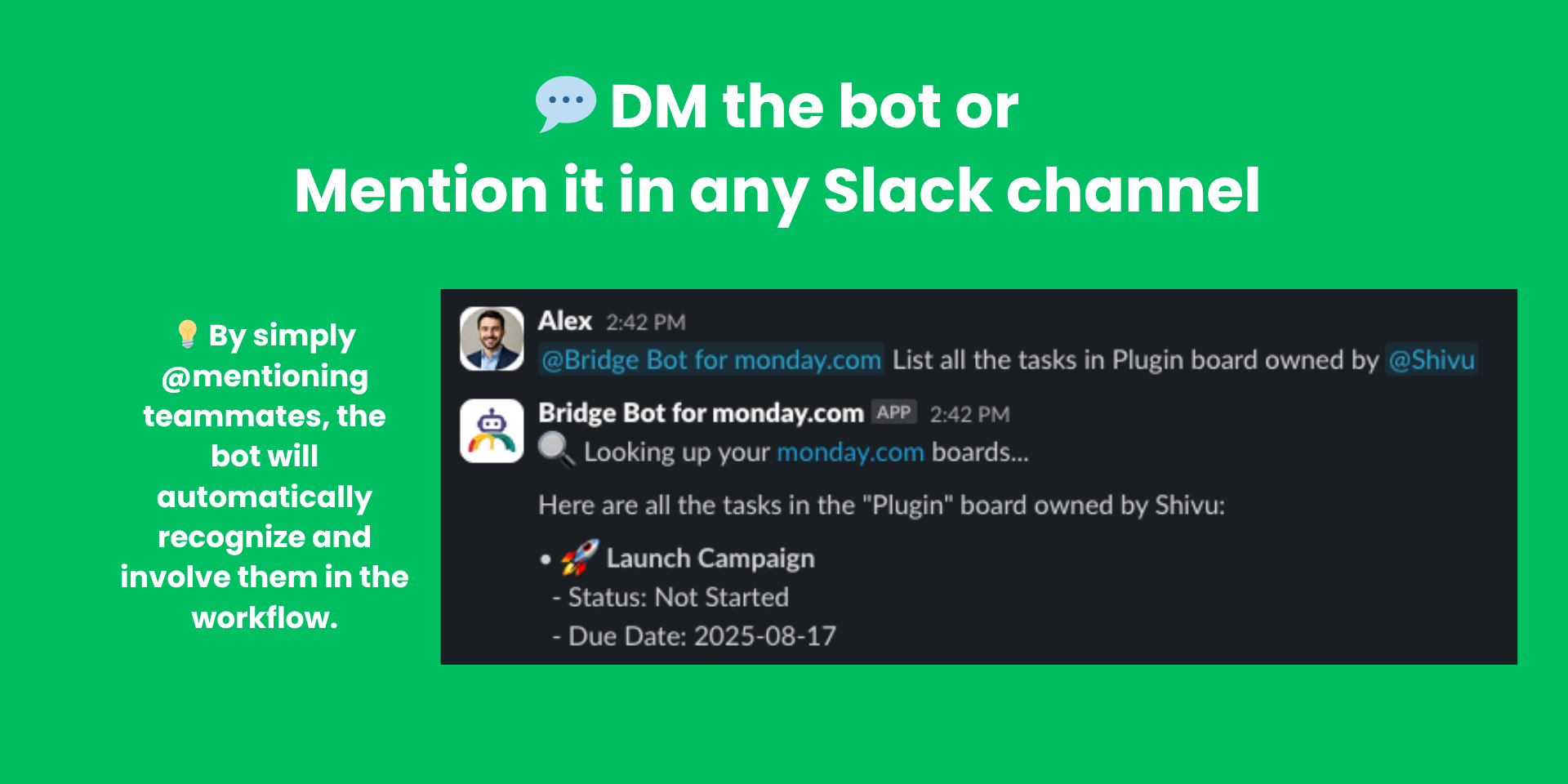
Bridge Bot fits naturally into how your team already works:
Mention @Bridge Bot MCP for monday.com in any channel for quick actions
Chat privately via direct messages
Instant task updates reflected in monday.com
Enjoy structured updates with rich formatting and emojis
🚀 Easy MCP Onboarding
Getting started with MCP has never been simpler:
One-click installation and OAuth2 authentication
Automatic user linking between Slack and monday.com
Clear in-app guidance for setup and error handling
Real-time monitoring to keep everything running smoothly
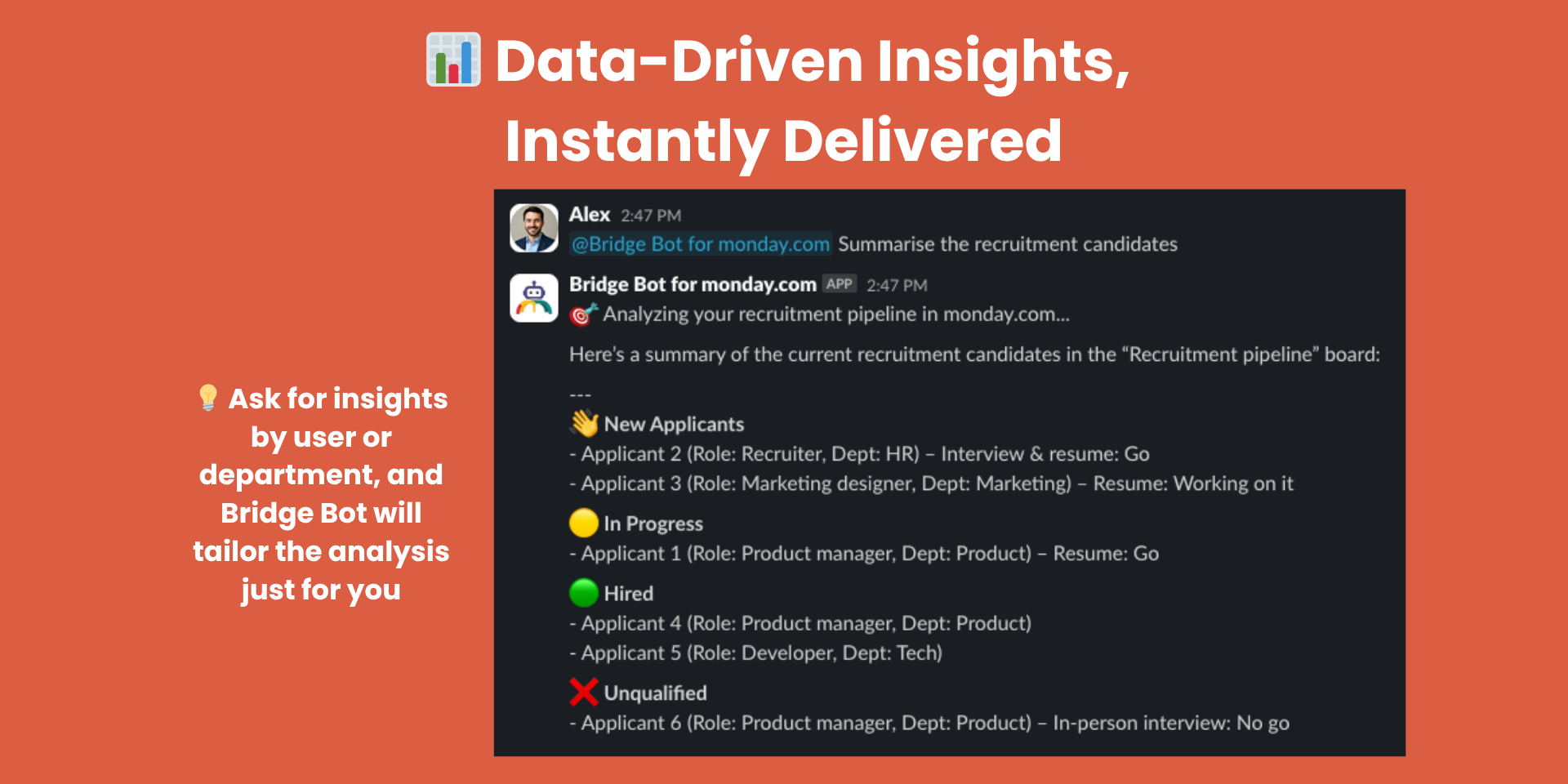
📊 Advanced AI Features
Natural language processing for intuitive commands
Automatic user mention resolution
Securely powered by ChatGPT & Claude LLMs
Instant acknowledgments so you know actions are processing
🔐 Enterprise-Grade Security
OAuth 2.0 for both monday.com and Slack
Verified request signatures
Encrypted token storage with auto-refresh
User isolation and permission management
📝 AI Disclaimer
Bridge Bot MCP uses AI-powered language models to process natural language queries. While it strives to provide accurate and helpful responses, the output may occasionally be incomplete, outdated, or inaccurate. Always review critical information before taking action.
Security & Compliance
The app developer did not provide the security and compliance information for this app.
Reviews
No reviews yet.
Historical data
Installation history
We have data for December 28, 2024 onwards only. Collected sometime after 00:00 UTC daily.
Total number of installs
Change in total number of installs in last 1 day(s)
Compares the number of installs on each date with 1 days previously:
Max
Min
Current
Change in total number of installs in last 7 day(s)
Compares the number of installs on each date with 7 days previously:
Max
Min
Current
Change in total number of installs in last 30 day(s)
Compares the number of installs on each date with 30 days previously:
Max
Min
Current
Change in total number of installs in last 90 day(s)
Compares the number of installs on each date with 90 days previously:
Max
Min
Current
Change in total number of installs in last 180 day(s)
Compares the number of installs on each date with 180 days previously:
Max
Min
Current
Ratings history
Categories history
Each of the following is a yes/no answer, so the graphs show 1 for yes, and 0 for no.