
ONLYOFFICE DocSpace
24 installs, since July 7, 2025. 2 installs/month. Updated May 7, 2025.
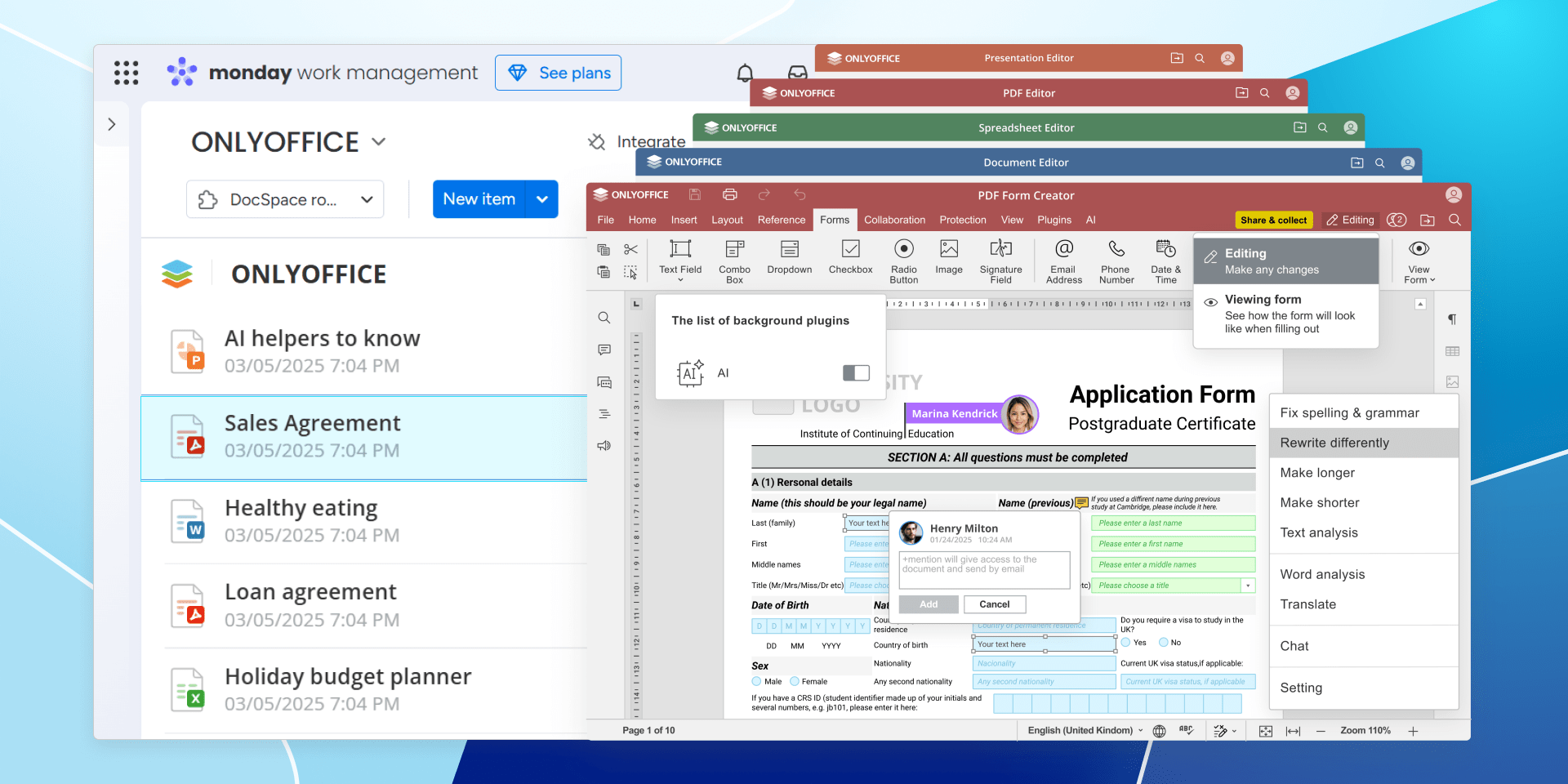
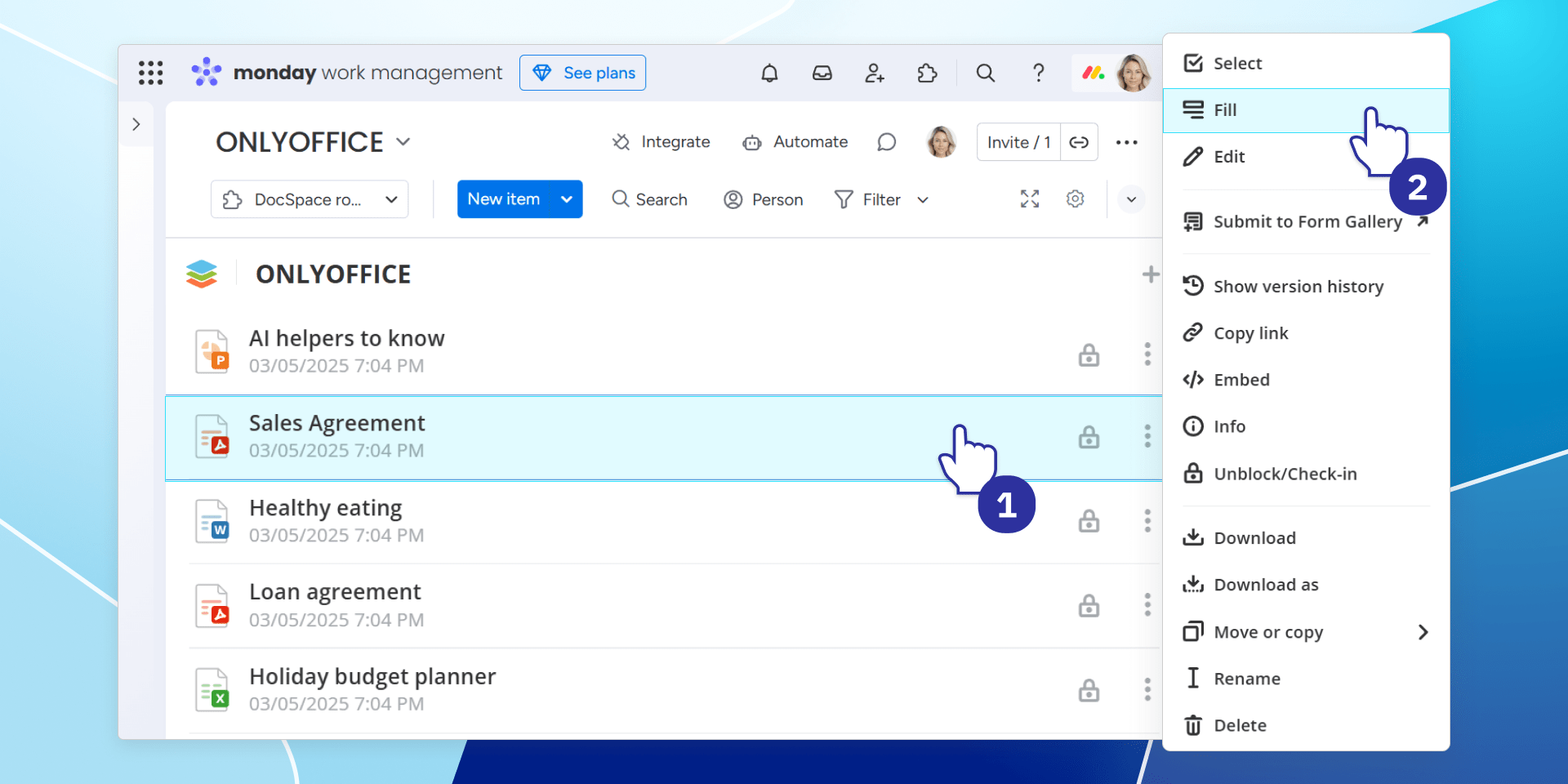
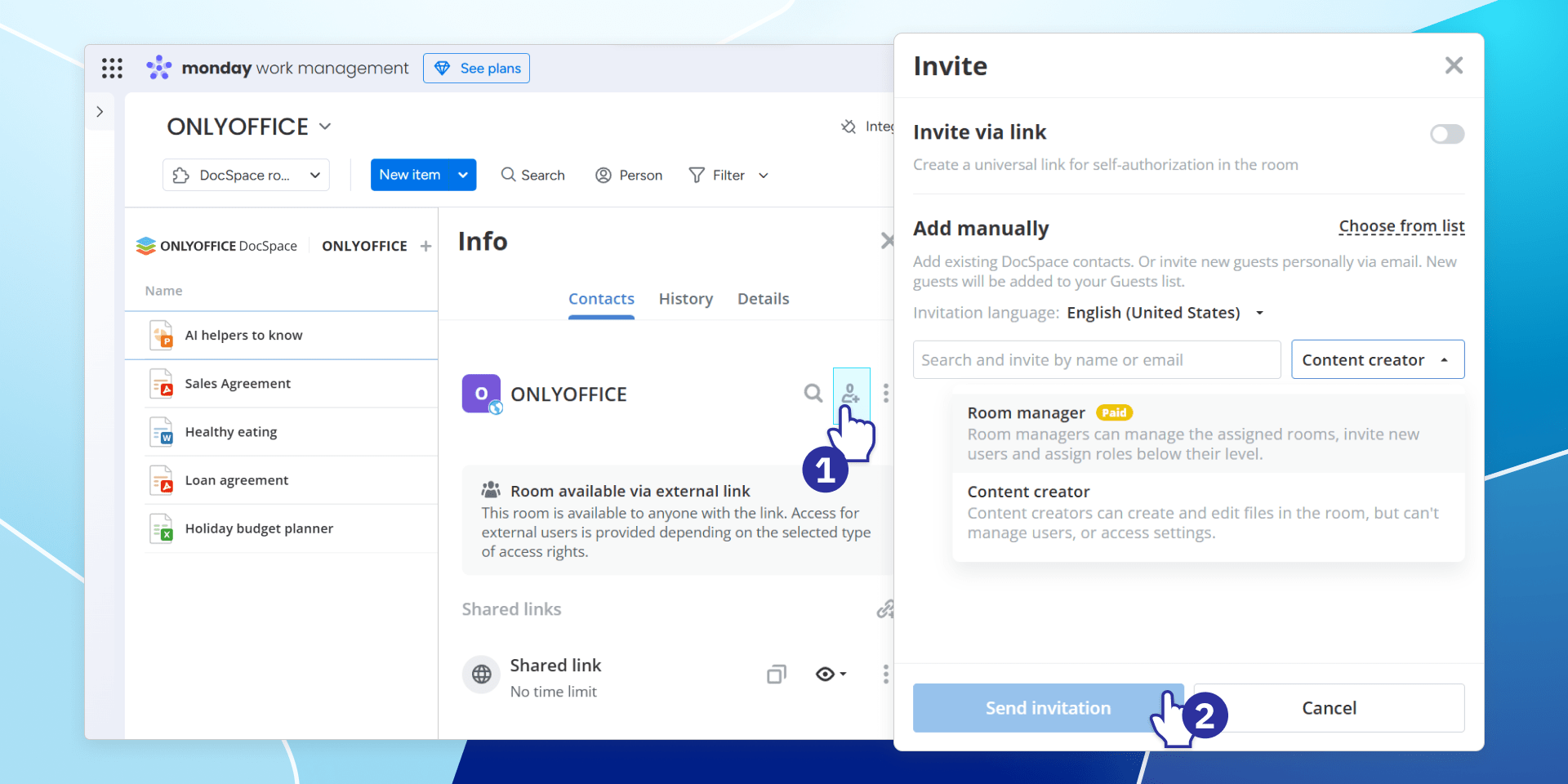
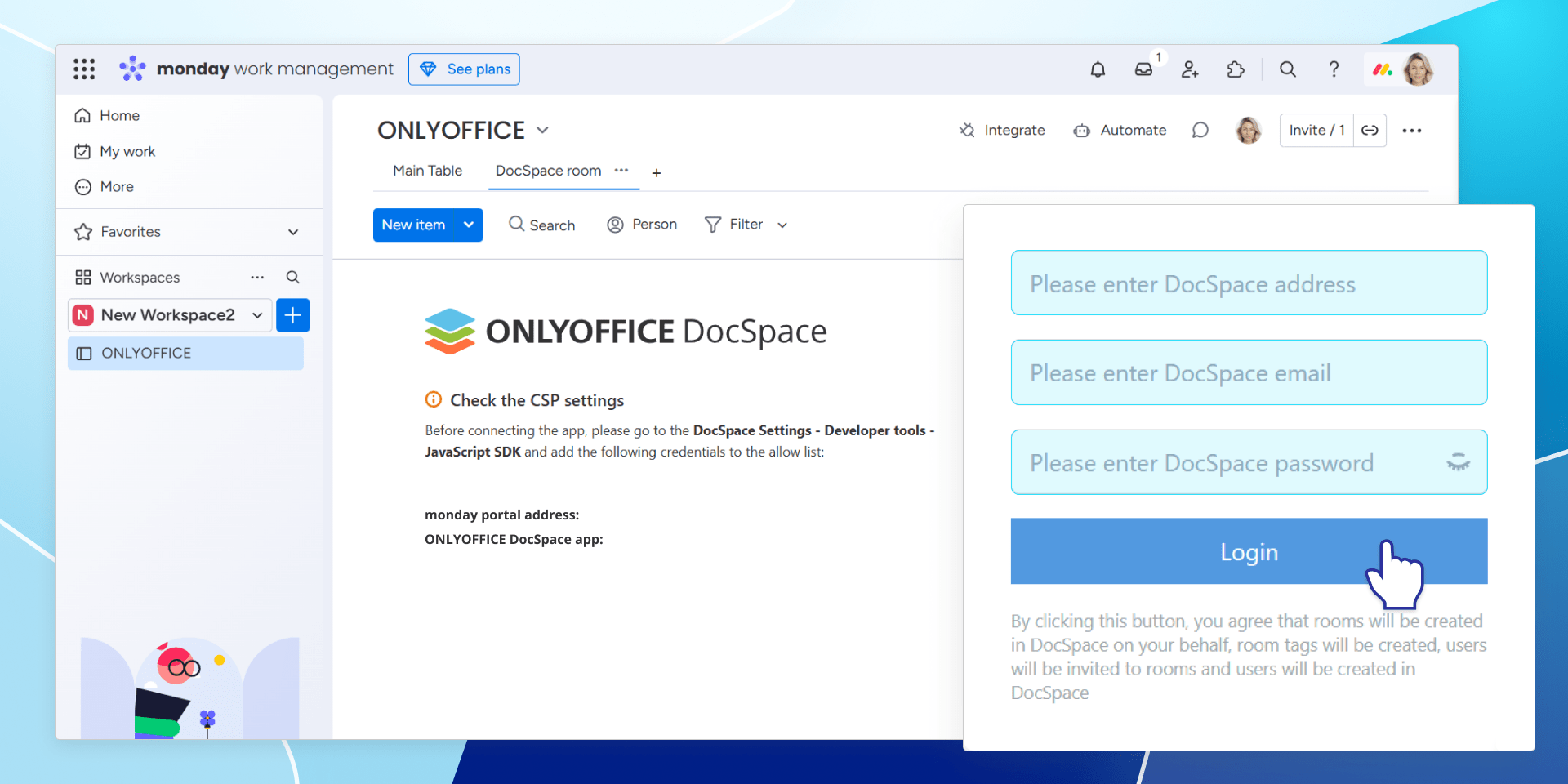
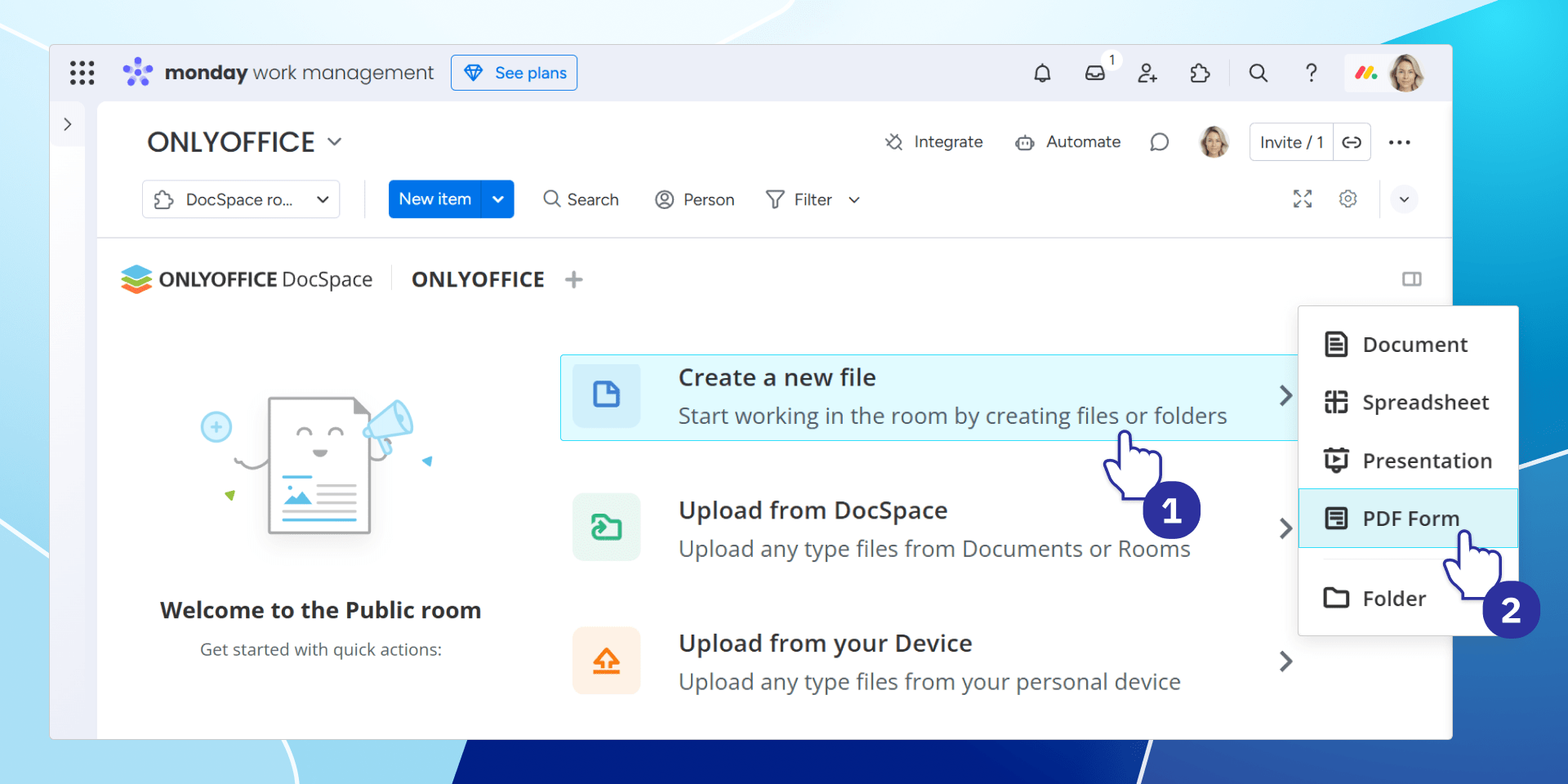
Work on office files for monday.com boards in DocSpace rooms
Enhance your team’s productivity and streamline collaboration with the ONLYOFFICE DocSpace app for monday.com! This integration lets you seamlessly connect your monday.com boards with ONLYOFFICE DocSpace, creating an ideal space for managing and collaborating on office documents. Whether you’re working on spreadsheets, presentations, PDFs, or text files, ONLYOFFICE DocSpace makes teamwork effortless.
· Seamless document integration. Link office files from your monday.com boards directly to ONLYOFFICE DocSpace rooms for efficient document management.
· Enhanced collaboration. Empower your team to edit, view, and collaborate on files in real time, all within an intuitive interface.
· Role-based access. Control who can access and modify your files by assigning roles such as Content Creator or Viewer based on team needs.
· Flexible availability. Choose whether to activate the app across all your monday.com workspaces or tailor it to specific ones.
· Simplified configuration. Enjoy a quick setup by monday.com admins with guidance for easy connectivity to ONLYOFFICE DocSpace.
· Document privacy. Invite specific members or share files via secure external links – Public rooms provide access without compromising control.
Learn more about ONLYOFFICE DocSpace on the official website www.onlyoffice.com/docspace.aspx.
Security & Compliance
The app developer did not provide the security and compliance information for this app.
Reviews
No reviews yet.
Historical data
Installation history
We have data for December 28, 2024 onwards only. Collected sometime after 00:00 UTC daily.
Total number of installs
Change in total number of installs in last 1 day(s)
Compares the number of installs on each date with 1 days previously:
Change in total number of installs in last 7 day(s)
Compares the number of installs on each date with 7 days previously:
Change in total number of installs in last 30 day(s)
Compares the number of installs on each date with 30 days previously:
Change in total number of installs in last 90 day(s)
Compares the number of installs on each date with 90 days previously:
Change in total number of installs in last 180 day(s)
Compares the number of installs on each date with 180 days previously:
Ratings history
Categories history
Each of the following is a yes/no answer, so the graphs show 1 for yes, and 0 for no.