Sync Files from Items, Boards, Gallery with Google Drive
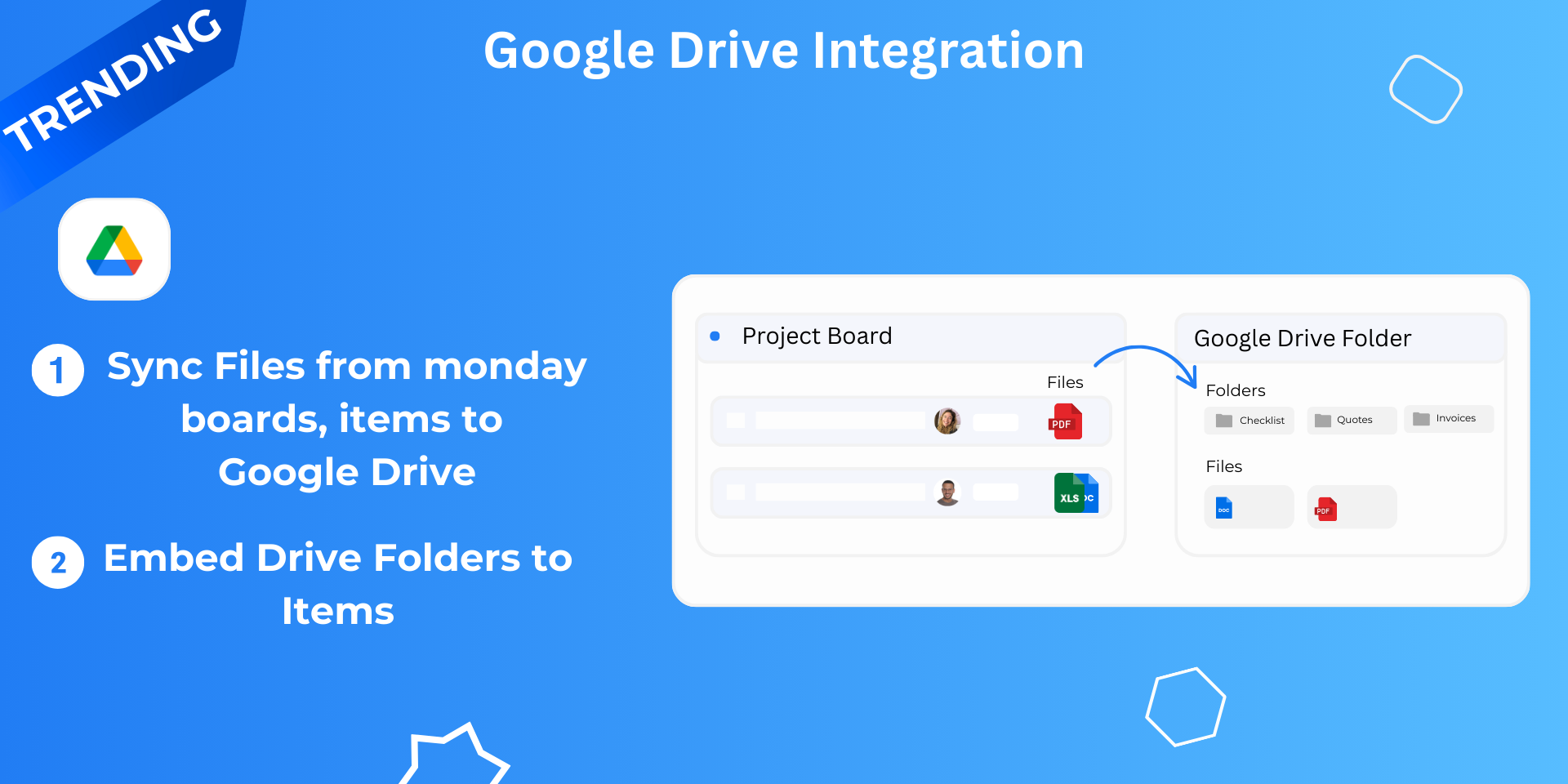
Automatically sync monday.com files to Google Drive and keep your project files organised without manual uploads. This Google Drive Integration creates folders for monday.com boards and items, syncs files instantly, and maintains a structured Drive folder system for your team.
Google Drive Integration helps teams manage documents, project files, and assets by automatically organising monday.com files inside Google Drive folders.
How it works:
Connect your Google Drive account
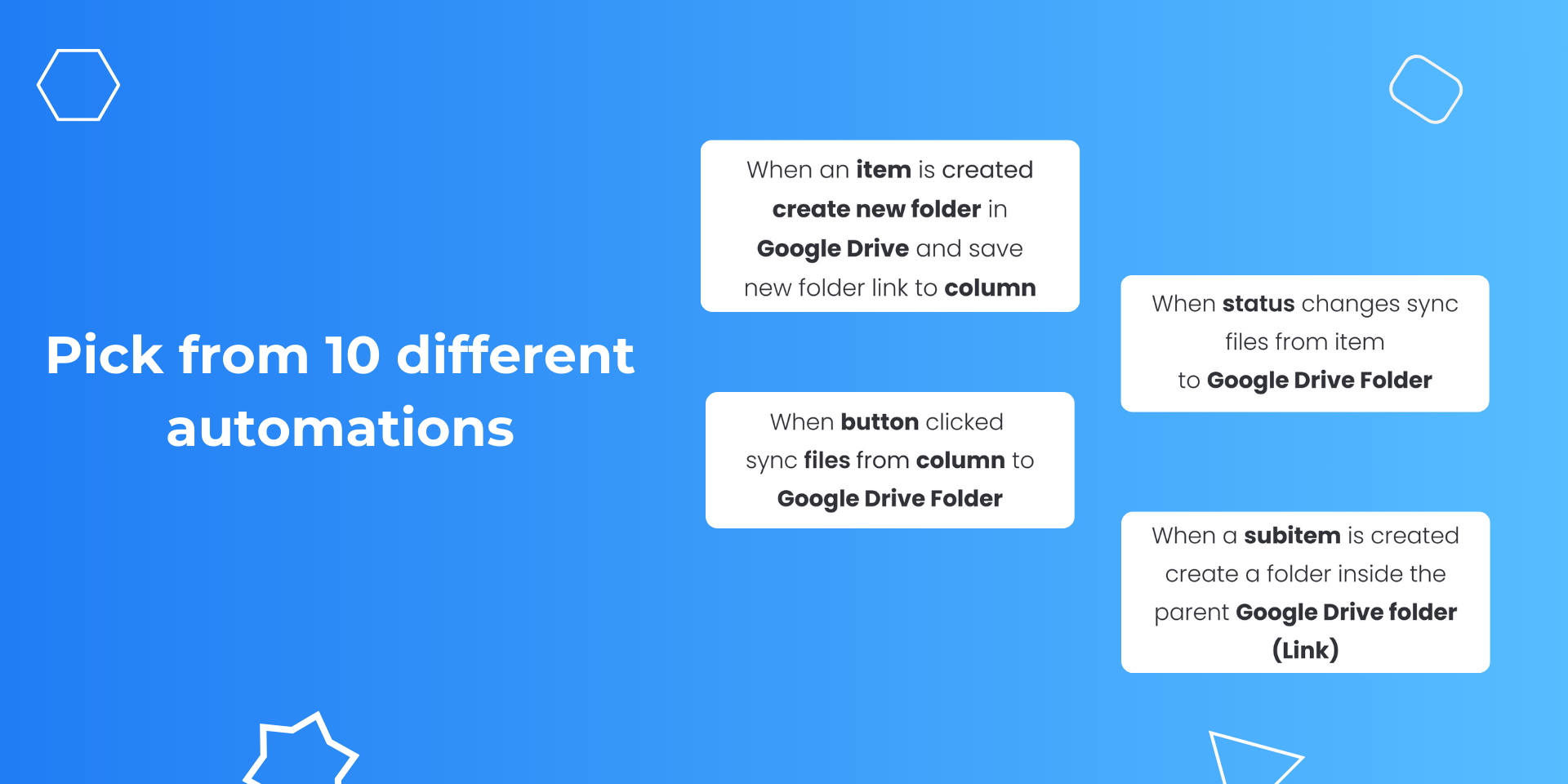
Set up folder rules (10 integration templates)
Files sync automatically based on rules set to Google Drive
Key Features ⤵️
Automatic file sync - Files added to monday.com items are automatically synced to the corresponding Google Drive folder.
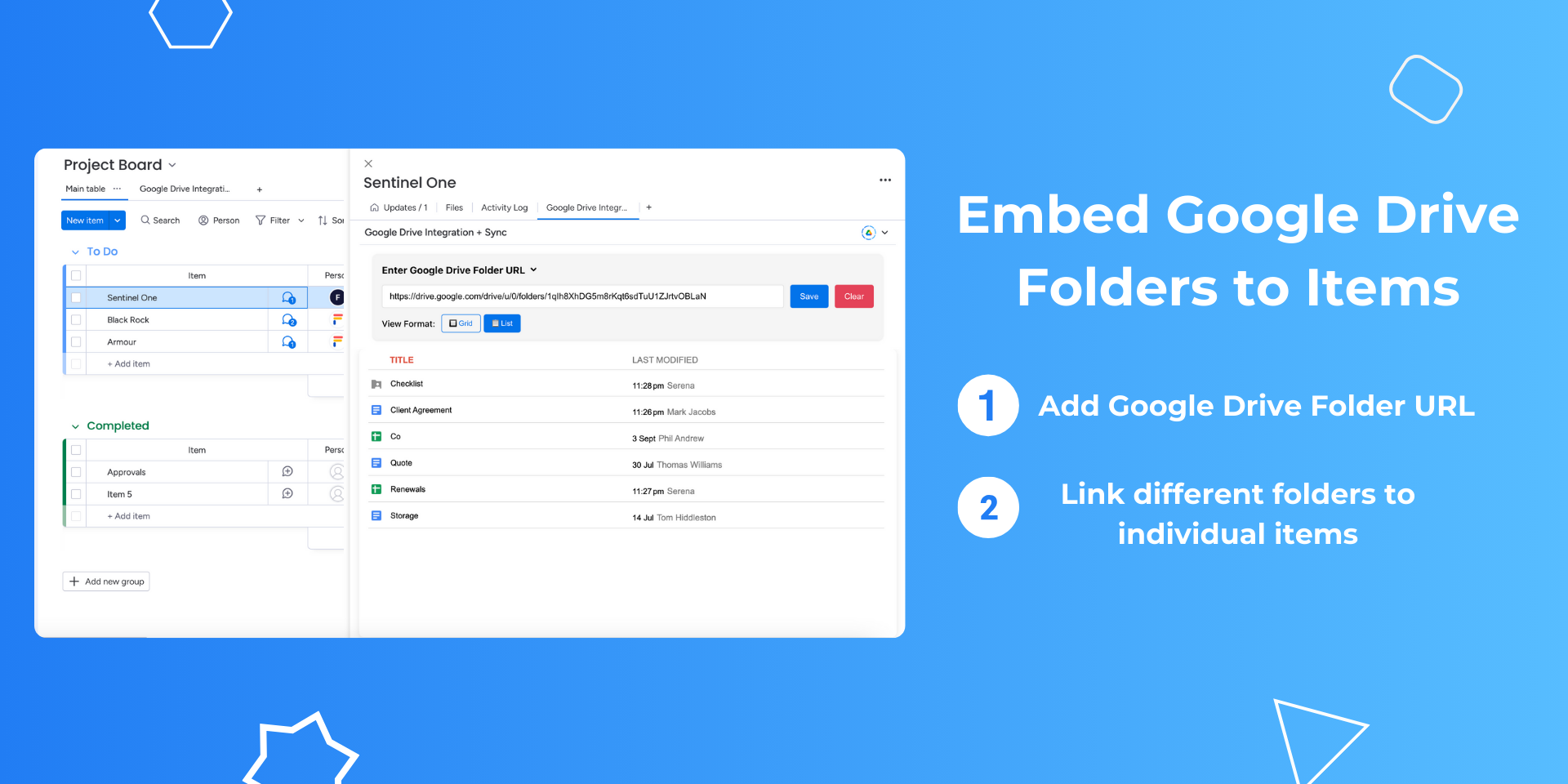
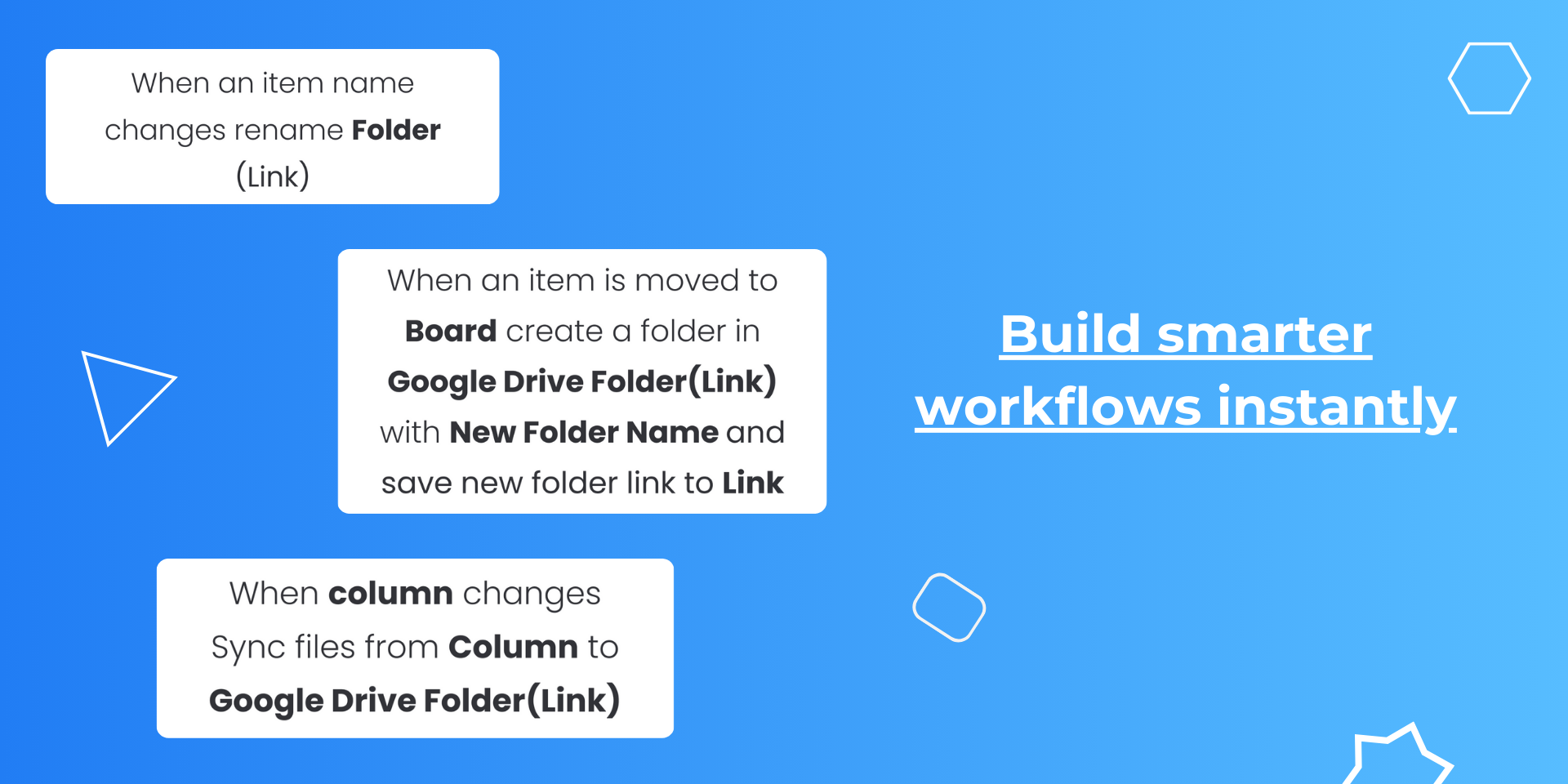
Smart folder creation - Automatically create Google Drive folders from monday.com boards, groups, items, or subitems. Your Drive folder structure mirrors your monday workspace.
Two-way sync - Update item names, and Google Drive folders rename automatically
No duplicates - Intelligently detects existing files and updates versions instead of creating copies
Column integration - Save Google Drive folder links directly to monday.com columns for quick access
Common use cases:
Client project files organised by client folders
Contract management with automatic folder structure
Creative assets sorted by campaign
Team documentation with proper hierarchy
Security: Files transfer directly from monday.com to Google Drive. We don't store your data.
⏭️ Setup is simple and quick.
Questions?
- Book a meeting: Schedule a chat with same-day slots available.
- Share your Ideas: Got an app request? We’d love to hear your suggestions.
Security & Compliance
Security
Does the developer periodically perform penetration testing?
Not answered
Does the developer have a dedicated security and privacy point of contact for such issues or questions?
Yes
support@fortimus.co
Does the app restrict redirects and forwards only to approved destinations, or show a warning when redirecting to potentially untrusted content?
Yes
We verify and allow redirects only to approved destinations
Does the app protect against mass parameter assignment attacks?
Yes
The app protects against mass parameter assignment attacks by explicitly permitting only trusted parameters through strong parameter filtering, ensuring that only intended attributes can be set
Does the app perform encoding and sanitization on all user supplied parameters to protect against Cross-Site Scripting?
Yes
The app performs encoding and sanitization on all user-supplied parameters to protect against Cross-Site Scripting (XSS), ensuring that any malicious scripts are neutralized before rendering
Does the developer protect all state-changing actions against Cross-Site Request Forgery (CSRF)?
Yes
The app protects all state-changing actions against Cross-Site Request Forgery (CSRF) by using token-based authentication and validating request origins and domains, ensuring that only trusted sources can perform operations
Does the developer have mechanisms to notify monday.com in case of a security breach?
Yes
We immediately notify monday.com via raising a ticket, emailing necessary personnel, and also via slack. Apart from this, we also take additional steps on our side to deactivate all user tokens
Does this developer have a process for installing application-level updates and security patches for the service (such as software packages and databases)?
Yes
We have a defined process to regularly apply application updates and security patches, including monitoring for vulnerabilities, assessing impact, testing in staging, and validating before deployment.
Compliance
Is the app certified with the information security standard ISO/IEC 27001:2022?
Not answered
Is the app compliant with the Health Insurance Portability and Accountability Act (HIPAA)?
Not answered
Is the app certified with System and Organization Controls (SOC 2 or SOC 3)?
Not answered
Is the app compliant with the General Data Protection Regulation (GDPR)?
Yes
Our app is hosted on monday code which complies with enterprise-grade security standards, including GDPR, HIPAA, ISO 27001, and SOC 2.
Data
Does the app send any data outside of monday.com? If yes, indicate whether the data is customer-submitted (e.g., board names, item names, doc content) or non-customer-submitted (e.g., account ID, board ID, user ID).
No
The app is deployed using monday code, and all data is securely stored on fully compliant monday.com servers
Where does the app store logs data?
monday
Where does the app store the app data?
monday
Does the developer ensure application logs do not contain secrets or personally-identifiable information (PII)?
Yes
We ensure that application logs are free from secrets and personally identifiable information (PII). We only log account ID and automation ID for debugging purposes
Is customer data segregated from the data of other customers (for example logically or physically)?
Yes
We use monday.com's secure storage, where all data is logically separated by account, region, and compartmentalized to ensure strong data isolation and security
Privacy
Does the developer enforce multi-factor authentication on employees access to systems which may process customer data?
Yes
We enforce multi-factor authentication (MFA) for all employee access to systems that process customer data
Does the developer protect access to customer data based on the principle of least privilege?
Yes
We enforce the principle of least privilege, ensuring access to customer data is limited to only those who need it for their role
Reviews
March 21, 2026
FS: Extremely helpful and went above and beyond to help me
Developer response:
Thank you for your kind words!!
December 16, 2025
KF: The team at Google Drive Integration are wonderful- impeccable customer service and attentiveness to fully understanding your practical needs. They helped me build out multiple automation based systems that work perfectly. Would definitely recommend.
Developer response:
Thank you very much!
November 12, 2025
MB: Fantastic app. Easy to integrate, saves alot of time and reduces administrative effort and is well worth the spend. Highly recommended!
Developer response:
Thank you for your kind words!
September 21, 2025
JD: Connecting Google Drive was seamless, and now I can automatically sync files which saves me a truckload of manual work. Highly recommended.
Developer response:
Thank you!
Historical data
Installation history
We have data for December 28, 2024 onwards only. Collected sometime after 00:00 UTC daily.
Total number of installs
Change in total number of installs in last 1 day(s)
Compares the number of installs on each date with 1 days previously:
Max
Min
Current
Change in total number of installs in last 7 day(s)
Compares the number of installs on each date with 7 days previously:
Max
Min
Current
Change in total number of installs in last 30 day(s)
Compares the number of installs on each date with 30 days previously:
Max
Min
Current
Change in total number of installs in last 90 day(s)
Compares the number of installs on each date with 90 days previously:
Max
Min
Current
Change in total number of installs in last 180 day(s)
Compares the number of installs on each date with 180 days previously:
Max
Min
Current
Ratings history
Categories history
Each of the following is a yes/no answer, so the graphs show 1 for yes, and 0 for no.