Sync files to Google Drive and manage folders automatically
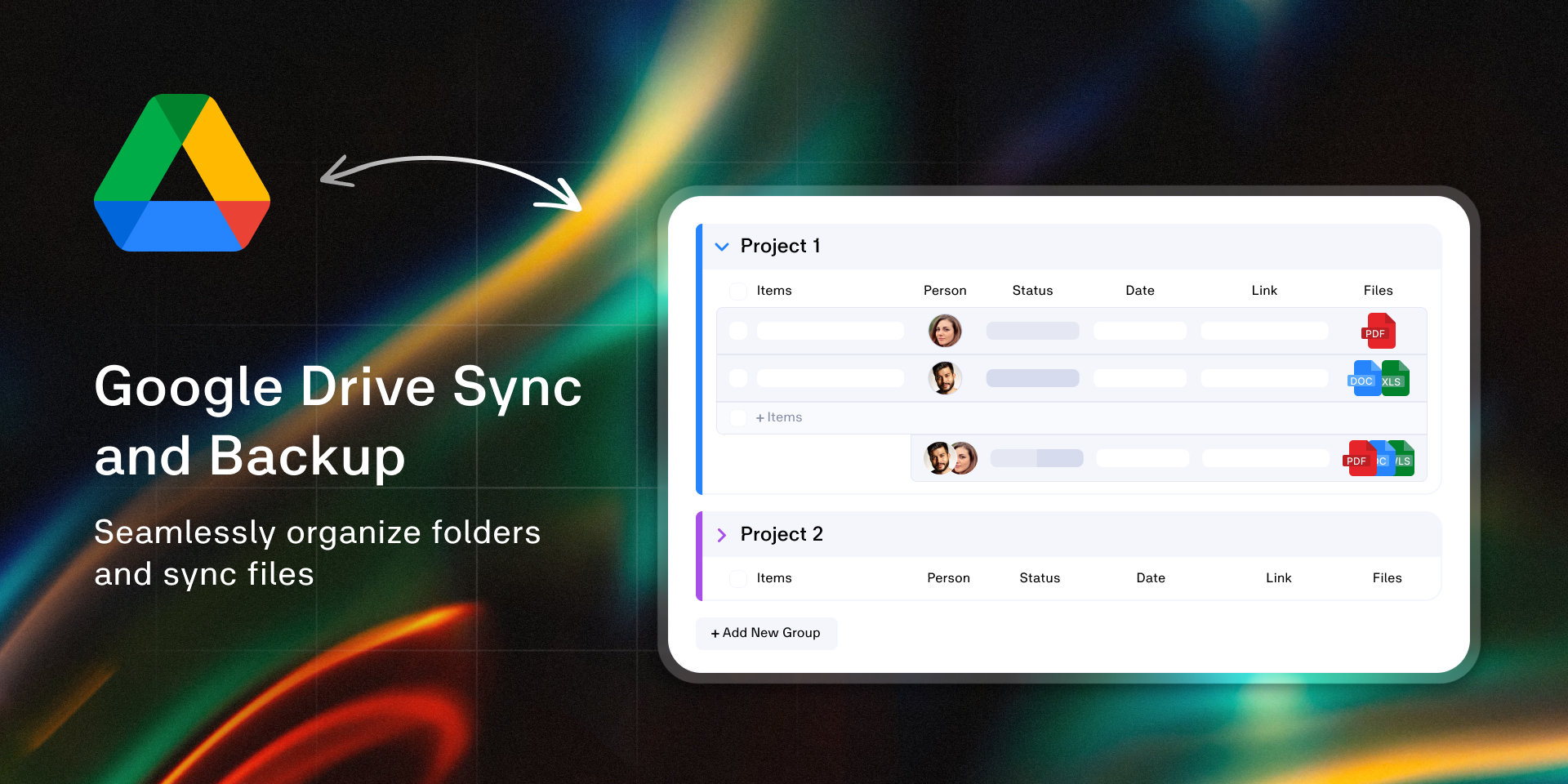
Manage your document workflows by synchronizing monday.com files with Google Drive. This app automates folder creation, file migration, and directory structure maintenance to keep your data organized and safe.
Book a free demo to talk to the app creator, get an overview of the features, discuss your workflow and requirements - and receive a 1-month subscription for free! 🚀
Core Workflows
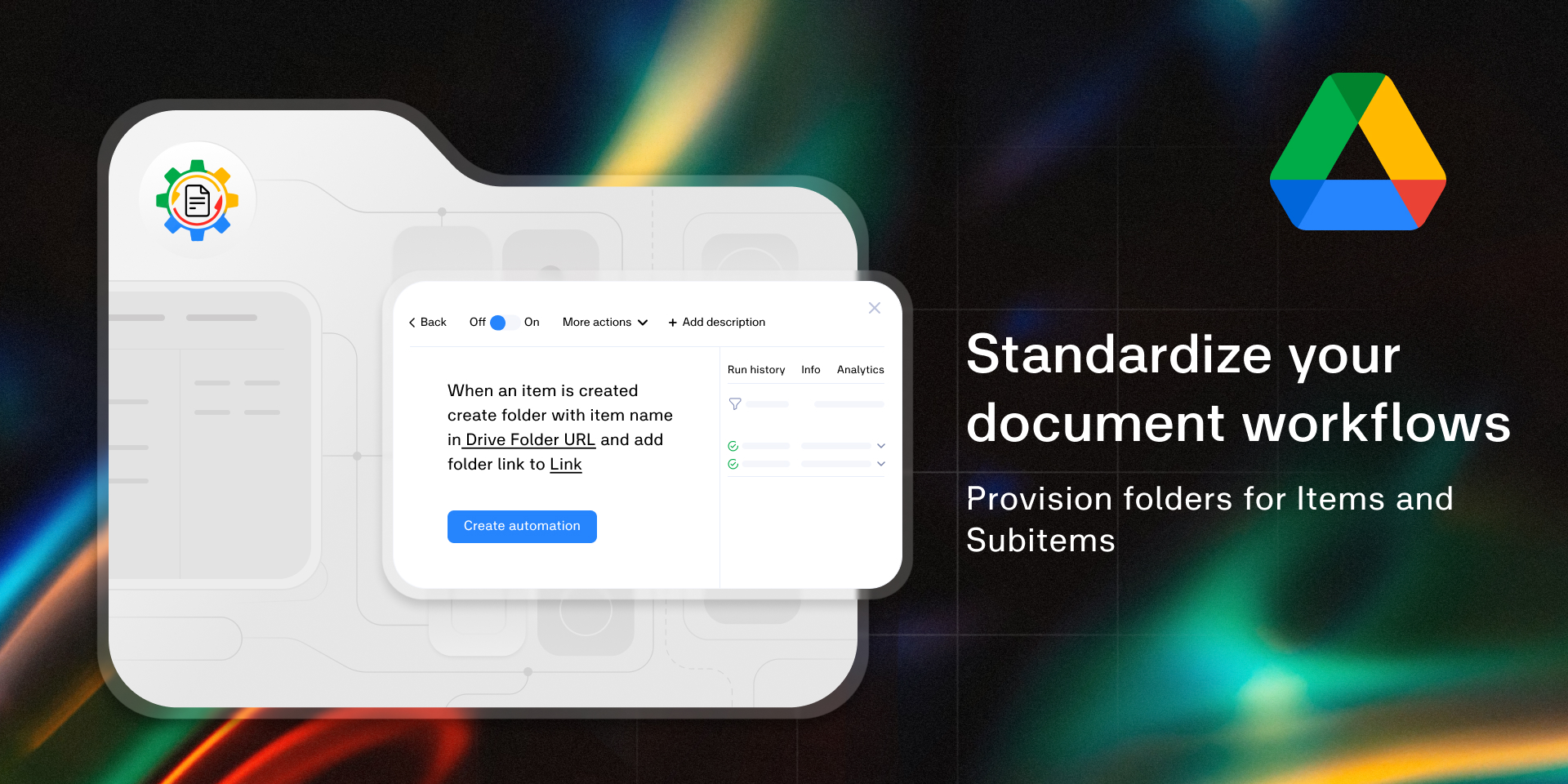
Directory Automation: Provision a structured folder hierarchy in Google Drive the moment a new Item or Subitem is created
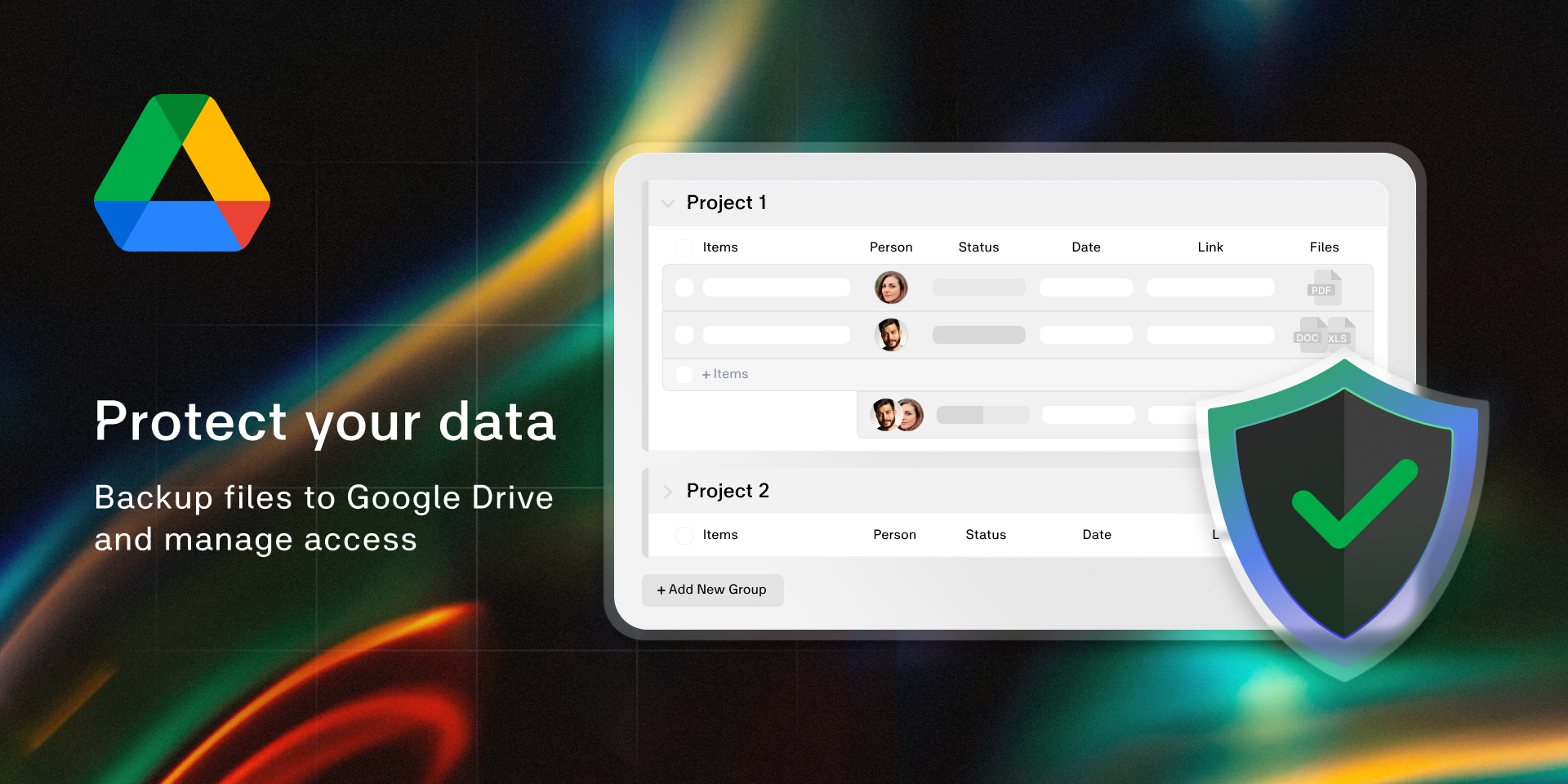
Data Redundancy: Maintain a mirrored backup of all board attachments and Item Gallery files on a scheduled basis
Storage Optimization: Automatically move files from monday.com columns to Google Drive, replacing the local file with a direct link
External Collaboration: Provide access to external collaborators
Key Features
Auto-Provisioning: Generate Google Drive folders based on new items or groups
Subitem Folder Support: Create folders for subitems
File-to-Link Conversion: Transfer uploaded files to a designated Drive folder and swap the monday.com attachment for a cloud link
Folder Synchronization: Automatically rename Google Drive folders when item is updated
Shared Drive Compatibility: Full support for Google Workspace Shared Drives
Scheduled Backups for Files Gallery: Sync the files gallery to specific folders on a recurring schedule
Share folders with external contacts: Manage folder access to Google Drive folders from monday.com board
Benefits
Consistent Naming: Ensures Google Drive stays organized without manual file moving or renaming
Scalability: Supports high-volume boards where manual file management is no longer feasible
Centralized Access: Keeps all project documentation in Google Drive while maintaining visibility within the monday.com UI
Support & Development
Developed by ops42. We focus on high-reliability integrations for monday.com.
Need a specific workflow?Book a brief technical sync with the app developer to discuss your requirements and receive a 1-month subscription for free
Does the developer periodically perform penetration testing?
No
Does the developer have a dedicated security and privacy point of contact for such issues or questions?
Yes
gennady.potapov@ops42.org
Does the app restrict redirects and forwards only to approved destinations, or show a warning when redirecting to potentially untrusted content?
No
The application does not have a user-facing interface which makes redirects (integration-only)
Does the app protect against mass parameter assignment attacks?
No
The application does not have a user-facing interface (integration-only)
Does the app perform encoding and sanitization on all user supplied parameters to protect against Cross-Site Scripting?
Yes
All user-supplied inputs are sanitized for XSS and validated. Application has 2 sources of user-provided data: 1. Recipe input fields 2. File and folder names The application has the following measures built-in: 1. All data from recipe input fields is sanitized with DOMPurify 2. All user-managed data from Google Drive, like file and folder names is sanitized with DOMPurify 3. Freetext data for folder URL is validated to be a real URL with whitelisted domains
Does the developer protect all state-changing actions against Cross-Site Request Forgery (CSRF)?
Yes
All requests to backend are authenticated with monday.com token. 1. Backend application is verifying request token from monday.com using monday.com signing secret.
Does the developer have mechanisms to notify monday.com in case of a security breach?
Yes
ops42 has an incident management procedure in place to notify monday.com in case of a breach
Does this developer have a process for installing application-level updates and security patches for the service (such as software packages and databases)?
Yes
Application leverages serverless NoSQL DB (AWS DynamoDB) which does not require updates from client. Application code is built and deployed by a CICD pipeline. GitHub Dependabot is used to keep package dependencies up to date.
Compliance
Is the app certified with the information security standard ISO/IEC 27001:2022?
Not answered
Is the app compliant with the Health Insurance Portability and Accountability Act (HIPAA)?
No
Is the app certified with System and Organization Controls (SOC 2 or SOC 3)?
No
Is the app compliant with the General Data Protection Regulation (GDPR)?
Yes
The application is not storing PII or user data apart from usage information. Third-party processors are compliant with GDPR.
Data
Does the app send any data outside of monday.com? If yes, indicate whether the data is customer-submitted (e.g., board names, item names, doc content) or non-customer-submitted (e.g., account ID, board ID, user ID).
Not answered
Where does the app store logs data?
Not answered
Where does the app store the app data?
Not answered
Does the developer ensure application logs do not contain secrets or personally-identifiable information (PII)?
Yes
Application logs are delivered to AWS Cloudwatch Logs log group. The log group has data protection policies enabled for automatic masking and reporting for all sensitive information findings. Enabled policies: Credentials, PII, PHI, Financial information
Is customer data segregated from the data of other customers (for example logically or physically)?
Yes
Software has a multi-tenant architecture. All customer data is segregated logically on the basis of the Account ID. Account ID is retrieved from application session.
Privacy
Does the developer enforce multi-factor authentication on employees access to systems which may process customer data?
Yes
Customer data is processed on AWS cloud. AWS Access is managed with SSO (AWS Identity Center) from Google Workspace. Google workspace has 2-Factor authentication enforced. AWS Root account has MFA set up.
Does the developer protect access to customer data based on the principle of least privilege?
Yes
The company has only one employee. User secrets like OAuth authentication tokens are encrypted with KMS key using client-side encryption.
Reviews
No reviews yet.
Historical data
Installation history
We have data for December 28, 2024 onwards only. Collected sometime after 00:00 UTC daily.
Total number of installs
Change in total number of installs in last 1 day(s)
Compares the number of installs on each date with 1 days previously:
Max
Min
Current
Change in total number of installs in last 7 day(s)
Compares the number of installs on each date with 7 days previously:
Max
Min
Current
Change in total number of installs in last 30 day(s)
Compares the number of installs on each date with 30 days previously:
Max
Min
Current
Change in total number of installs in last 90 day(s)
Compares the number of installs on each date with 90 days previously:
Max
Min
Current
Change in total number of installs in last 180 day(s)
Compares the number of installs on each date with 180 days previously:
Max
Min
Current
Ratings history
Categories history
Each of the following is a yes/no answer, so the graphs show 1 for yes, and 0 for no.